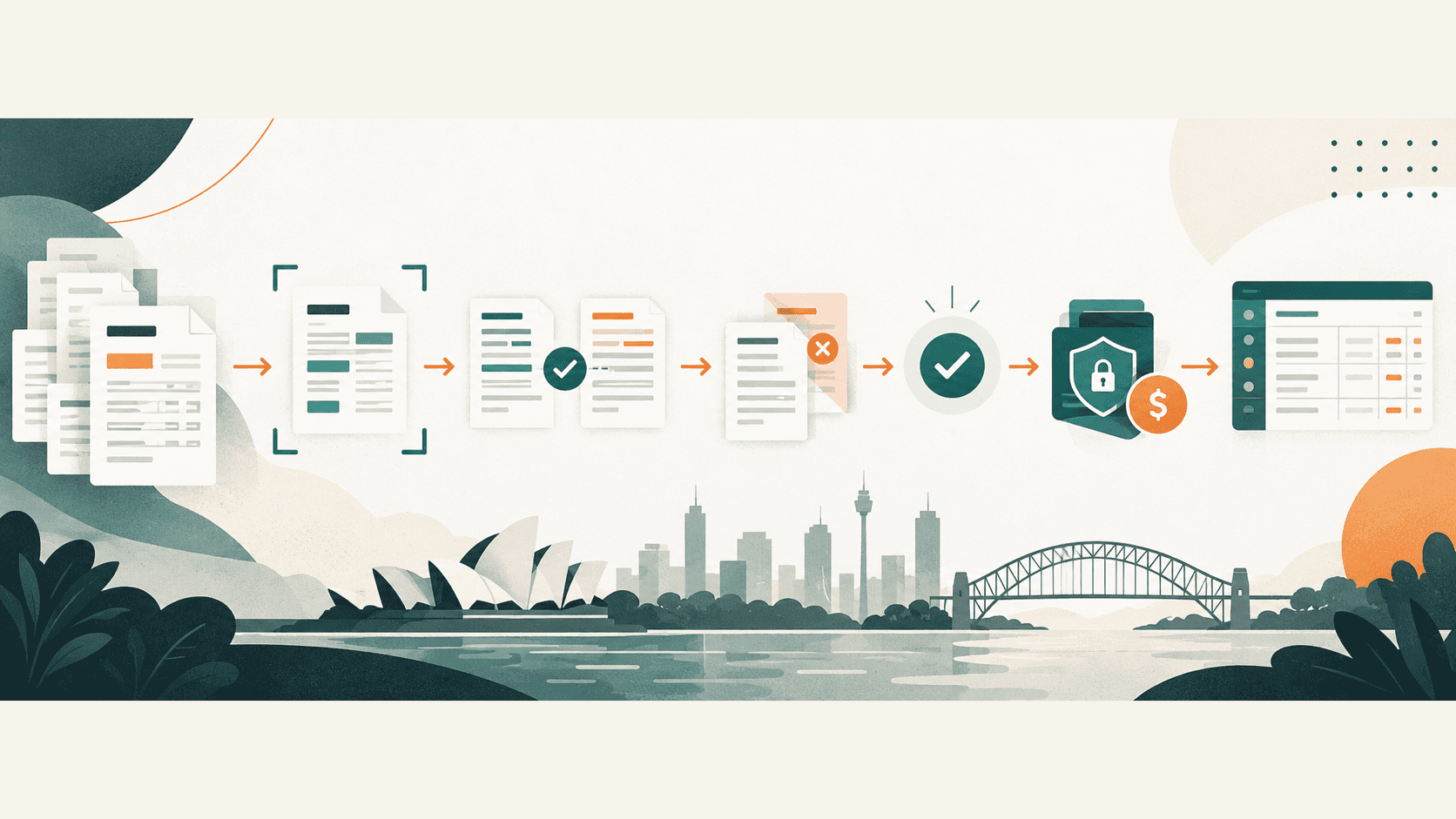
Accounts payable automation in Australia uses software to capture supplier invoices, check required details, route approvals and prepare accounting entries or payments. The safest setup automates repetitive preparation while keeping supplier changes, exceptions and payment release under human control.
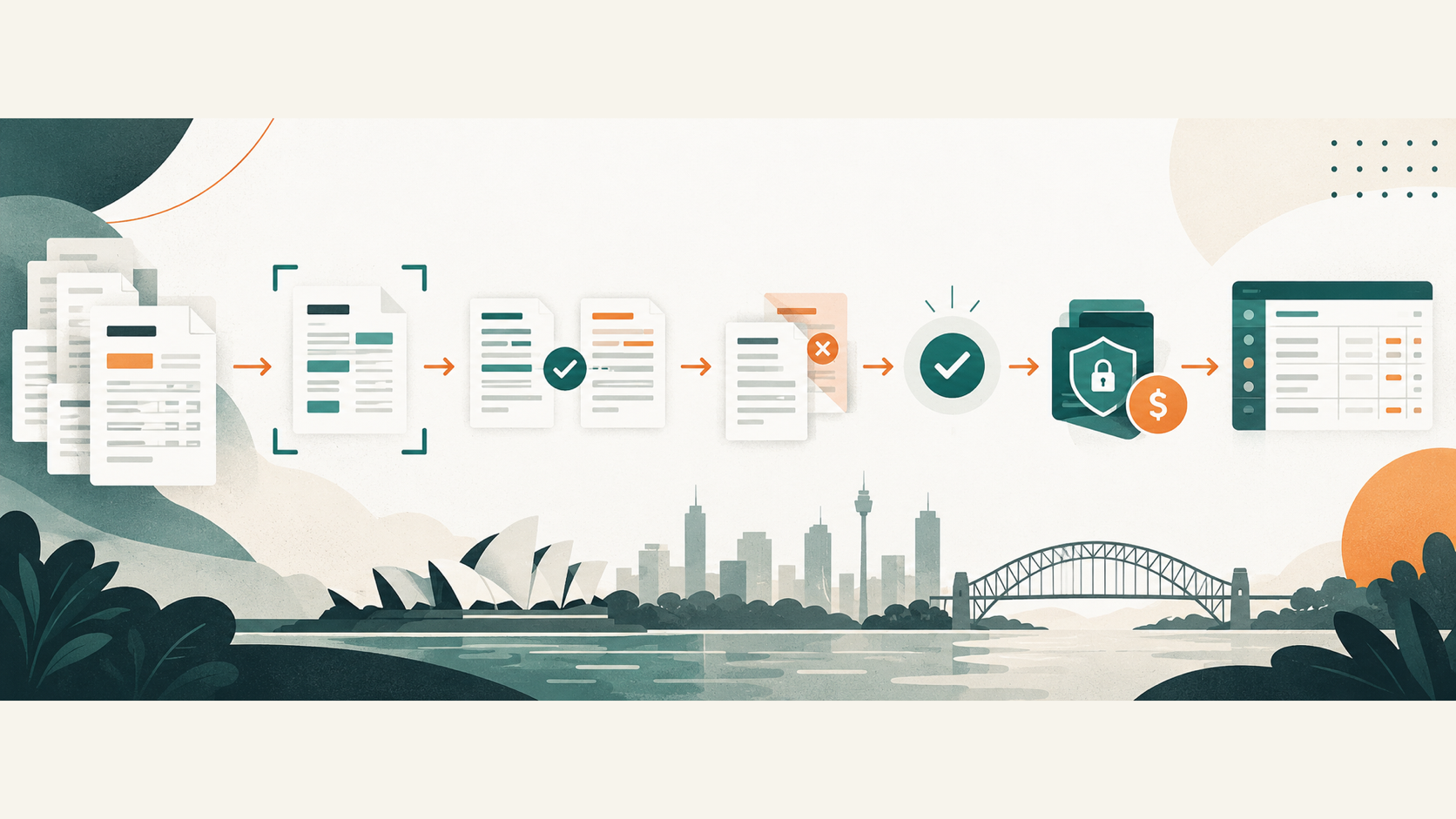
For accounting firms, the strongest use case is usually a controlled workflow that helps an internal finance team or a business client process invoices consistently. It should connect approved records, show the evidence behind each step and stop when information is missing or suspicious.
Key takeaways:
- Start with invoice capture and approval routing, not automatic payment release.
- Separate invoice processing from authority to change supplier bank details.
- Match invoices against purchase orders, receipts or approved exceptions.
- Send uncertain and duplicate items to a person instead of guessing.
- Measure correction time, late approvals and duplicate prevention as well as speed.
Contents
- What is accounts payable automation?
- Which accounts payable steps can be automated?
- What controls should stay with people?
- How can accounting firms use AP automation with clients?
- What are the main accounts payable automation risks?
- How much does accounts payable automation cost?
- How should you choose an AP automation system?
- How do you implement accounts payable automation?
- Frequently asked questions
What is accounts payable automation?
Accounts payable automation replaces repeated invoice-handling tasks with a controlled digital workflow. An invoice can arrive by email, upload or electronic invoicing channel. The system extracts defined fields, checks the record, sends it to the right approver and prepares the approved transaction for the accounting system.
A complete AP process can include:
- receiving the invoice
- identifying the supplier and invoice number
- extracting the amount, GST, due date and line items
- checking for duplicates and missing details
- matching the invoice with a purchase order or receipt
- routing it to an authorised approver
- preparing the accounting entry and payment batch
- recording the outcome for reconciliation and review
Not every business needs every step. A small firm processing a few predictable invoices may be better served by features already included in its accounting software. A larger organisation with several entities, approvers or invoice channels may need a separate workflow that connects its inbox, document store, accounting platform and payment process.
Accounts payable software and payment software are not the same thing. AP software handles invoice capture, coding and approvals. Payment software moves money. Some products do both, but businesses should confirm where one system stops and another begins.
The Australian Taxation Office provides information about eInvoicing, where invoice information moves between accounting systems in a structured format. An AP workflow may accept eInvoices alongside emailed PDFs, but the receiving channel does not remove the need for approval, supplier verification and reconciliation.
Which accounts payable steps can be automated?
For most accounting firms and their clients, the best first automation is invoice preparation. It removes repeated entry while leaving financial authority with the appropriate person.
| AP step | Useful automation | Human responsibility |
|---|---|---|
| Invoice intake | Save invoices from an approved inbox or portal and create a processing record | Confirm unusual channels and unsupported files |
| Data extraction | Read supplier, invoice number, date, amount, GST and line items | Check uncertain fields and material invoices |
| Duplicate checking | Compare invoice numbers, suppliers, amounts and file fingerprints | Decide whether similar records are genuine duplicates |
| Coding preparation | Suggest the entity, account, cost centre or job from approved rules and history | Approve exceptions and accounting treatment |
| Matching | Compare the invoice with a purchase order and receipt | Resolve price, quantity and delivery differences |
| Approval routing | Send the invoice to the correct approver based on entity, amount or department | Approve or reject within delegated authority |
| Payment preparation | Add approved items to a proposed payment batch | Verify suppliers and release the payment separately |
| Reconciliation | Match payment status with the invoice and ledger record | Investigate unmatched or reversed transactions |
Keep confidence visible. If a system cannot read a field reliably, it should flag the value rather than fill the gap with a plausible answer. The same principle applies to coding. A suggestion may help the reviewer, but it should not silently post an unusual transaction.
Rules are often better than AI for exact controls. Use fixed logic for approval limits, required fields, due dates and three-way matching tolerances. AI can help interpret varied invoice layouts or free-text descriptions, provided a reviewer can see the original document and correct the result.
Our guide to AI for accountants in Australia covers broader uses such as client intake, document preparation and internal knowledge search. AP automation is narrower. It follows one financial process with explicit controls and payment consequences.
What controls should stay with people?
People should retain control over supplier master data, exceptions and payment release. These steps can move money or redirect it, so convenience should not override separation of duties.
At minimum, keep these controls:
- Supplier changes: Verify new bank details through a trusted contact method that does not rely on the change request itself.
- Approval limits: Route invoices according to documented delegations, including separate treatment for high-value or unusual transactions.
- Exception review: Require a person to resolve duplicates, mismatches, missing purchase orders and unexpected entities.
- Payment release: Keep release authority separate from invoice capture and supplier maintenance.
- Audit history: Record the source document, extracted data, changes, approver and payment outcome.
- Access reviews: Remove access promptly when roles change and review connected accounts regularly.
Do not let one compromised mailbox create a supplier, change bank details, approve an invoice and release a payment. Each consequential step needs an independent control.
The Australian Cyber Security Centre describes business email compromise as targeted phishing in which criminals may impersonate a business representative or use a compromised employee account. A common request is to pay an invoice or change bank details.
Scamwatch reported $166.8 million in combined payment-redirection scam losses during 2025. That figure covers reported payment-redirection scams across Australia, not only accounts payable systems. It shows why bank-detail verification and payment separation need to remain explicit controls. See the 2025 Targeting Scams report.
How can accounting firms use AP automation with clients?
An accounting firm can help a client map, control and monitor the workflow without becoming the unapproved payment authority. The engagement should define who owns supplier records, who resolves exceptions and who releases money.
A practical division of responsibility might look like this:
| Responsibility | Client | Accounting firm | Automation |
|---|---|---|---|
| Approve suppliers and bank-detail changes | Yes | Verify only if engagement scope permits | Never independently |
| Receive and classify invoices | Oversight | Review exceptions | Prepare and route |
| Decide accounting treatment | Provide business context | Review or decide within scope | Suggest from approved rules |
| Approve spending | Yes | Only where formally authorised | Route and record |
| Release payments | Authorised client officers | Only under explicit authority and controls | Prepare batch, never self-authorise |
| Reconcile records | Provide missing evidence | Review exceptions and close period | Match standard transactions |
Start with one client profile or one internal entity. Different clients use different approval limits, chart-of-account structures and document standards. A workflow should not assume that rules from one organisation apply to another.
Accounting firms should also decide how corrections are handled. If staff repeatedly change the same suggested account or approver, update the rule rather than treating every correction as a one-off. Keep client-specific configurations separate and test them after accounting software or organisational changes.
What are the main accounts payable automation risks?
The main risks are incorrect data, weak approval design, payment redirection, excessive access and poor integration between systems.
Incorrect invoice extraction
Scanned, damaged or unusual invoices can produce uncertain fields. Set validation rules for totals, GST, dates and supplier identifiers. Show the original invoice beside the proposed record so reviewers do not approve from extracted text alone.
Duplicate or fabricated invoices
Duplicate detection should compare more than the invoice number. Suppliers can change numbering formats, and fraud attempts may reuse an amount with a slightly altered reference. Compare supplier, amount, date, purchase order, bank details and file characteristics, then route suspicious matches for review.
Supplier bank-detail changes
Treat a bank-detail change as a separate security event, not an ordinary invoice field. Require independent verification using trusted contact information already held by the business. Do not use the phone number or link contained in the change request.
Approval rules that do not reflect authority
A workflow can route an invoice quickly to the wrong person. Maintain a current delegation matrix for each entity and test thresholds, substitutes and leave coverage. High-value and unusual payments may need two approvers.
Excessive system access
The invoice tool may not need permission to create suppliers, edit historical transactions or release payments. Give each integration only the access needed for its task. Use business accounts, role-based access and logs.
Broken hand-offs
An AP tool can mark an invoice approved while the accounting platform rejects the posting or the payment service fails. Use a shared transaction reference and monitor each hand-off. A workflow is not complete until the final system reports a confirmed outcome.
How much does accounts payable automation cost?
Accounts payable automation costs depend on invoice volume, entities, integrations, approval complexity and whether the system also executes payments. Buyers may encounter monthly subscriptions, per-invoice fees, implementation work and separate charges for payment services.
Compare total operating cost rather than the subscription alone:
- software licence or per-document charges
- configuration and integration work
- data migration and supplier setup
- staff training and process documentation
- ongoing exception handling
- payment or foreign-exchange fees
- support, monitoring and change requests
A low-cost product can become expensive if staff re-enter data between systems or spend more time fixing exceptions. A larger platform may be unnecessary when the existing accounting system can already capture bills and route simple approvals.
Build a baseline before buying anything. Record monthly invoice volume, handling time, approval delays, duplicate incidents, late fees, correction time and month-end reconciliation effort. Compare the proposed workflow against those figures after a pilot.
How should you choose an AP automation system?
Choose the workflow first, then assess products against its documents, systems and controls. Product demonstrations often show a clean invoice. Ask vendors to process examples with missing purchase orders, unusual GST, duplicate references, credit notes and changed bank details.
| Selection question | What a useful answer should show |
|---|---|
| Which invoice channels are supported? | Email, upload, eInvoicing or portal inputs relevant to the business |
| How are uncertain fields handled? | Confidence indicators and a review queue, not silent guesses |
| How does matching work? | Clear purchase-order, receipt and tolerance rules |
| Can approvals follow each entity's delegations? | Amount, department, project and substitute rules with audit records |
| Who can change supplier details? | Restricted roles and independent verification controls |
| What can the integration do? | Minimum permissions and visible posting or payment status |
| How are duplicates detected? | Several invoice and file attributes, plus human review |
| What happens when a system is unavailable? | Alerts, retry rules, a manual fallback and no duplicate posting |
| How is data retained and protected? | Contractual terms, access controls, logs and deletion arrangements |
Avoid selecting a platform only because it has an AI feature. The quality of supplier controls, approvals, integrations and exception handling matters more than how quickly a clean invoice can be read.
How do you implement accounts payable automation?
Implement one controlled workflow before expanding to every supplier and entity.
- Map the current process. Record every invoice channel, hand-off, approval, supplier change and payment step.
- Define the boundary. Decide whether the first release ends at invoice preparation, ledger posting or payment-batch preparation.
- Set authority. Document supplier-maintenance rights, approval thresholds and payment-release roles.
- Prepare test cases. Include duplicates, credit notes, missing purchase orders, incorrect GST, foreign currency and changed bank details.
- Connect minimum access. Grant only the permissions required for the agreed boundary.
- Run a supervised pilot. Use one entity, team or supplier group and review every exception.
- Measure and decide. Compare handling time, corrections, approval delays and control failures with the baseline.
Do not automate a process that has no agreed owner. If different managers apply different approval rules, settle the rules before configuring the system.
An AI audit for business can help document the process, data, permissions and review points before implementation begins.
Frequently asked questions
What is accounts payable automation?
Accounts payable automation uses software to capture invoices, extract defined information, check records, route approvals and prepare accounting or payment steps. People should still control supplier changes, exceptions and payment release.
Can accounts payable be fully automated?
Routine preparation can be highly automated, but fully unattended payment is usually the wrong goal. Supplier verification, unusual invoices, approval authority and payment release need controls that match the financial risk.
Does AP automation replace an accountant or bookkeeper?
AP automation reduces repeated invoice entry and chasing. Accountants and bookkeepers still resolve exceptions, decide accounting treatment, review controls and reconcile the final records.
What is the best first AP process to automate?
For most businesses, start with invoice capture, duplicate checking and approval routing. This removes repeated preparation without giving the system authority to change suppliers or release payments.
How long does accounts payable automation take to implement?
Timing depends on invoice channels, entities, approval rules and integrations. A narrow pilot can begin once the current process, authority and test cases are documented. Broader deployment should follow only after exceptions and controls have been tested.
Start with invoice preparation, not payment authority
Accounts payable automation can reduce repeated entry and approval chasing, but its value depends on control design. Begin with one invoice flow, keep supplier and payment authority separate, test difficult cases and make every exception visible.
Deployed AI designs managed automation systems for Australian businesses, including workflow mapping, controlled integrations, team training and ongoing support. Book a free 30-minute AI audit to assess one accounts payable workflow and the controls it needs.