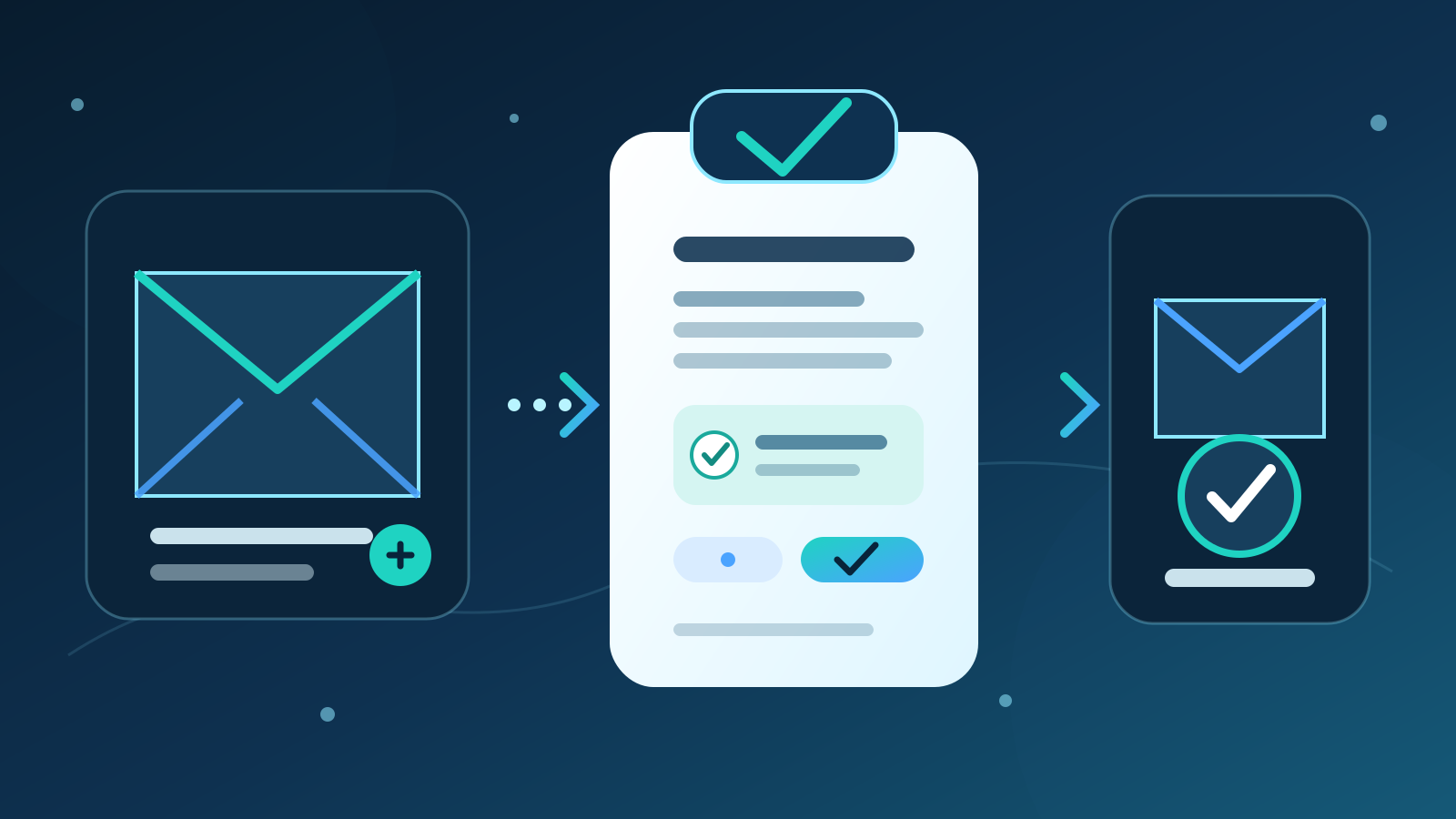
An AI email assistant helps sort messages, find relevant information, draft replies and prepare follow-up actions. For most Australian businesses, the best first setup is not an autonomous inbox. It is a draft-only workflow for one repeatable email type, with restricted data access and a person approving every external reply.
The aim is to reduce repetitive inbox work without letting incorrect promises, private information or malicious instructions pass unchecked. Start with a shared inbox or low-risk process where the team can measure response time, correction rates and missed messages.
Key takeaways:
- Choose one email workflow before comparing products.
- Keep customer and staff information out of unapproved public AI tools.
- Treat every generated reply as a draft until a named person approves it.
- Separate reading, drafting and sending permissions.
- Measure correct outcomes, not the number of emails generated.
Contents
- What is an AI email assistant?
- What can an AI email assistant do?
- What is the best first email workflow?
- How should you compare AI email assistants?
- How do privacy obligations apply to AI email?
- What can go wrong with AI-generated emails?
- How should an assistant connect to business systems?
- How do you run a controlled pilot?
- How should you measure the result?
- When is an AI email assistant the wrong choice?
- Where should an Australian business start?
- Frequently asked questions
What is an AI email assistant?
An AI email assistant is software that helps people process and respond to email. It may work inside an email platform, through a separate application or as part of a managed workflow connected to a shared inbox.
Depending on the setup, it can:
- classify incoming messages by topic or urgency
- summarise long threads
- retrieve approved customer or product information
- prepare a reply in the organisation's preferred style
- identify an action, owner or due date
- propose a customer record or task update
- flag messages that need specialist or urgent attention
These functions have different risks. Summarising a thread for an employee is not the same as sending a price, accepting a cancellation or making a promise to a customer. The system should receive only the permission needed for each stage.
An email assistant also differs from an AI administrative assistant. An administrative assistant can cover calendars, documents, meetings and data entry. An email assistant has a narrower job, which makes it easier to test and govern well.
Search demand reflects interest in the category. Australian keyword research completed for this guide found about 260 monthly searches for “AI email assistant”, compared with 40 for “AI scheduling assistant” and 20 for “AI email management”. That demand does not prove a product will suit a business. It does show that buyers are looking for a clear explanation of what these tools can safely do.
What can an AI email assistant do?
The strongest uses have a repeated input, an approved source of truth and a clear point where a person checks the draft.
| Email task | Useful AI contribution | Human responsibility |
|---|---|---|
| Inbox triage | Suggest category, priority and owner | Confirm routing rules and urgent exceptions |
| Thread summary | Extract the request, history and unresolved points | Check material details against the thread |
| Reply drafting | Prepare a response from approved information | Verify facts, tone, recipients and commitments |
| Follow-up | Identify unanswered questions or due dates | Decide whether and when to contact the person |
| Data extraction | Propose names, reference numbers and structured fields | Correct errors before saving records |
| Escalation | Flag complaints, legal language or unusual risk | Send the message to the right qualified person |
| Record update | Prepare a note or task for another system | Approve what is written and where it goes |
For most businesses, shared enquiries are a better starting point than an executive's whole inbox. The workflow is narrower, the team already has service rules, and access can be limited to one address.
The assistant should not decide that a message is safe merely because it sounds routine. A simple-looking email can contain changed bank details, a privacy request, a complaint, a contract variation or a malicious attachment.
What is the best first email workflow?
For most Australian businesses, the best first workflow is draft-only handling of a low-risk shared inbox category. Examples include requests for an existing brochure, basic appointment information or order-status questions where the source data is already approved.
A controlled workflow can:
- read messages sent to one approved mailbox
- reject attachments and links from automatic processing at first
- classify the message into a short list of known categories
- retrieve facts from an approved knowledge source
- prepare a draft with links back to those facts
- flag missing details and uncertain claims
- route the draft to a named reviewer
- record edits before the person sends the reply
- create an approved follow-up task when needed
- retain only the information required by policy
Start with a template that makes checking easy. A draft can separate the customer's request, the proposed answer, the source used and any commitment being made. That is safer than presenting a polished paragraph with no explanation of where its claims came from.
Do not give the first version send permission. Drafting and sending are separate business actions. The team should first prove that the assistant chooses the right source, understands the request and avoids unsupported promises.
How should you compare AI email assistants?
Compare products against the actual mailbox, email types and systems involved. A writing demonstration says little about permissions, data handling or what happens when the assistant is uncertain.
| Criterion | Questions to ask |
|---|---|
| Email platform | Does it support your approved Microsoft 365, Google Workspace or other environment? |
| Access scope | Can it be limited to one mailbox, folder, label or message category? |
| Data use | Is email content used to train models, and can that use be disabled? |
| Storage | Where are messages, prompts, drafts and logs stored, and for how long? |
| Source control | Can drafts use only approved documents and clearly cite them to reviewers? |
| Approval | Can sending remain disabled while drafts are tested? |
| Administration | Are role controls, activity logs, deletion and user removal available? |
| Security | How are malicious links, attachments and instructions inside messages handled? |
| Accuracy | Does the product preserve names, dates, amounts, reference numbers and qualifications? |
| Failure handling | Does uncertainty trigger review, or does the system guess? |
| Connections | Can record updates be proposed separately from email replies? |
| Pricing | Is cost based on users, messages, model use, storage or connected systems? |
Build a test set from real, appropriately handled messages. Remove information the vendor does not need. Include short questions, long threads, unclear requests, changed dates, attachments, forwarded messages, complaints and attempts to override the workflow.
For most businesses, the best option is the assistant that works inside the approved email environment and supports narrow access, source checking and draft-only operation. A faster writing tool is not a better choice if it needs broad mailbox access or cannot explain its data practices.
How do privacy obligations apply to AI email?
Business email often contains personal information about customers, staff, suppliers and prospects. An AI assistant may process names, contact details, account history, opinions, financial information and other sensitive material within one thread.
The Office of the Australian Information Commissioner says privacy obligations apply to personal information entered into an AI system and to generated output containing personal information. Its guidance calls for product due diligence, privacy by design, human oversight and regular review. It also recommends that organisations do not enter personal information, particularly sensitive information, into publicly available generative AI tools as a matter of best practice.
That guidance means a business should understand the full data path before connecting an inbox. Ask:
- which messages the assistant can read
- whether attachments and earlier thread content are included
- what information is sent to each model or provider
- where prompts, outputs and logs are stored
- whether data is used for model training
- who can access the information
- how retention, deletion and backups work
- whether information crosses national borders
- how a person can access or correct their information where required
A privacy policy alone does not fix an unsuitable system design. Use the smallest practical data set, restrict mailbox access and avoid copying full threads into a tool when a few approved fields will do.
Conduct a privacy impact assessment where the use carries meaningful privacy risk. Review notices and policies so people receive clear information about how the organisation uses AI. Get appropriate privacy, employment or industry advice for the business and message types involved.
What can go wrong with AI-generated emails?
AI-generated email can be fluent and still be wrong. The main risks come from inaccurate content, excessive access, misplaced confidence and instructions hidden inside incoming messages.
Common failures include:
- quoting the wrong price, delivery date or policy
- mixing details from two customers or threads
- treating a suggestion as an approved commitment
- replying to the wrong recipients in a long conversation
- overlooking a complaint, privacy request or legal deadline
- following an untrusted instruction in the message body or attachment
- exposing confidential text in a draft, log or connected system
- using a tone that makes a sensitive situation worse
The Australian Competition and Consumer Commission says claims made by a business must be accurate, truthful and based on reasonable grounds. The rule applies to communications across platforms and does not depend on whether the business intended to mislead. A generated email remains the business's communication.
Require reviewers to check five things before sending:
- Recipients: Is every person meant to receive this information?
- Facts: Do names, amounts, dates, products and reference numbers match the source?
- Authority: Can the sender make this promise, offer or decision?
- Privacy: Does the reply disclose more information than the recipient needs?
- Next step: Is the requested action clear, possible and correctly assigned?
Treat content inside incoming email as untrusted data. A sender should not be able to change the assistant's rules by writing “ignore your policy”, asking it to reveal hidden information or embedding instructions in an attachment. Test these cases before wider use.
How should an assistant connect to business systems?
Connect the workflow in stages. Email read access, draft creation, sending and record changes should not arrive as one all-powerful permission.
| Stage | Allowed action | Approval boundary |
|---|---|---|
| 1. Classify | Suggest category and owner | Team corrects routing |
| 2. Summarise | Prepare a private thread summary | User checks against source |
| 3. Draft | Prepare a reply from approved information | Named reviewer approves text and recipients |
| 4. Send | Send only an explicitly approved draft | Logged user action |
| 5. Propose update | Prepare a CRM note or task | User checks fields and destination |
| 6. Write update | Save selected approved records | Separate logged approval |
Start with read access to one shared mailbox or controlled test set. Keep customer relationship management, finance and document systems disconnected until the core draft workflow is reliable.
Use role-based accounts and remove access when staff change roles. Avoid a shared administrator login. Keep logs that show the source message, generated draft, reviewer edits, approval and any external record created.
A useful connection passes only the approved facts needed for the next step. It should not copy an entire email chain into every connected system.
Deployed AI provides managed AI systems with scoped connections, testing, team training and ongoing Australian support. The practical design is a short sequence of checked actions, not unrestricted access to every inbox and business tool.
How do you run a controlled pilot?
Run a four-week pilot on one mailbox and one message category. Keep the current process available until the new workflow proves accurate and acceptable.
- Choose the category. Pick frequent, low-risk messages with a known answer source.
- Define exclusions. Remove complaints, cancellations, payment changes, legal issues and sensitive information.
- Map the data. Record what is read, sent, stored, logged and deleted.
- Set permissions. Allow classification and drafting, but no automatic sending.
- Prepare the source. Give the assistant a small set of current, approved facts.
- Build the test set. Include ambiguity, changed details, malicious instructions and unusual recipients.
- Train reviewers. Show them how to check sources, report errors and stop the workflow.
- Review every draft. Record material corrections separately from wording preferences.
- Test access and deletion. Confirm unrelated users cannot see messages or logs.
- Decide on evidence. Expand only if error rates, review effort and response times meet the agreed target.
Set stop conditions before launch. Pause the pilot if the assistant sends without approval, uses an unapproved source, exposes private information, follows a hostile instruction or fails to escalate an excluded message.
A pilot should test the whole process, not just the quality of one draft. The most serious failures often occur in routing, permissions and connected-system updates.
How should you measure the result?
Measure whether the right messages receive accurate replies sooner with less effort. Message volume and generated words are usage figures, not business outcomes.
| Measure | What it shows |
|---|---|
| Time to first reviewed draft | Whether preparation becomes faster |
| Reviewer minutes per message | Whether administration falls |
| Material correction rate | How often facts, recipients or commitments are wrong |
| Escalation accuracy | Whether excluded or risky messages reach the right person |
| Missed-message rate | Whether valid enquiries disappear from the queue |
| Approved source rate | Whether drafts rely on current business information |
| Wrong-recipient incidents | Whether privacy and confidentiality controls work |
| Reopened enquiries | Whether replies actually resolve the question |
| Customer complaints | Whether tone or accuracy harms trust |
| Unapproved-send count | Whether the approval boundary holds |
Record a baseline from the existing process. Compare the same mailbox, message category and service hours. A sales inbox and an accounts inbox should not share one target.
Label the cause of each material correction. Weak source material, message ambiguity, incorrect retrieval and unsupported inference need different fixes. Rewriting a sentence for style is not the same as correcting a price or recipient.
The pilot succeeds when approved replies are faster and at least as accurate as the existing process, without creating new privacy, security or customer risks.
When is an AI email assistant the wrong choice?
An AI email assistant is the wrong choice when the message category has high consequences, weak source information or no reliable reviewer.
Do not start with:
- bank account or payment-detail changes
- legal notices, disputes or contract variations
- employee grievances or performance matters
- health or other sensitive personal information
- security incidents and password-reset requests
- complex complaints requiring judgement and empathy
- executive mailboxes containing unrestricted confidential information
- communications where the sender lacks authority to approve the outcome
AI may also be unnecessary for a low-volume inbox. A saved response template and clear routing rule can solve the problem with less cost and risk.
Fix the process before automating it. If policies conflict, ownership is unclear or current information is scattered across private documents, the assistant will reproduce that confusion at speed.
Where should an Australian business start?
Choose one shared inbox category and review 50 recent messages. Count how long the team spends finding information and preparing replies. Note incorrect routing, repeated edits, missed follow-ups and questions that lack an approved answer.
Then run a draft-only pilot. Limit access, use a small approved knowledge source, exclude risky message types and require a named reviewer to check every recipient, fact and commitment. Do not add send or record-writing permission until the draft process meets its targets.
To assess the mailbox, permissions and pilot design, book a free 30-minute AI audit.
Frequently asked questions
What does an AI email assistant do?
An AI email assistant classifies messages, summarises threads, retrieves approved information and prepares replies or follow-up actions. Businesses should treat its output as a draft until a named person checks the recipients, facts, privacy and commitments.
Can an AI email assistant send replies automatically?
It can, but automatic sending should not be the first setup. Start in draft-only mode, measure material errors and add sending only for a tightly defined message category after the approval process has proved reliable.
Is it safe to connect AI to a business inbox?
It can be safe enough for a defined use when the business limits access, understands provider data handling, blocks unapproved sending and reviews the workflow regularly. Broad mailbox access, unclear training use and no human review are warning signs.
Can an AI email assistant work with Microsoft 365 or Google Workspace?
Many products support Microsoft 365 or Google Workspace, but connection depth and permissions vary. Check whether access can be limited to one mailbox or category, whether administrator controls and logs are available, and whether the provider's data handling fits your requirements.
How much does an AI email assistant cost?
Cost may depend on users, messages, model usage, storage, administration features and connected systems. Compare the full cost with reviewer time, material correction rates, response speed and the cost of privacy or customer-service errors.