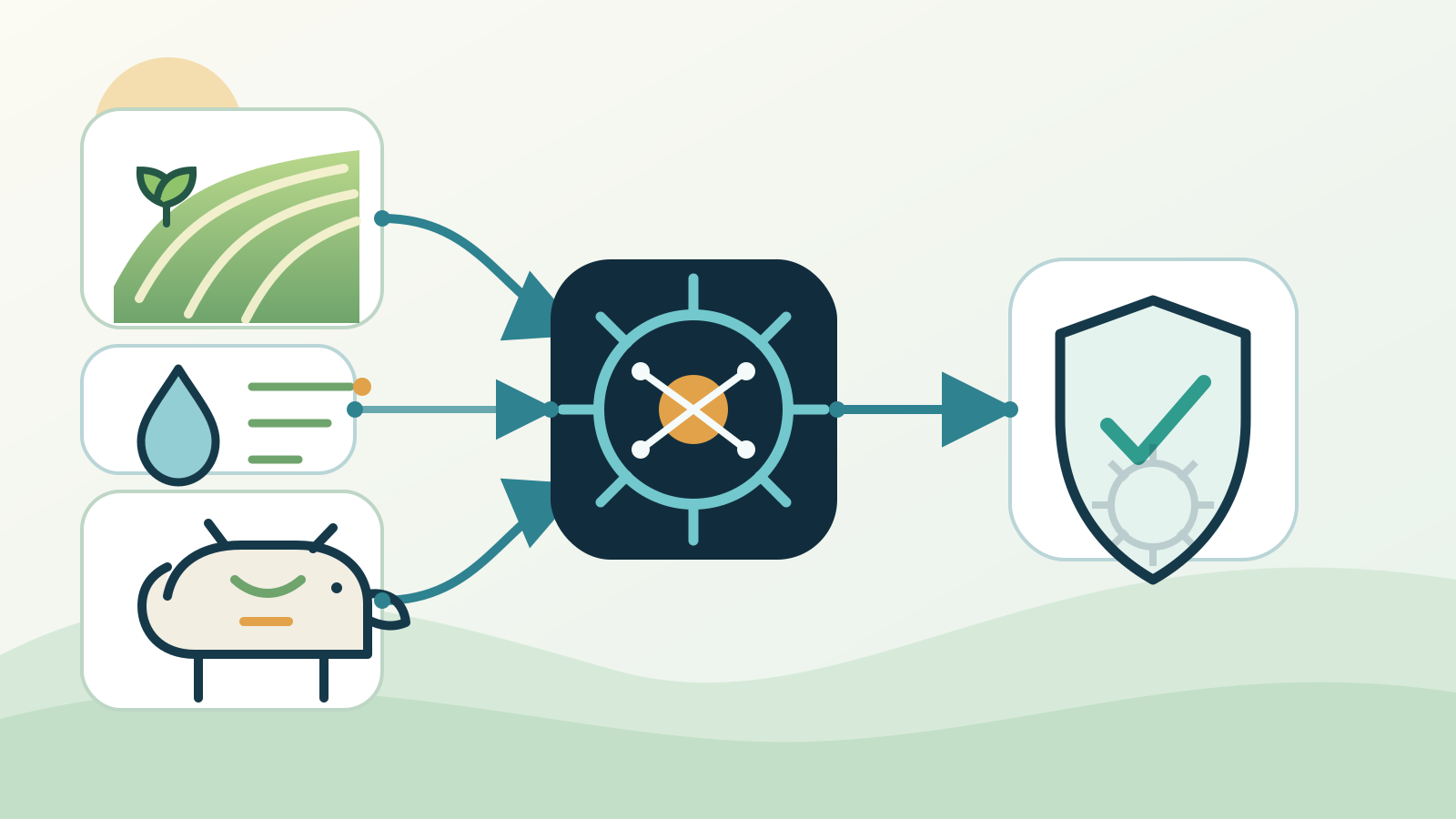
AI for agriculture can help Australian farms interpret crop and livestock data, spot exceptions, prepare records and organise repeated office work. The best first use is a narrow decision-support task with reliable data, a named reviewer and a clear fallback when connectivity or information is missing.
AI should support, not replace, the farmer, agronomist, veterinarian or other qualified adviser. Start in recommendation or draft mode, test the system across real seasonal conditions and measure whether it improves a business decision.
Key takeaways:
- Match AI to one repeated farm decision or administrative bottleneck, not a vague goal to automate the farm.
- Keep agronomic, animal welfare, chemical, machinery and safety decisions with accountable people.
- Test data quality, rural connectivity and failure modes before allowing any action.
- Give the system only the records and permissions required for its task.
- Measure avoided loss, input efficiency, response time, correction effort and total operating cost.
Contents
- How is AI used in agriculture?
- Which farm workflow should you start with?
- How can AI help with crops and irrigation?
- How can AI support livestock management?
- Can AI improve machinery and maintenance planning?
- Where can AI reduce farm office work?
- What data and connectivity does farm AI need?
- What risks should an agricultural business control?
- How do you run a practical farm AI pilot?
- How should you measure the result?
- When is AI the wrong tool for a farm?
- Frequently asked questions
How is AI used in agriculture?
AI is used in agriculture to analyse sensor readings, images, weather, machinery records and business documents. It can identify patterns, rank exceptions, forecast likely outcomes and prepare recommended actions for a person to review.
Common applications include:
- identifying crop stress or unusual field conditions from imagery and sensor data
- estimating irrigation needs from soil moisture, weather and crop stage
- flagging changes in livestock movement, feeding or weight patterns
- predicting equipment maintenance from usage and fault records
- sorting invoices, delivery dockets, spray records and compliance documents
- preparing daily work lists from current conditions and farm priorities
- drafting buyer, supplier or contractor updates from confirmed records
CSIRO's digital agriculture work covers sensors and software for crops and pastures, connected livestock and better input efficiency. These are different technical problems, even though all may be described as agricultural AI.
The distinction matters when buying a system. A crop-imagery model, a livestock monitoring tool and an office assistant need different data, testing and expertise. A general chatbot is not a substitute for a product validated for the task and conditions in which it will operate.
The Australian Bureau of Statistics reported that 12% of Australian businesses used AI in 2024–25, compared with 1% in 2021–22. Adoption alone does not prove value. A farm still needs to connect the technology to a measurable decision, reliable records and an accountable operator.
Which farm workflow should you start with?
For most agricultural businesses, the best first AI workflow is exception reporting. Instead of asking a system to run the property, ask it to identify the paddocks, animals, machines or documents that deserve attention today.
| Starting workflow | Useful AI contribution | Human responsibility |
|---|---|---|
| Crop monitoring | Rank unusual areas from current imagery or sensor readings | Inspect conditions and decide treatment |
| Irrigation review | Compare moisture, forecast and crop-stage data | Approve timing and volume |
| Livestock monitoring | Flag unusual movement, intake or weight patterns | Check the animal and seek qualified advice |
| Maintenance planning | Identify risk from hours, faults and service history | Confirm safety, parts and maintenance action |
| Farm administration | Extract fields and prepare records or drafts | Verify amounts, obligations and recipients |
Choose a task that happens often enough to test within one production cycle. Write down the input data, decision, reviewer, acceptable error, prohibited action and fallback process.
A useful first project has a smaller consequence if it is wrong. Ranking inspection priorities is safer than automatically applying chemicals. Preparing a draft delivery record is safer than committing stock or changing a contract.
Our guide to AI workflow automation explains how to map the trigger, sources, output, approval and exception path before choosing software.
How can AI help with crops and irrigation?
AI can combine field observations with imagery, weather, soil and crop records to highlight where conditions differ from the expected pattern. This can help a grower focus inspections and compare options, but it does not remove the need to verify what is happening on the ground.
A crop-monitoring workflow might:
- receive current satellite, drone or sensor data
- compare it with previous readings and mapped paddock boundaries
- flag unusual vegetation, moisture or temperature patterns
- show the source image and confidence beside each alert
- create an inspection list for the farm manager or agronomist
- record the confirmed cause and action for later review
The model may see a difference without knowing the cause. Crop stress, shadow, cloud, soil variation, weeds, pests, disease and a faulty sensor can produce signals that look similar. The next step should be inspection or expert review, not an unsupported diagnosis.
Irrigation recommendations also need context. Soil moisture is useful only when the sensor is correctly located and maintained. Weather forecasts change. Crop stage, soil type, system capacity, water allocations and local restrictions may alter the right decision.
Keep operating limits outside the model as fixed rules. If a pump must not run below a threshold, or an irrigation window is unavailable, the system should not treat that constraint as optional.
How can AI support livestock management?
AI can help livestock businesses organise data from tags, scales, cameras, water points, feeders and farm records. It can flag animals or mobs whose movement, intake, weight or location differs from their usual pattern.
The useful output is a review list with evidence. It might show the animal identifier, recent readings, comparison period, data gaps and reason for the alert. A stockperson can then inspect the animal and decide whether the issue concerns health, welfare, fencing, feed, water, equipment or a false signal.
Do not treat a model output as a veterinary diagnosis. Alerts can be missed, devices can fail and normal behaviour varies with breed, age, weather, paddock and production stage. Define urgent thresholds with appropriate professional input and keep an offline process for welfare checks.
Location and movement data may also reveal commercially sensitive information about the property. Check who can access it, how long it is stored and whether the provider can use it for another purpose. Remove former staff and contractors promptly, and use individual accounts rather than shared logins.
A pilot should include lost tags, flat batteries, animals outside coverage, duplicate identifiers and unusual but healthy behaviour. If the system cannot explain missing data, the dashboard may appear more certain than the underlying records justify.
Can AI improve machinery and maintenance planning?
AI can assist maintenance planning by comparing operating hours, fault codes, service history, parts usage and observed performance. It may help identify a machine that deserves inspection before the next high-demand period.
A practical workflow should show why a machine was flagged. The operator needs the relevant fault, trend, service interval or prior repair beside the recommendation. A bare risk score is hard to assess and can be ignored or trusted too readily.
Maintenance AI should never override isolation procedures, manufacturer instructions or a qualified technician. Keep safety controls and operating limits in the machinery system or documented process where they can be tested directly.
Start with planning rather than control. Let the system prepare an inspection list, parts check or service draft. Compare its recommendations with actual faults and scheduled work over a defined period. Only expand if it catches useful issues without creating excessive false alarms.
Equipment data can be difficult to combine across brands, ages and file formats. Confirm that the proposed integration can retrieve the required fields from the actual machines on the property. A polished demonstration using sample data is not proof that mixed farm equipment will connect cleanly.
Where can AI reduce farm office work?
Agricultural AI is not limited to the paddock. Many farms handle repeated emails, delivery records, invoices, purchase orders, contractor documents, compliance records and buyer updates. These workflows can be suitable because the system prepares information while a person approves the business action.
Useful office tasks include:
- extracting dates, quantities and references from delivery dockets
- matching invoice details with approved purchase records
- turning field or shed notes into a consistent daily summary
- filing documents against the correct property, paddock, mob or job
- drafting routine updates from confirmed production or delivery data
- checking whether required fields are missing from a record
- preparing a weekly exception list for the farm manager
The source system should remain authoritative. If AI extracts a quantity from a docket, keep the original document beside the draft record. If it prepares a buyer update, confirm the grade, quantity and delivery timing before sending.
Payment details need a separate control. Never approve changed bank details from an email alone. Verify the change through a known contact method, regardless of whether a person or AI processed the message.
Standard automation may be a better fit when the input and rule never vary. Use a fixed calculation for a known formula. Use AI where information arrives in varied language, images or documents and the result can still be checked efficiently.
What data and connectivity does farm AI need?
Farm AI needs data that is current, correctly identified and relevant to the decision. More data is not automatically better. A smaller, well-maintained dataset can be more useful than years of records with missing locations, changed naming conventions and unrecorded equipment faults.
Check five things before connecting a system:
- Identity: Can each field, machine, animal, document or job be matched correctly?
- Time: Are timestamps, time zones and reporting intervals consistent?
- Condition: Are sensors calibrated, devices maintained and missing readings visible?
- Authority: Which record is the source of truth when two systems disagree?
- Coverage: What happens when mobile, satellite, power or vendor access is unavailable?
Connectivity is part of the workflow design. Decide which functions must work offline, how delayed data is marked and whether an old recommendation can expire. A queued action based on yesterday's conditions should not appear current after a connection returns.
Data ownership and portability also matter. Ask how information can be exported, what format is supplied, what happens at contract end and whether derived insights remain available. Test an export before signing a long agreement.
The ABS found that 11% of businesses used satellite connectivity in 2024–25, more than double the 5% reported in 2021–22. That growth may improve options in some locations, but every property still needs its own coverage and failure test.
What risks should an agricultural business control?
The main risks are poor data, hidden uncertainty, excessive access, unsafe automation and decisions made without suitable expertise. Agricultural conditions vary, so a model that worked in one crop, region or season may perform differently elsewhere.
Use these controls:
- require source evidence and a confidence indicator with every material recommendation
- keep chemical, animal welfare, machinery, safety and contract decisions under authorised review
- prevent the AI from changing payment details, ordering inputs or controlling equipment during the pilot
- log inputs, recommendations, approvals, corrections and system actions
- set expiry times for weather-dependent or condition-dependent advice
- test local conditions, rare events and missing-data scenarios
- maintain a manual fallback for essential work
The Australian Government's Voluntary AI Safety Standard sets out 10 guardrails, including accountability, risk management, data quality, testing, human control, transparency and contestability. A farm project can apply these ideas in plain operational terms: nominate an owner, document the task, test failures, preserve evidence and give people authority to stop the system.
Personal information can appear in employee, contractor, customer and supplier records. The OAIC says privacy obligations apply to personal information entered into AI and to AI output containing personal information. It recommends due diligence, human oversight and privacy by design, and advises organisations not to enter personal information into publicly available generative AI tools as a matter of best practice.
Cyber security also deserves a specific review. The ABS reported that 21% of businesses experienced a cyber security incident in 2024–25. Use the smallest practical permissions, multi-factor authentication, individual accounts, access logs and a documented process for removing access.
How do you run a practical farm AI pilot?
Run the AI beside the existing process before relying on it. A pilot should cover enough variation to expose weak data and difficult conditions, not just the easiest week.
- Define one decision. Record the trigger, source data, recommendation, reviewer and prohibited actions.
- Measure the baseline. Track current time, cost, missed issues, input use, rework and avoidable loss.
- Clean the identifiers. Resolve duplicate paddock, animal, machine and document names before integration.
- Build test cases. Include normal conditions, missing data, device failure, conflicting records and extreme weather.
- Start read-only. Let the system analyse information without controlling equipment or changing source records.
- Review every output. Record whether it was correct, useful, late, unclear or unsafe.
- Test the fallback. Disconnect a feed, delay a reading and confirm people can continue essential work.
- Decide from evidence. Expand, revise or stop based on measured value and risk.
Set a review period that suits the workflow. Office document processing may be assessed in weeks. A crop or livestock model may need a longer period and more than one seasonal condition before the result is dependable.
Do not hide corrections inside a single accuracy figure. A harmless duplicate alert differs from a missed welfare issue, unsafe machinery recommendation or wrong chemical instruction. Classify errors by consequence and investigate the serious ones separately.
How should you measure the result?
Measure the farm outcome, not how many predictions the system produces. Useful measures depend on the chosen workflow.
| Area | Measures worth tracking |
|---|---|
| Crop monitoring | Inspection time, confirmed issues, missed issues, false alarms |
| Irrigation | Water applied, energy used, recommendation corrections, crop response |
| Livestock | Time to inspection, confirmed alerts, missed events, device failures |
| Maintenance | Unplanned downtime, inspection findings, parts delays, false alarms |
| Administration | Processing time, field corrections, duplicate entry, payment exceptions |
| Whole pilot | Software, hardware, connectivity, integration, training and support cost |
Compare like periods where possible and note weather, production stage and unusual events. A result during a quiet month may not represent harvest, calving or another high-pressure period.
Include staff effort. A tool that saves data entry but creates constant alert checking may move work rather than reduce it. Track the time needed to review outputs, correct mistakes and maintain sensors or integrations.
Agree on limits before the pilot. For example, every recommendation must show its source data, no equipment action occurs without approval and every missing feed produces a visible alert. These limits make the decision to continue or stop less subjective.
When is AI the wrong tool for a farm?
AI is the wrong starting point when records cannot identify the paddock, animal, machine or transaction reliably. Fixing names, maintenance records and data capture may deliver more value than adding a model.
It is also a poor fit when the task is a fixed rule. A timer, threshold alert, spreadsheet formula or standard automation can be cheaper and easier to verify. Use AI when the inputs vary or patterns are difficult to specify, and when a person can check the result against evidence.
Do not use general-purpose AI for diagnosis, chemical instructions, safety certification, machinery control or legal and contract decisions without the required expertise and controls. A system may generate a confident answer even when the local facts are missing.
Delay the project if the property lacks a workable offline process, nobody owns the result or the vendor cannot explain data access and export. The right technology should improve a real decision without making the farm dependent on an output it cannot test.
Where should an agricultural business start?
Review one month of farm alerts, inspections, machinery records and office work. Mark where information arrived late, a record was retyped, an issue was missed or a qualified person spent time sorting routine inputs.
Choose the narrowest repeated problem with reliable source data and a clear reviewer. Test the AI in recommendation or draft mode, compare it with the current process and keep the manual fallback until the evidence is strong.
Deployed AI provides managed AI systems for Australian businesses, including selected integrations, setup, team training and ongoing Australian support. To assess one suitable workflow, book a free 30-minute AI audit.
Frequently asked questions
What is AI for agriculture?
AI for agriculture is software that analyses farm data to identify patterns, predict likely outcomes or prepare recommended actions. It can assist crop monitoring, irrigation, livestock management, machinery maintenance and administration while accountable people retain control of important decisions.
What is the best first AI project for a farm?
Exception reporting is often the best first project. AI can rank paddocks, animals, machines or documents that deserve review, while the farmer or qualified adviser checks the evidence and decides what action to take.
Can AI diagnose crop disease or animal illness?
AI can flag images, sensor readings or behaviour that differ from the expected pattern, but it should not be treated as a diagnosis. Inspect the crop or animal and seek qualified agronomic or veterinary advice where the decision requires it.
Does farm AI work without reliable internet?
Some systems can collect data locally and synchronise later, while others need a live connection. Check the actual property, test delayed and missing feeds, set expiry rules for old recommendations and keep an offline process for essential work.
How much does agricultural AI cost?
Cost depends on sensors, devices, connectivity, data cleaning, software, integration, training and ongoing support. Compare the full operating cost with a measured result from one workflow, such as avoided downtime, reduced review time or better input decisions.