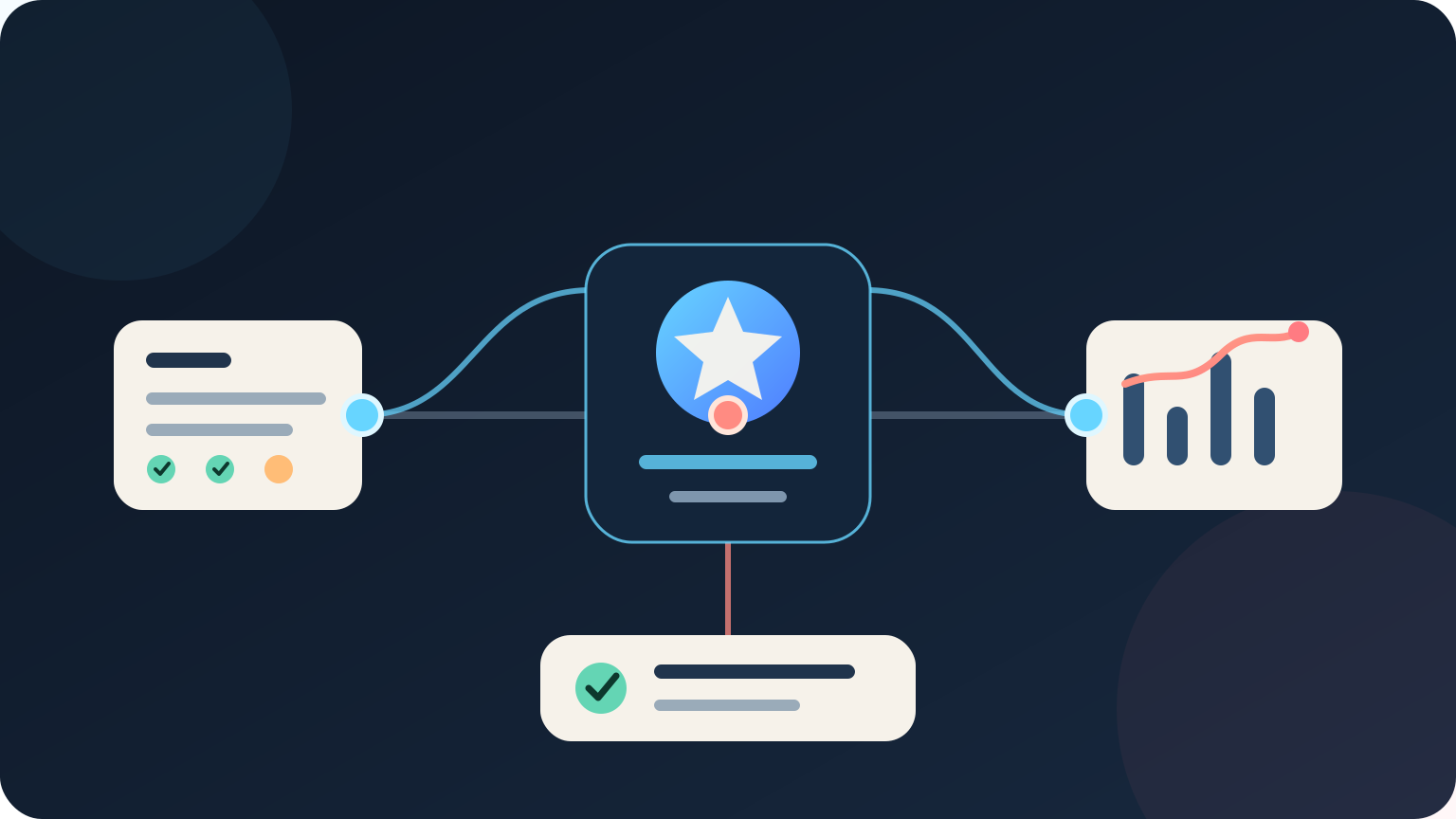
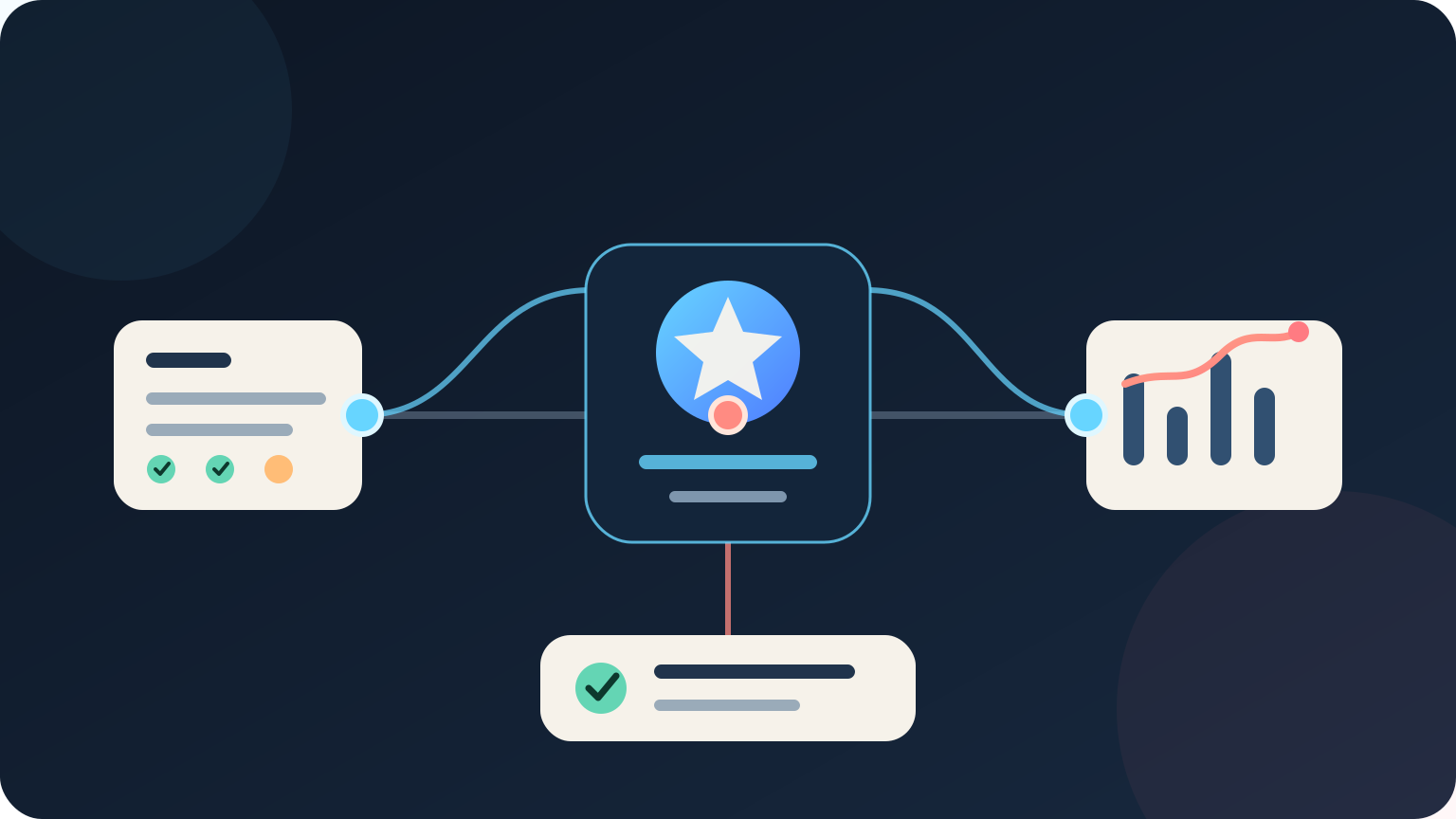
AI for project management helps teams prepare status reports, find overdue work, summarise meetings, check project documents and spot emerging risks. The best setup connects approved project information to one narrow workflow, shows the source behind each output and leaves scope, budget, priorities and stakeholder commitments with the project manager.
Start with reporting or action tracking rather than automated decision-making. These jobs are frequent, measurable and easy for a project manager to review before an error reaches a client, supplier or delivery team.
Key takeaways:
- Use AI to prepare project information, not to own project accountability.
- Begin with one repeated workflow, such as weekly status reporting or action tracking.
- Retrieve facts from current project systems and link every claim to its source.
- Require approval before changing dates, budgets, scope, resources or stakeholder commitments.
- Measure correction rates, missed risks and review effort as well as time saved.
Contents
- How is AI used in project management?
- Which project management task should you automate first?
- Can AI write project status reports?
- How can AI help with project risks and delays?
- Can AI manage meeting notes and project actions?
- What should AI never decide in a project?
- How do you protect project and client information?
- How do you run a controlled AI project management pilot?
- How do you measure whether it works?
- Frequently asked questions
How is AI used in project management?
AI is used in project management to classify updates, summarise discussions, retrieve project facts, compare plans with actual progress and prepare draft communications. It can reduce the time spent assembling information, while the project manager remains accountable for decisions and stakeholder expectations.
Useful applications include:
- drafting weekly status reports from approved project records
- extracting decisions, actions and owners from meeting notes
- finding tasks that are overdue, blocked or missing an owner
- comparing current milestones with the approved baseline
- grouping risks, issues, assumptions and dependencies
- preparing stakeholder updates for review
- searching project documents and approved lessons learned
- checking whether required project fields are complete
- summarising changes across several workstreams
These jobs do not all need generative AI. A fixed rule can alert a manager when a due date passes. A dashboard can calculate budget variance. Generative AI is more useful when the input is unstructured, spread across approved sources or needs to be explained in plain language.
The Australian Bureau of Statistics reported that 12% of Australian businesses used AI in 2024–25, up from 1% in 2021–22. That measures adoption, not project value. Each team still needs evidence that a specific workflow improves delivery without weakening control.
Which project management task should you automate first?
For most teams, the best first AI project management workflow is a draft weekly status report. The inputs, review point and expected format are clear. A project manager can compare the draft with the source records before it goes to stakeholders.
| Workflow | Useful AI contribution | Human responsibility |
|---|---|---|
| Weekly reporting | Collect updates and prepare a draft summary | Confirm facts, tone and commitments |
| Meeting follow-up | Extract decisions, actions, owners and dates | Resolve ambiguity and confirm ownership |
| Risk review | Group signals and suggest risks for review | Assess likelihood, impact and response |
| Schedule review | Explain overdue tasks and dependencies | Replan work and approve date changes |
| Document search | Retrieve relevant clauses, plans and decisions | Check context and apply judgement |
| Change requests | Summarise the request and affected records | Assess scope, cost, timing and approval |
Choose a process that already has a named owner, current source data and enough weekly volume to measure. The AI should prepare a draft or exception list, not make a silent change.
A normal project-management feature is better when it already solves the problem. Recurring reminders, formula-based variance, required fields and approval states are predictable functions. Use those before adding a model that can generate different answers from similar inputs.
Map the trigger, source systems, output, reviewer and failure path before selecting software. Our guide to AI workflow automation explains how to define those parts without starting from a product list.
Can AI write project status reports?
AI can write a useful first draft of a project status report when it reads current, approved records and identifies where each statement came from. It should not infer that a milestone is healthy merely because nobody reported a problem.
A controlled reporting workflow can:
- retrieve the approved reporting period and project baseline
- collect task, milestone, budget, risk and issue updates
- flag missing or conflicting information
- compare current status with the previous report
- prepare a draft using the agreed reporting format
- link claims to source tasks, records or comments
- send the draft to the project manager for review
- record corrections before the final report is issued
The source hierarchy matters. An approved schedule should outweigh a date mentioned casually in meeting notes. A signed change should outweigh the original baseline. If two records conflict, the system should show the conflict instead of choosing the more recent sentence without context.
Avoid vague traffic-light reporting. A red, amber or green label should be supported by a rule and evidence. For example, amber might mean a critical milestone is forecast to slip by more than five working days but an approved recovery plan exists. The exact thresholds should fit the project rather than being invented by the model.
Project managers should also check tone. A generated update can make a tentative discussion sound like a commitment or hide uncertainty behind polished language. The final report needs the accountable manager's judgement.
How can AI help with project risks and delays?
AI can help project managers find signals that deserve review, such as repeated blockers, unresolved dependencies, changing estimates or actions that keep moving. It cannot reliably determine risk exposure without project context, reliable records and human judgement.
Useful risk signals include:
- several critical-path tasks depending on one delayed input
- an issue repeatedly carried into later reporting periods
- estimates increasing without a recorded change request
- milestones with little progress close to their due date
- dependencies mentioned in notes but absent from the register
- actions without an owner or agreed date
- similar defects or supplier problems appearing across workstreams
Treat these as prompts for investigation. The model may join unrelated events, miss an indirect warning or overstate a routine delay. Show the underlying records so the project manager can confirm the signal.
For schedule analysis, calculate dates and dependencies with the planning system. AI can explain the result in plain language and prepare questions, but it should not replace the scheduling logic. The same applies to earned value, cost variance and resource calculations.
For risk management, the NIST AI Risk Management Framework offers a voluntary structure for including trustworthiness in the design, use and evaluation of AI systems. Its practical lesson for project teams is simple: govern the use case, map the context, measure performance and manage risks throughout operation.
Can AI manage meeting notes and project actions?
AI can turn meeting notes or transcripts into a draft list of decisions, actions, owners and dates. The chair or project manager should confirm the list because spoken discussions often contain conditional language, changed positions and unclear ownership.
A useful output separates four things:
- Decision: what was agreed and by whom
- Action: the work required next
- Owner: the named person accountable for the action
- Due date: the date actually agreed, not one guessed from context
Do not treat every suggestion as a decision. Phrases such as “we could”, “subject to approval” and “take that away” have different meanings. The system should mark unclear items for confirmation rather than converting them into false certainty.
Before recording meetings, confirm the organisation's policy, participant notice and approved storage. A transcript may contain commercial terms, client details, staff information or security discussions. If a full transcript is unnecessary, use approved notes or remove sensitive sections before processing.
Once confirmed, actions should be written to the team's normal project system. Leaving them inside a chat response creates another list that can be forgotten. Link each action back to the meeting record so its context remains available.
What should AI never decide in a project?
AI should not approve changes to scope, budget, deadlines, contractual obligations, safety controls or stakeholder commitments. It may prepare information for those decisions, but authority must remain with the people and governance bodies assigned to the project.
Keep human approval for:
- baseline and milestone changes
- budget transfers and purchase commitments
- change requests and scope acceptance
- resource allocation that affects staff or suppliers
- contract interpretation and formal notices
- safety, legal, privacy and security decisions
- client promises and external project statements
- acceptance of deliverables and project closure
The consequence determines the control. A spelling correction in an internal draft may need little review. A revised completion date sent to a client needs an authorised person, supporting evidence and a record of approval.
Set technical permissions to match these boundaries. Written policy alone does not stop a connection from editing schedules or sending messages. Start read-only, allow the smallest set of actions required and separate drafting from approval.
How do you protect project and client information?
Project records can contain contracts, pricing, designs, staff details, credentials, incident notes and client information. Give an AI workflow only the records needed for its defined task and confirm how each provider stores, processes and retains them.
Before deployment, document:
- the projects, folders and fields the system can access
- which records it can create, update or send
- where prompts, files, outputs and logs are stored
- whether business data can be used for model training
- who can change instructions, connections and permissions
- which actions require approval
- how unusual access and failed actions are logged
- how access is removed when the pilot ends
Use business accounts, role-based access and multifactor authentication. Keep test data separate from live client records. Remove credentials, personal information and commercially sensitive attachments when the workflow does not need them.
Prompt injection is also a project risk. A document, email or external webpage can contain text designed to redirect an AI system. Treat retrieved content as data rather than trusted instructions, restrict available actions and require approval before anything leaves the project environment.
Review subcontractors and connected tools as well as the model provider. A narrow reporting assistant should not gain broad access to every client project, mailbox and shared drive.
How do you run a controlled AI project management pilot?
Run a pilot on one workflow, one project and one reporting cycle at a time. Keep the current process available until the new workflow meets its agreed accuracy, security and effort limits.
- Define the problem. Record the current trigger, inputs, output, owner and consequence of an error.
- Measure the baseline. Capture volume, preparation time, corrections, late actions and missed information.
- Set the boundary. State what the system may read, draft, recommend and never change.
- Prepare the sources. Remove duplicate templates, stale schedules and unclear ownership.
- Build test cases. Include routine updates, missing fields, conflicting dates and sensitive information.
- Start read-only. Compare AI drafts with reports prepared through the existing process.
- Require review. Show sources and record whether the manager accepted, changed or rejected each output.
- Decide from evidence. Expand, revise or stop based on quality, risk and total effort.
Include failure tests. Remove a required source, use two conflicting milestone dates and add a note with an unclear owner. Confirm the workflow asks for review instead of inventing an answer.
Test across realistic project conditions. A workflow that performs well during steady delivery may behave differently during a change freeze, supplier delay or major issue. Keep a clear way to pause it without interrupting the project.
If reporting crosses several approved systems, managed implementation may be more suitable than another standalone assistant. Deployed AI's managed AI services connect selected business workflows with permissions, testing, team training and ongoing Australian support.
How do you measure whether it works?
Measure the full project workflow, not only generation speed. A report produced in seconds can still waste time if the manager must open every source and rewrite every conclusion.
The same ABS survey found that only 7% of businesses measured the contribution of digital activities to business performance. Set a baseline before the pilot so the decision is based on project results rather than the novelty of the tool.
Useful measures include:
- median time to prepare and approve the weekly report
- percentage of draft statements accepted without material correction
- missing or incorrect milestones, actions, risks and decisions
- conflicting records identified before reporting
- actions assigned to the correct owner and date
- stakeholder corrections after a report is issued
- project manager review and maintenance time
- privacy, security or access incidents
- total software, integration and support cost
Score errors by consequence. A minor wording change is not equal to a wrong delivery date or omitted critical risk. Review a defined sample every reporting cycle and keep examples of failures so later versions can be tested against them.
Agree on success criteria before the pilot. A team might require every material claim to link to a source, no unauthorised changes, all high-impact test cases escalated and a measurable reduction in preparation time without more stakeholder corrections.
The best result may be a simpler process. If the pilot reveals stale plans, unclear ownership or duplicate reporting, fix those foundations first. AI cannot make unreliable project records authoritative.
When is AI the wrong choice for project management?
AI is the wrong starting point when the schedule is not maintained, decisions are not recorded or nobody owns project reporting. It is also unnecessary when a dashboard, template or built-in rule already gives the team a reliable answer.
Delay deployment if the team cannot identify an approved source, test realistic examples or explain where client information goes. Better project discipline, system configuration and role clarity may deliver more value first.
For most projects, the best option is the simplest one that improves a measured delivery problem. AI should earn its added cost and risk through evidence from the real workflow.
Where should an Australian project team start?
Start with the last four weekly status reports. List each fact the project manager had to collect, where it came from and what needed correction. Choose one repeated step where the source is clear and review happens before the information reaches stakeholders.
Run the AI beside the existing process for at least one reporting cycle. Compare the drafts, record corrections and stop if the system hides uncertainty or creates extra checking work.
For help selecting and testing a suitable project workflow, book a free 30-minute AI audit.
Frequently asked questions
What is AI for project management?
AI for project management is software that classifies project information, retrieves relevant records, identifies patterns and prepares draft outputs. It can assist reporting, meeting follow-up and risk review, while the project manager remains responsible for decisions and commitments.
What is the best first AI project management use case?
A draft weekly status report is often the best first use case because its inputs, format and reviewer are clear. The system can collect approved updates and prepare a draft, while the project manager checks every material claim before distribution.
Can AI replace a project manager?
No. AI can reduce repeated information work, but it does not hold accountability, organisational context or authority over scope, budget and stakeholders. A project manager still needs to interpret evidence, make trade-offs and own project decisions.
Can AI predict project delays?
AI can identify signals associated with delays, such as overdue dependencies, changing estimates and unresolved issues. Predictions depend on complete, current records and should prompt investigation rather than trigger automatic schedule changes.
How much does AI for project management cost?
Cost depends on the workflow, project-system connections, user numbers, data volume, security requirements, testing and ongoing support. Compare the full cost with measured preparation time, correction rates and delivery outcomes from a narrow pilot before expanding.