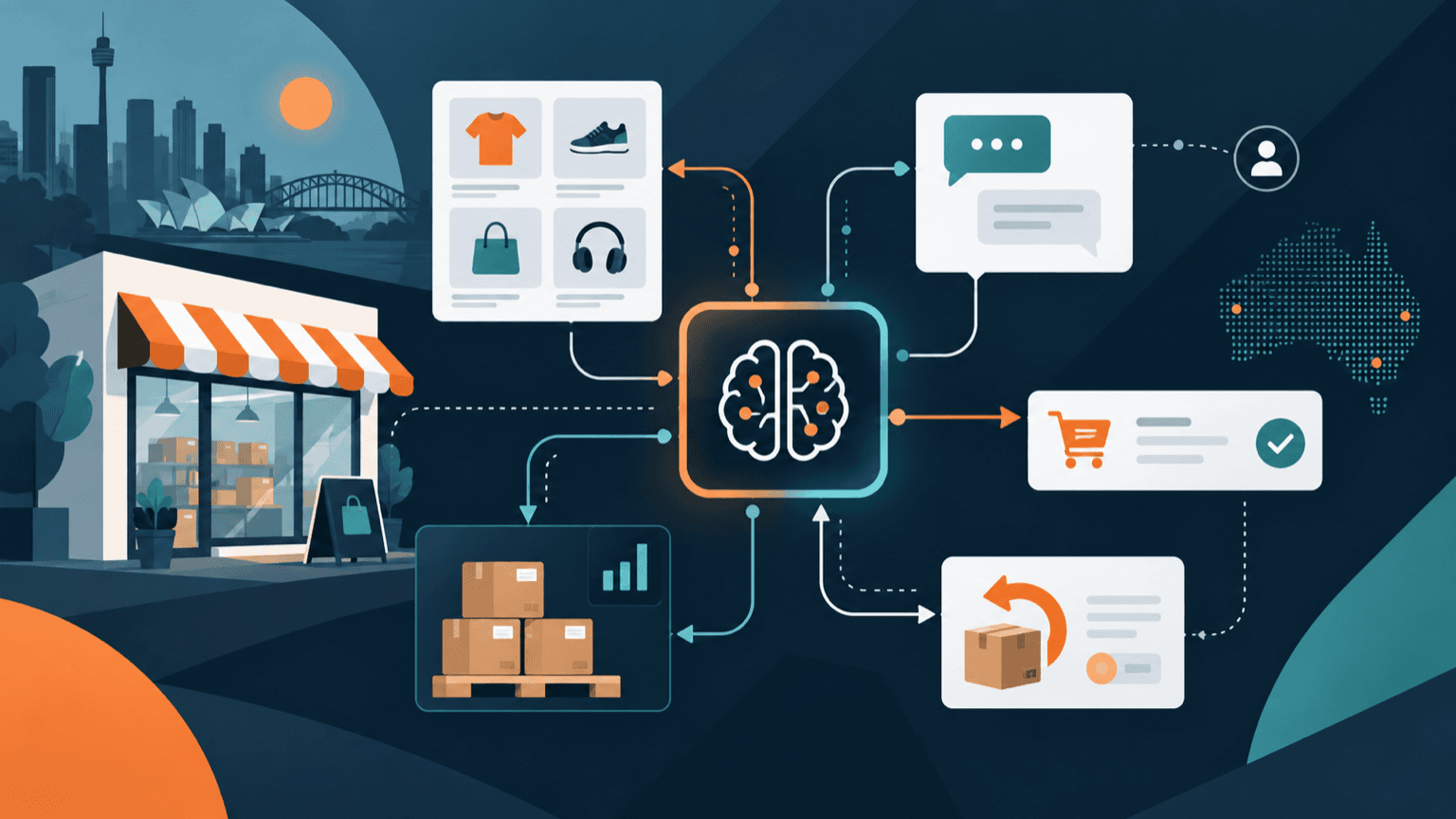
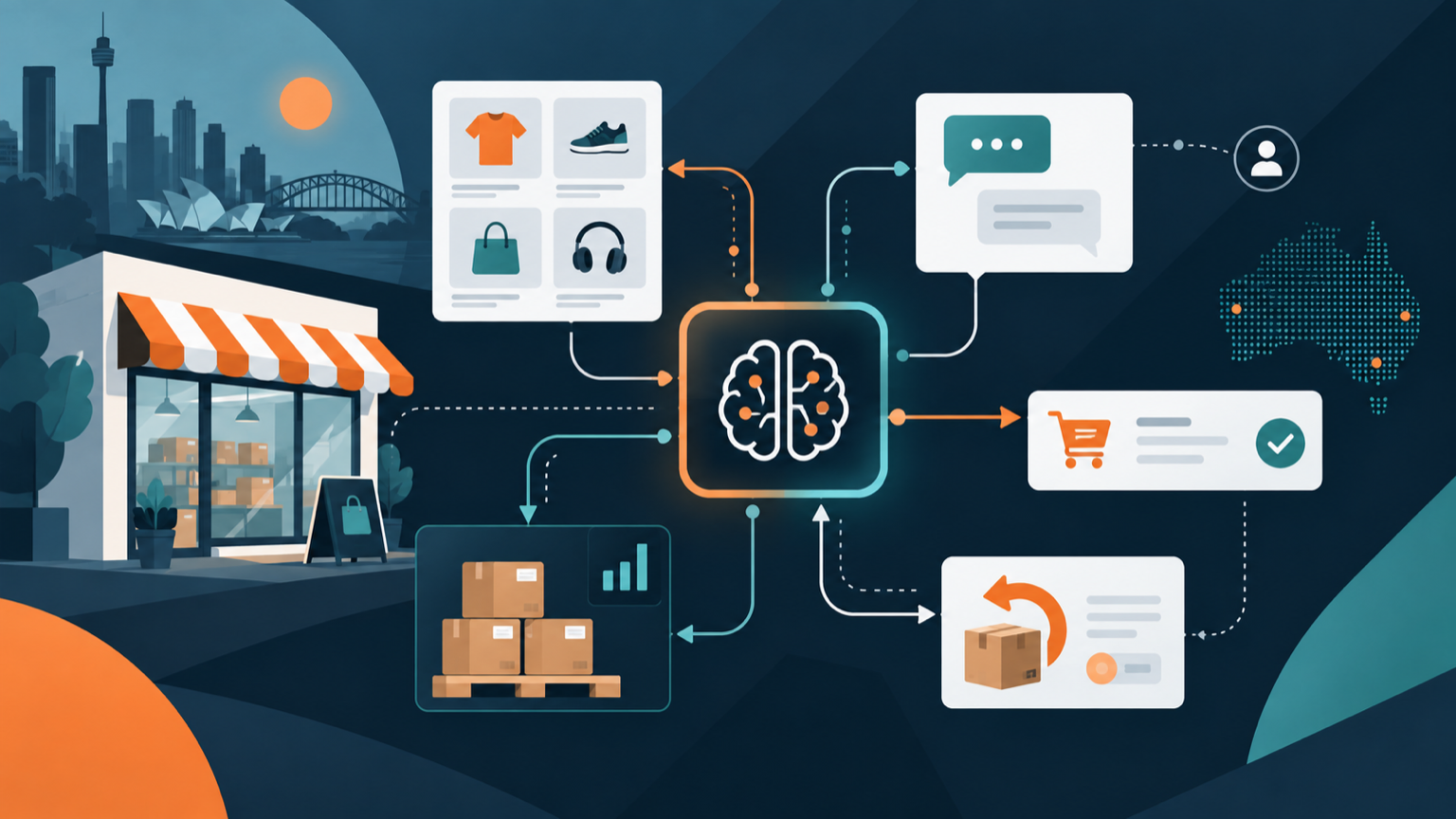
AI for retail is most useful when it removes repetitive work between the shop floor, online store, inbox, inventory system and fulfilment team. Australian retailers can use it to prepare customer replies, improve product data, flag stock exceptions, summarise returns and make internal procedures easier to find.
The safest starting point is not an autonomous system that changes prices or promises refunds. It is one frequent workflow with approved information, narrow permissions and a person responsible for the final decision.
Key takeaways:
- Start with customer enquiries, product information or returns preparation.
- Connect AI only to the data and actions required for one workflow.
- Keep a person responsible for prices, refunds, product claims and unusual cases.
- Tell customers when they are interacting with an automated service.
- Measure resolution time, correction rates and customer outcomes, not just the number of automated replies.
Contents
- What can AI do in retail?
- Which retail workflows should you automate first?
- How can AI improve retail customer service?
- Can AI help with inventory and demand planning?
- What are the main risks of AI in retail?
- How should retailers protect customer data?
- How do you choose an AI tool for retail?
- How do you run a controlled retail AI pilot?
- Frequently asked questions
What can AI do in retail?
AI can help retailers classify, extract, summarise, draft and search. It works best on repeated tasks where the source information is available and a wrong answer can be found before it affects a customer.
Practical retail uses include:
- drafting answers to delivery, availability and product questions from approved information
- turning supplier files into proposed product titles, attributes and descriptions
- classifying customer enquiries and routing them to the right store or team
- summarising return requests and identifying missing order details
- flagging unusual stock movements, low-stock items and catalogue mismatches
- preparing daily summaries of orders, exceptions and unresolved enquiries
- searching store procedures, product guides and approved policies in plain language
- drafting campaign variations for a person to check before release
These uses support retail staff rather than remove responsibility from them. A generated answer about fit, ingredients, safety, compatibility or refund eligibility can be wrong even when it sounds confident. The retailer still needs a reliable source and an approval or escalation rule.
Retail operations also span physical and digital channels. The Australian Bureau of Statistics reported that online sales represented 12.7% of total Australian retailing in June 2025, up from 11.6% a year earlier. That does not mean every retailer needs a complex AI platform. It does show why consistent information across the website, inbox and store matters.
Which retail workflows should you automate first?
Start with work that is frequent, rules-based enough to review and currently causes visible delays. Customer enquiry triage, product-data preparation and returns intake are usually stronger first projects than dynamic pricing or fully automated purchasing.
| Workflow | Useful AI contribution | Human responsibility |
|---|---|---|
| Customer enquiries | Classify the question, retrieve approved information and draft a reply | Confirm the answer, tone and any promise made |
| Product catalogue | Extract attributes and prepare titles, descriptions or tags | Verify product facts, claims, warnings and brand voice |
| Returns intake | Summarise the request and identify missing order evidence | Decide eligibility, remedy and any exception |
| Inventory exceptions | Flag unusual changes and prepare a daily review list | Investigate the cause and approve stock actions |
| Supplier documents | Extract SKUs, pack sizes, dates and proposed updates | Check against the source and resolve mismatches |
| Store knowledge | Find the relevant policy or procedure passage | Apply it to the actual customer and situation |
Choose one process and record its baseline before changing it. Useful measures include average handling time, backlog, first-contact resolution, correction rate, escalations and customer complaints.
Avoid starting with a workflow that can publish product claims, change prices, issue refunds or place supplier orders without review. Those actions can create financial, legal and customer consequences before anyone notices an error.
Our guide to AI workflow automation explains how to define triggers, approvals and exceptions before connecting systems.
How can AI improve retail customer service?
AI can improve retail customer service by preparing faster, more consistent answers from approved order, product and policy information. It should make the support team better informed, not trap customers inside an automated conversation.
A controlled service workflow can:
- identify the customer's question and order reference
- retrieve only the relevant order status, product detail or policy
- prepare an answer with the supporting source visible to staff
- send routine, low-risk replies within defined limits
- escalate exceptions, complaints and uncertain answers to a person
Set clear boundaries. A service assistant may explain a published delivery window, but it should not invent an arrival date. It may collect information for a return, but it should not reject a remedy based on a vague summary. It may suggest a product from approved attributes, but it should not make unsupported health, safety or performance claims.
Australian consumer guarantees still apply when AI is involved. The Australian Competition and Consumer Commission explains that product descriptions must be accurate and consumer guarantees cannot be taken away by what a business says or does. Generated copy and automated replies therefore need the same factual and legal care as words written by staff.
Make escalation easy. Customers should be able to reach a person when the system is uncertain, the issue falls outside policy or the proposed outcome could materially affect them. Review our guide to AI customer service automation for a practical human hand-off model.
Can AI help with inventory and demand planning?
AI can help staff spot inventory patterns and prepare forecasts, but the value depends more on data quality and operating discipline than on the model alone.
Useful inputs can include:
- sales by SKU, store and channel
- current stock and available-to-promise quantities
- promotions, price changes and campaign dates
- supplier lead times and minimum order quantities
- returns, substitutions and stock adjustments
- known events, closures and seasonal periods
Before using a forecast, check whether SKUs are consistent, stock adjustments are recorded and online and store sales are reconciled. A sophisticated forecast built on duplicated products or late stock updates can create a precise-looking mistake.
Use AI to propose a review list rather than make every purchasing decision. Staff should investigate high-value orders, new products, unusual demand, short-life stock and supplier constraints. Compare forecasts with a simple baseline, such as recent sales or the same period last year, to see whether the added complexity improves decisions.
Track stockouts, excess stock, forecast error, urgent transfers and write-offs. A forecast is useful only if it improves those outcomes without creating more manual checking than it removes.
What are the main risks of AI in retail?
The main retail risks are inaccurate product information, poor customer outcomes, privacy breaches, excessive system access and automation that acts before staff can review it.
Incorrect or misleading information
Generative AI can invent specifications, compatibility, ingredients, delivery times or policy details. Require answers to come from approved sources, show the source to the reviewer and block the system from filling gaps with guesses.
Unfair or unexplained decisions
Automated recommendations, fraud flags, offers or customer segmentation can affect people differently. Keep consequential decisions reviewable, test outcomes across customer groups and document which information the system uses.
Excessive permissions
A tool that only drafts replies does not need permission to refund orders, change product records and export the entire customer database. Give each workflow the minimum access it needs and require approval for consequential actions.
Automation at the wrong point
An instant wrong answer can be worse than a slower correct one. Use confidence thresholds, exception queues and a fast way to pause the workflow. The Australian Cyber Security Centre's Secure by Design guidance recommends considering threats and protections from the outset rather than adding security after deployment.
Weak accountability
Name an owner for the workflow, its information sources and its results. Staff need to know who can change instructions, who reviews incidents and who decides whether the system should be expanded or stopped.
How should retailers protect customer data?
Map the information before selecting a product. Retail workflows can contain names, contact details, delivery addresses, purchase histories, recordings, payment-related information and inferences about customer preferences.
The Office of the Australian Information Commissioner says privacy obligations apply to personal information entered into an AI system and to generated output that contains personal information. Its guidance on commercially available AI products recommends due diligence, human oversight, transparency and a privacy-by-design approach. As a matter of best practice, it recommends not entering personal or sensitive information into publicly available generative AI tools.
Before using customer data, check:
- whether AI is necessary for the task
- which exact fields the workflow needs
- the purpose for which the information was collected
- where the provider processes and retains it
- whether prompts, files or outputs can train models
- which staff, providers and connected systems can access it
- how access, deletion, incidents and customer requests are handled
- whether privacy notices accurately explain the use
Use business accounts, role-based access, multifactor authentication and logging. Remove personal information where it is not needed. Do not copy a full customer profile into a workflow that only needs an order number and delivery status.
An AI audit for business can help identify unapproved tools, map data flows and prioritise controls before deployment.
How do you choose an AI tool for retail?
Choose the workflow first, then assess products against its data, integrations, actions and review process. A compelling demo is not evidence that a system will handle your catalogue, policies and exceptions reliably.
Ask vendors to show:
| Question | What a useful answer includes |
|---|---|
| Which information does the tool use? | Exact inputs, sources, retention and model-training settings |
| How does it connect to retail systems? | Named permissions for ecommerce, POS, inventory, CRM and support tools |
| How are answers grounded? | Approved sources, visible evidence and behaviour when information is missing |
| What actions can it take? | Clear limits, approval steps, logs and rollback options |
| How is access controlled? | Business accounts, roles, multifactor authentication and offboarding |
| How is quality tested? | Your own products, policies, difficult cases and measurable acceptance criteria |
| What happens when it fails? | Alerts, human escalation, support arrangements and a kill switch |
Test with real operating conditions before committing. Include incomplete order details, similar product names, out-of-stock items, policy exceptions, hostile customer messages and requests the system should refuse.
Calculate the total cost, including integration, staff review, corrections, monitoring and maintenance. A low subscription price can still be poor value if employees have to reconstruct every source or repair changes across several systems.
How do you run a controlled retail AI pilot?
Run the pilot on one workflow, in one team or location, for a defined period. Keep the existing process available until the new one meets agreed quality and reliability thresholds.
A practical pilot has seven stages:
- Define the task. Document the trigger, inputs, output, owner and prohibited actions.
- Record the baseline. Measure current volume, handling time, errors, escalations and customer outcomes.
- Prepare approved sources. Clean the relevant product data, policies, templates and procedures.
- Limit access. Connect only the required systems and start in draft or read-only mode.
- Build test cases. Include normal work, missing data, conflicting records and high-consequence exceptions.
- Require review. Show the source and log the staff member's decision while the workflow proves itself.
- Decide from evidence. Expand, revise or stop based on quality, risk and total effort.
Good measures include:
- percentage of outputs accepted without changes
- average correction and handling time
- first-contact resolution
- escalation and complaint rates
- inaccurate product or policy statements
- stock or order exceptions caught and missed
- staff adoption of the approved workflow
- customer satisfaction where it can be measured responsibly
Do not remove human review merely because the pilot is fast. Reduce review only for categories that consistently pass testing and remain easy to audit. Re-test whenever products, policies, integrations or model behaviour change.
What is the best first AI project for a retailer?
For many Australian retailers, the best first project is customer enquiry triage with draft replies. It is frequent, measurable and can use approved product, delivery and policy information without allowing the system to make final refund or pricing decisions.
Start with two or three common enquiry types, such as order status, store availability and published product information. Show the relevant source beside each draft. Route complaints, safety questions, uncertain product advice and remedy decisions to a person.
If enquiry handling is already efficient, try product-data preparation. AI can extract proposed attributes and descriptions from approved supplier material, while a merchandiser verifies every factual claim before publication.
Frequently asked questions
How is AI used in retail?
Retailers use AI to classify customer enquiries, draft replies, prepare product information, search internal procedures, flag inventory exceptions, summarise returns and support demand planning. The safest uses have approved data, narrow permissions and human review.
Can small retailers use AI?
Yes. A small retailer can begin with one repeated task, such as sorting enquiries or preparing product descriptions. It does not need a large custom platform, but it still needs approved accounts, reliable source information and a person responsible for checking the result.
Can AI replace retail staff?
AI can reduce repetitive preparation and searching, but staff are still needed for judgement, empathy, exceptions, product expertise and accountable decisions. A useful deployment changes the flow of work rather than assuming every interaction should be automated.
Is it safe to put customer details into an AI tool?
Only when the retailer has assessed the product, purpose, privacy obligations, security, retention and access controls. Personal or sensitive information should not be entered into public generative AI tools. Use the minimum information required for the task.
How do you measure whether retail AI is working?
Compare the pilot with the existing process. Measure handling and correction time, accepted outputs, resolution, errors, escalations, complaints and relevant inventory outcomes. Include staff review effort and operating cost rather than reporting automation volume alone.
Start with one controlled retail workflow
AI can help an Australian retailer answer customers, maintain product information and identify operational exceptions more efficiently. The result depends on good source data, limited access, visible evidence and clear human responsibility.
Choose one repeated workflow, measure the current process and test difficult cases before connecting consequential actions. Deployed AI builds managed AI systems that work with existing business tools, including setup, team training and ongoing Australian support. Book a free 30-minute AI audit to assess the first retail workflow worth improving.