If you are looking into OpenClaw usage, the question usually is not "can it work?" The harder question is whether it can keep working without blowing out token costs, hitting provider limits, or becoming messy to manage.
The short answer is yes, you can control OpenClaw usage. The trick is to treat it like an operating system for real work, not like a toy assistant that should be allowed to do everything.
For most businesses, token costs rise for simple reasons. Prompts are too broad. Too much context gets passed into every task. One agent gets asked to handle jobs that should be split up. Nobody reviews which tasks are worth premium model spend and which ones are not.
What OpenClaw usage really means
When people talk about OpenClaw usage, they usually mean three different things at once:
- how often the system runs
- how much model context and output each task consumes
- how often you hit model or provider limits during busy periods
That matters because OpenClaw does not create cost in isolation. The cost usually comes from the model behind it, the way the workflow is designed, and how much work the agent is asked to do each time.
In business terms, that means poor workflow design can get expensive fast. A good setup can keep the assistant useful without turning every task into a premium AI event.
Rate limits and token costs are not the same thing
This is where many teams get confused early.
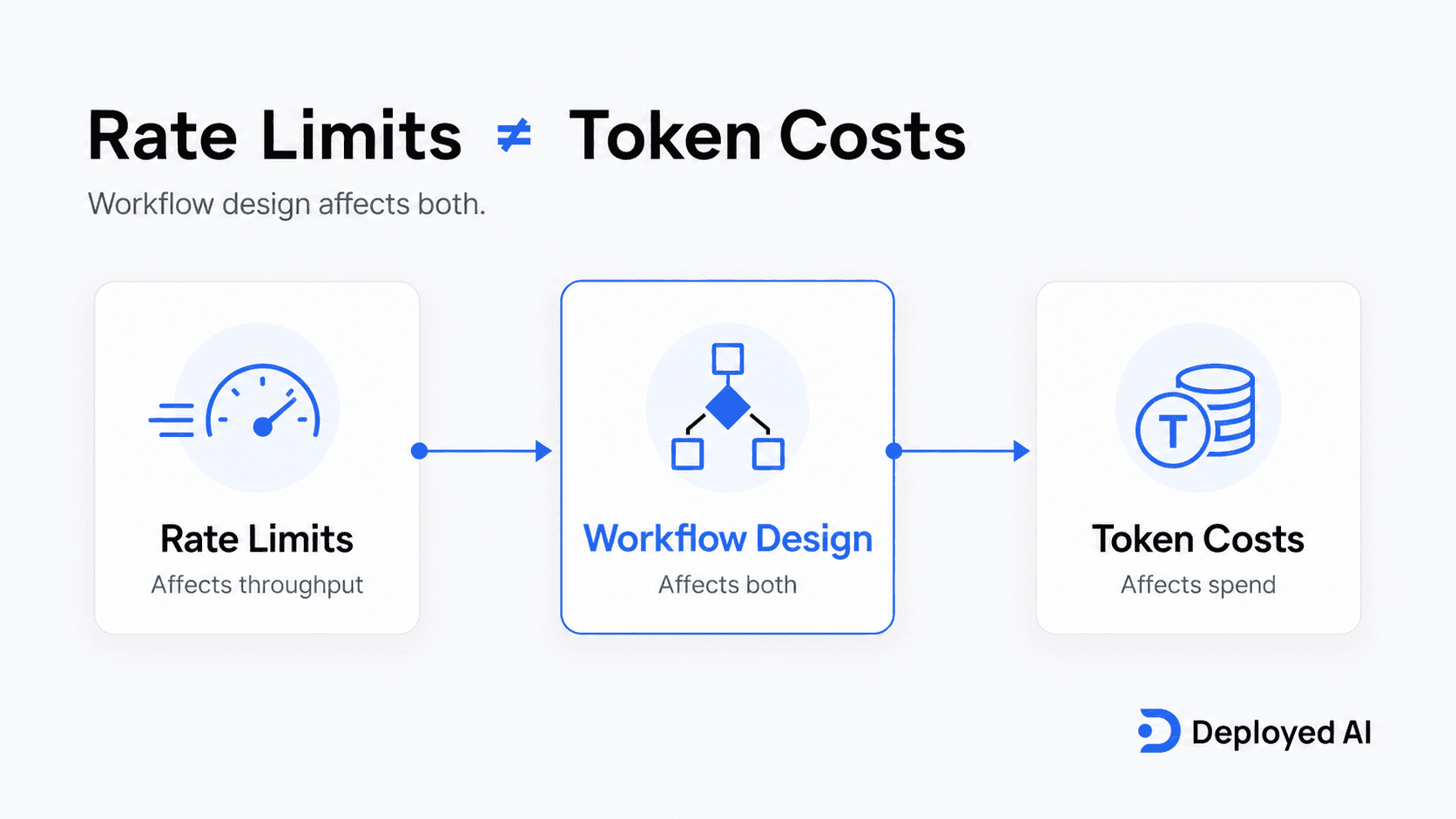
Rate limits are about how much activity a model provider allows over a period of time. Token cost is about how much input and output you are paying for. You can have a workflow that stays within rate limits but still costs more than it should. You can also have a cheap workflow that jams up because too many requests hit the model at once.
We usually explain it this way:
- rate limits affect throughput
- token usage affects spend
- workflow design affects both
If you want the broader business picture first, how to use OpenClaw in your business is a good starting point before you get into optimisation.
1. Give each OpenClaw workflow one job
The fastest way to waste tokens is to ask one agent to do too many things in one pass.
An agent handling inbox triage should not also be drafting proposals, checking policy documents, and trying to plan next week's priorities in the same request. The more jobs you stack together, the more context you pass in and the more chances the workflow has to wander.
Tighter workflows usually produce:
- lower token usage
- clearer outputs
- easier debugging
- better human review points
That is one reason we push narrow rollout scopes in a managed OpenClaw setup. Small workflows are easier to control and easier to improve.
2. Stop passing the full history every time
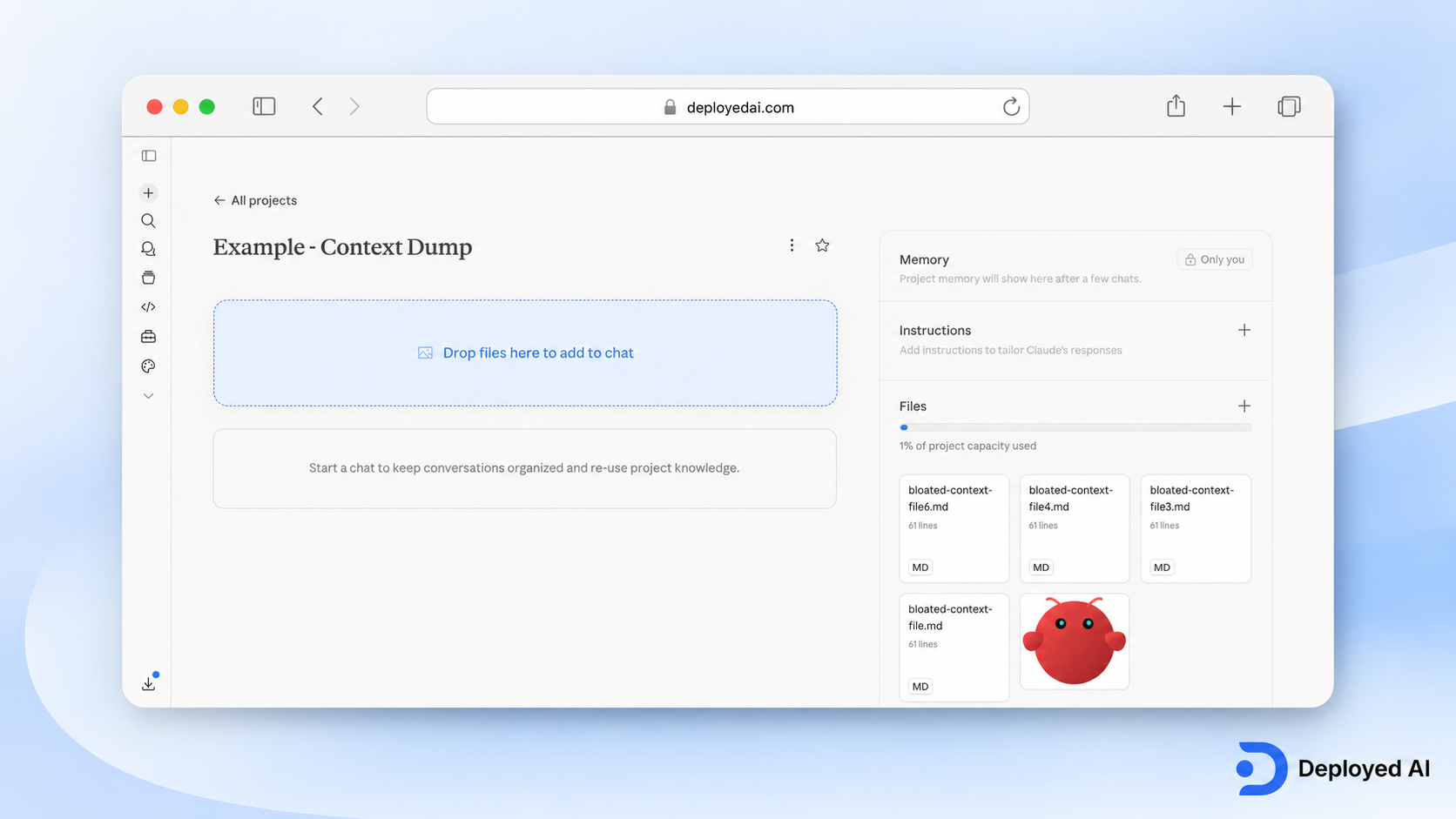
Many cost issues come from context bloat, not from the idea of OpenClaw itself.
If every task includes a long email thread, old notes, background instructions, and extra attachments "just in case", token usage climbs quickly. Most tasks only need the current job, the relevant inputs, and a short instruction set.
A cleaner setup usually means:
- short standing instructions
- task-specific context only
- archived history kept out of routine runs
- separate workflows for separate document types
This sounds technical, but it is really an operations question. What does the assistant actually need to complete this step well?
3. Save stronger models for the demanding tasks
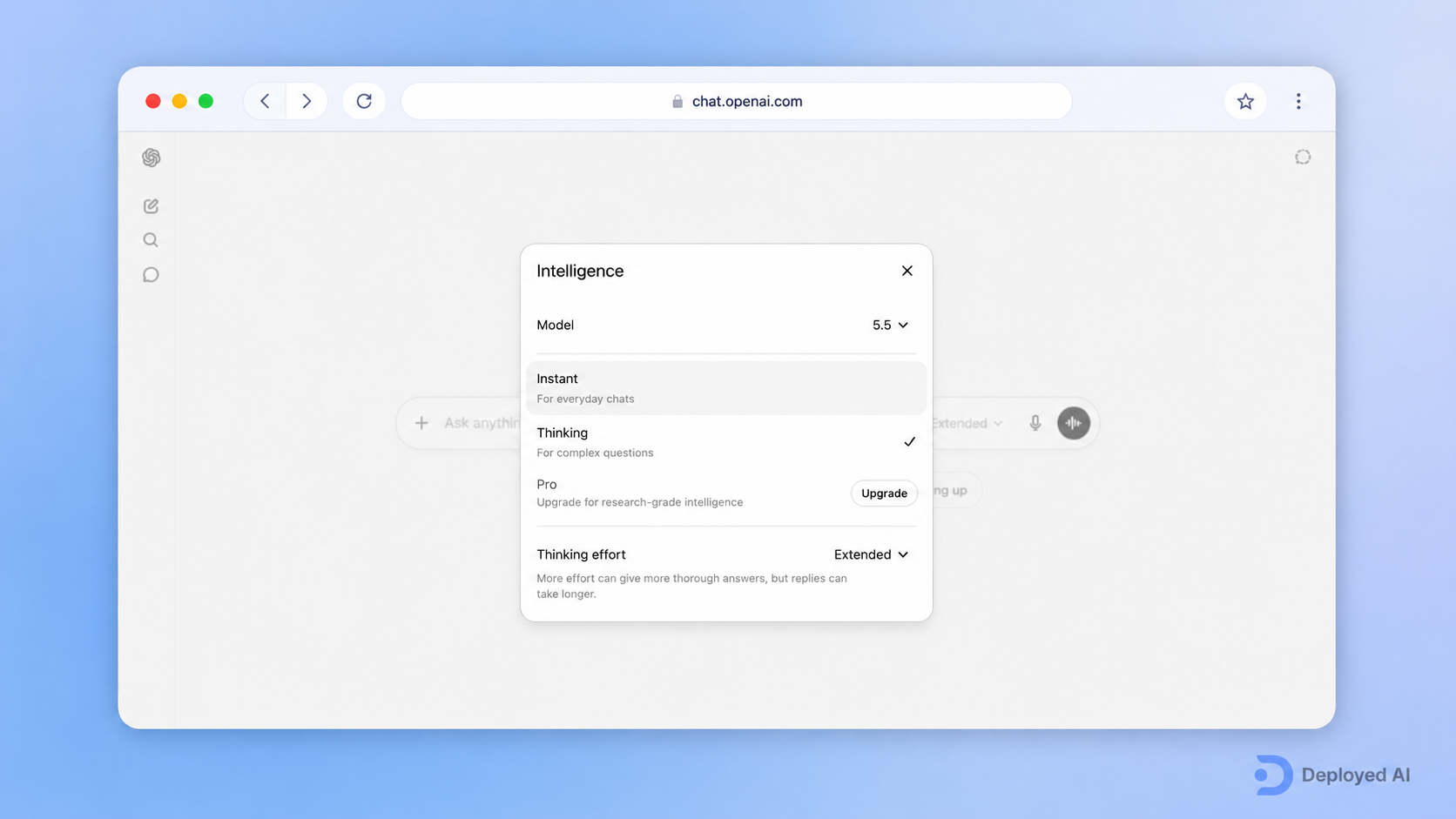
Not every OpenClaw task deserves your best and most expensive model.
A lightweight internal classification task may not need the same model you would use for a complex client-facing summary. If everything gets routed to the premium option by default, cost rises before you have even worked out which tasks create business value.
We usually look at model choice in three buckets:
- simple sorting, tagging, and extraction
- moderate drafting and summarising
- higher-stakes reasoning or complex review
That does not mean cheaper is always better. It means model choice should match the job instead of being driven by habit.
4. Put approval points in the right places
Some teams think human review slows OpenClaw down. In practice, smart approval points often reduce waste.
If an agent is allowed to keep running after a weak first step, it can consume more tokens chasing a bad path. A quick human checkpoint can stop that early, especially for higher-cost tasks like multi-step summaries, proposal preparation, or document-heavy work.
Approval points are also useful for trust. Teams are more willing to use AI workflows when they know the system is not free-running through sensitive steps with no oversight. That is part of why what an OpenClaw deployment actually looks like matters before rollout.
5. Monitor the workflows that run most often
You do not need enterprise-level dashboards on day one, but you do need visibility.
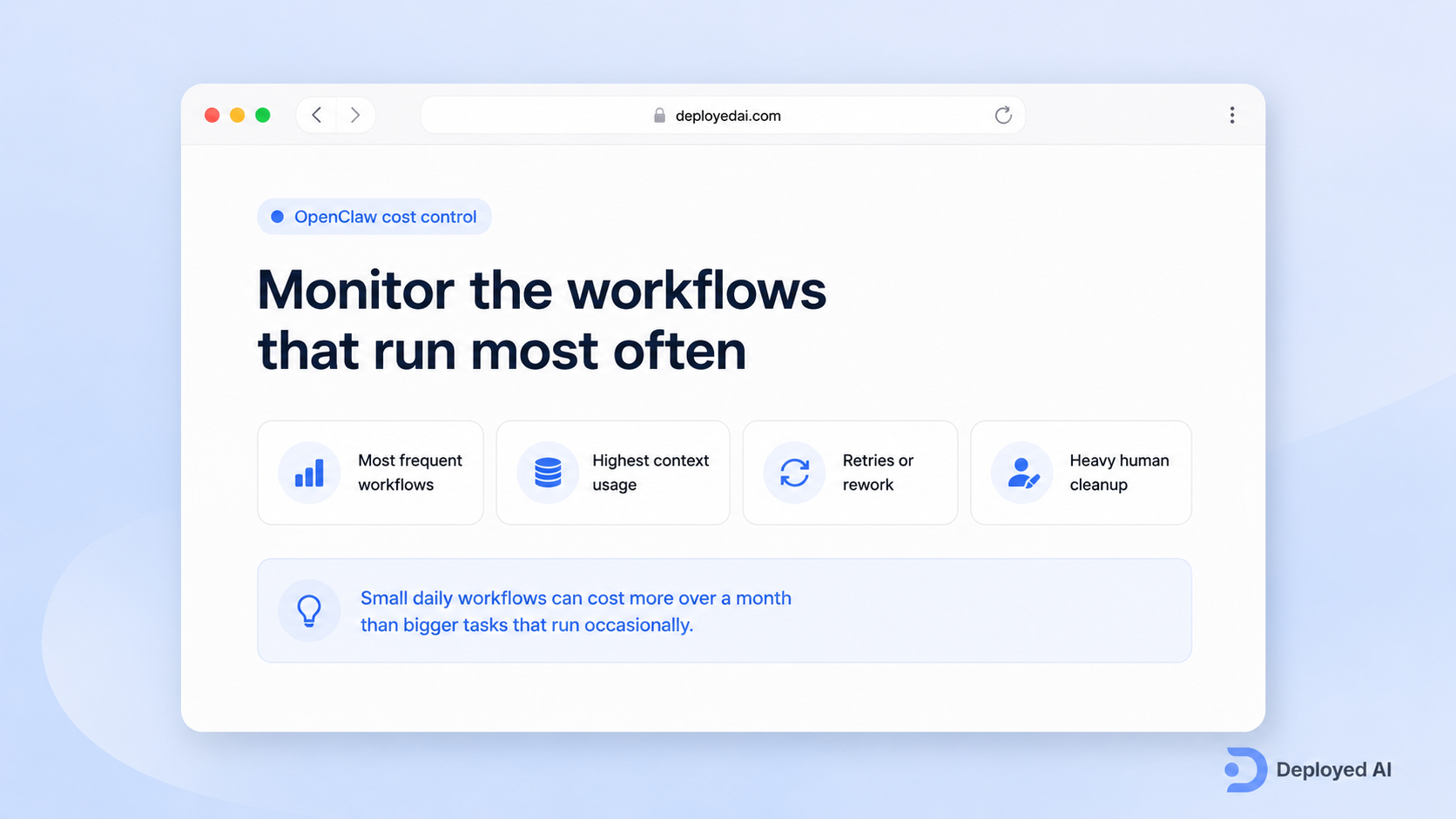
At minimum, someone should know:
- which workflows run most often
- which ones consume the most context
- which steps trigger retries or rework
- which outputs still need heavy human cleanup
The expensive part is not always the obvious part. A small daily workflow can cost more over a month than a bigger task that only runs occasionally.
6. Judge usage by business value, not technical beauty
This is the part people skip.
A workflow can look clever and still be a poor business decision. If the output saves no real time, reduces no real friction, and improves nothing for the team or the client, then lower token usage does not fix the underlying problem.
We prefer to ask:
- what manual work is being reduced?
- what delay is being shortened?
- what risk of missed follow-up is being cut down?
- what work still needs a person anyway?
That is a much better lens than obsessing over raw token counts alone.
A practical OpenClaw usage example
Say a professional services team uses OpenClaw to help with enquiry handling. New leads arrive through email and web forms. The old process relies on someone reading everything manually, extracting the relevant details, drafting a reply, and passing the next step to the right person.
The first version of the workflow is expensive because it sends the full conversation history, uses a top-tier model for every task, and asks the same agent to summarise, qualify, draft, and prioritise in one go.
The leaner version works better:
- one workflow summarises the enquiry
- another checks whether key details are missing
- a lower-cost model handles routine extraction
- a stronger model is reserved for higher-stakes drafting
- a team member reviews the output before it moves forward
That is usually how cost control works in the real world. It is less about one magic prompt and more about better workflow design.
Common mistakes that drive OpenClaw costs up
The first mistake is assuming the best model should be the default model.
The second mistake is treating long context as a safety blanket. More information does not always produce a better result.
The third mistake is measuring usage before measuring value. A workflow can be cheap and still not worth keeping.
The fourth mistake is skipping governance and monitoring. If nobody owns the workflow after launch, costs drift and trust drops with it.
The fifth mistake is trying to optimise too early without first working out which jobs OpenClaw should handle at all. Our OpenClaw setup guide is often where that becomes clearer for business owners.
Where Deployed AI fits
We see cost control as part of implementation, not something to clean up later.
If a business is serious about OpenClaw, we would rather scope the workflow properly at the start than let a messy system chew through spend for three months before anyone reviews it. That means deciding which jobs belong in OpenClaw, which model tier suits each step, where approvals sit, and what success looks like.
That is also why teams end up reading our common OpenClaw questions before rollout. The right workflow will usually cost less because it is better designed, not because it is cheaper in theory.
FAQs
What drives OpenClaw token usage up the fastest?
Broad prompts, long context windows, unnecessary retries, and asking one workflow to do too many jobs are the biggest drivers.
Are OpenClaw rate limits the same as token costs?
No. Rate limits affect how much activity can happen over time. Token costs affect what you pay for each task. Workflow design influences both.
Can small businesses control OpenClaw usage without a big technical team?
Yes, if the workflow is narrow and someone owns the process. You do not need a giant technical team to keep usage sensible, but you do need clear scope and review points.
Should every OpenClaw task use the same model?
Usually no. Simple extraction and sorting work often do not need the same model level as complex reasoning or sensitive drafting.
When does managed setup save more money than DIY optimisation?
Managed setup usually makes more sense when internal time, testing, and cleanup are already costing more than a structured rollout would.
If you want help working out which OpenClaw workflows are worth the spend, contact us.