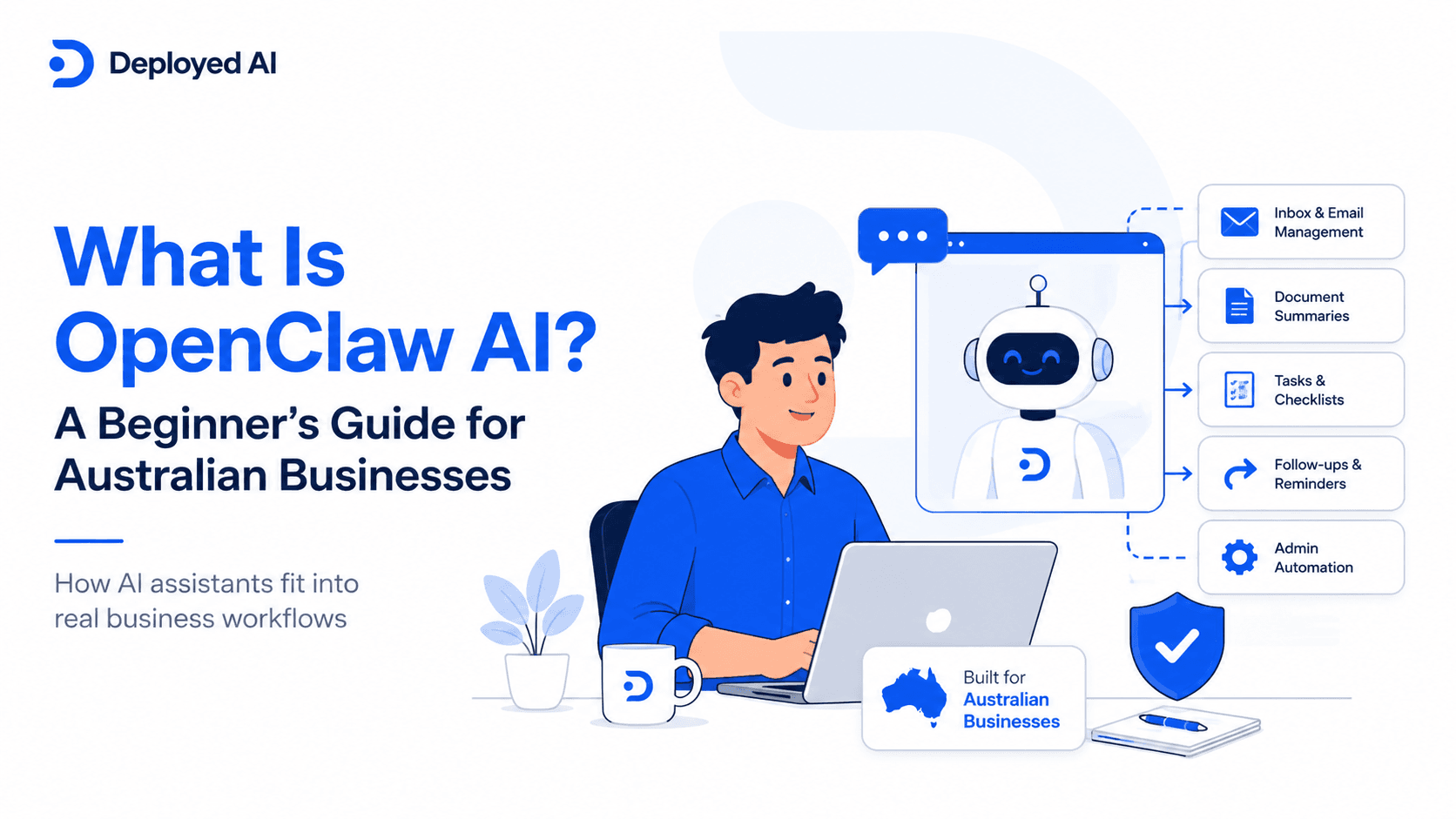
If you have come across OpenClaw AI and you are trying to work out whether it is a serious business tool or just another AI trend, the short answer is yes, it is a real platform with real business uses. In practical terms, OpenClaw is an open-source AI assistant platform that can run on your own devices and connect to tools, files, and communication channels so it can do more than basic chat.
For Australian business owners, that matters because the real question is not whether OpenClaw sounds clever. The real question is whether it can take a messy, repetitive workflow and turn it into something faster, clearer, and easier to manage.
In plain terms, OpenClaw sits somewhere between a chatbot and a full business automation stack. It is designed for people who want more control over how an AI assistant behaves, what systems it can touch, and where data lives. If you are new to the space, that can sound technical. In business terms, it gives you a way to build an AI assistant around real work, not just prompts.
What OpenClaw AI is
OpenClaw is best understood as a personal or team-facing AI assistant that can take action across connected tools instead of only replying in a browser window. Depending on how it is set up, it can work through the channels people already use, keep context across tasks, and follow instructions that map to a repeatable workflow.
That does not mean it should be treated like a magic staff replacement. It is still software, and good results depend on the workflow, the permissions you give it, and the rules around review and approval.
For a business owner, the appeal is usually one of these:
- you want an assistant that can work inside your existing operating rhythm
- you want more control over privacy and deployment than a consumer AI app gives you
- you want automation that can carry out steps, not just write text
- you want the option of a managed setup rather than stitching together a dozen tools yourself
If you are already looking at a managed OpenClaw setup, that is usually a sign you are thinking about business operations, not just experimenting for fun.
How OpenClaw works in simple terms
At a high level, OpenClaw combines a model, a set of instructions, access to selected tools, and a place to work. You give it a job, it reasons through the task, and then it can take approved actions in the systems you have connected.
That might mean reading from a message thread, drafting a response, checking a document, creating a follow-up task, or handing the result back to a human for approval. The exact setup can vary, but the pattern stays the same: instructions in, actions out, with guardrails around what the assistant is allowed to do.
This is why OpenClaw feels different from a normal chatbot. A standard chatbot is mostly there to answer questions. OpenClaw is more useful when you want the assistant to work through a process.
Where OpenClaw fits in a business
OpenClaw usually makes the most sense when a business has repeatable admin-heavy work that follows a recognisable pattern. Think client intake, inbox triage, document summaries, quote preparation, lead qualification, follow-up reminders, or internal handover notes.
Here is a simple example we see all the time.
A professional services firm gets a steady flow of new enquiries through email and web forms. Someone on the team has to read the enquiry, pull out the important details, check whether the job is a fit, prepare a summary, and line up the next action. None of that is especially hard, but it quietly burns hours every week.
An OpenClaw workflow could:
- collect the incoming enquiry details
- summarise the request in a standard format
- flag missing information
- draft a reply for a team member to review
- create the next task in the handover process
That is a stronger use case than asking an AI to "do marketing" or "run the business." It is narrow, practical, and easy to measure.
If you want a broader picture of business use cases, our guide on how to use OpenClaw in your business goes deeper into the day-to-day side.
When OpenClaw is a good choice
OpenClaw is usually a good fit when you already know which workflow needs attention and you want more control than a generic AI app offers.
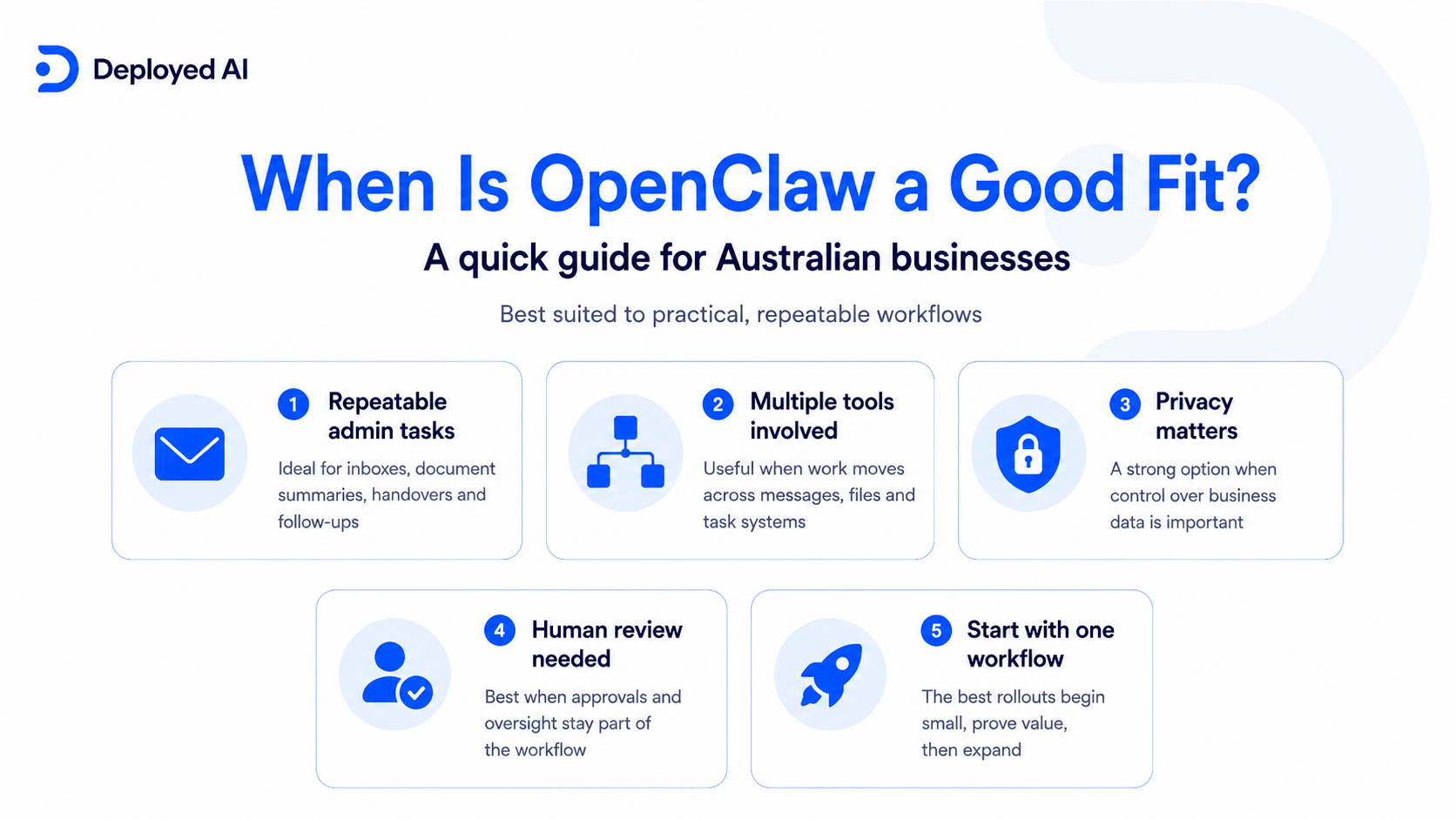
Signs it may be worth exploring:
- your team repeats the same admin steps every day
- work moves across messages, documents, and task tools
- privacy, oversight, or deployment control matters
- you want human approval in the loop for sensitive actions
- you are willing to treat rollout as an operations project, not a weekend experiment
The strongest results tend to come from businesses that start with one workflow, prove the value, and then expand. That is the same pattern we see in successful automation projects more broadly. Tight scope beats big ambition early on.
When OpenClaw is not the right fit
OpenClaw is not automatically the right answer just because it is powerful.
It may be the wrong fit if:
- you do not yet know which process needs improvement
- the task changes wildly every time and has no consistent structure
- no one is available to review outputs, permissions, and edge cases
- you want instant results with no setup thinking at all
- a simpler tool already solves the problem well enough
Some teams jump to OpenClaw because they like the idea of self-hosted or private AI. That can be sensible, but it is not a business case by itself. The business case still needs to be grounded in time saved, clearer handovers, fewer dropped tasks, or a better client experience.
Common mistakes when evaluating OpenClaw
The first mistake is treating OpenClaw like a product demo instead of an operating tool. A few impressive outputs in a test environment do not prove that a workflow is ready for real business use.
The second mistake is skipping governance. If an assistant can touch inboxes, files, or customer information, you need to be clear about permissions, approvals, and responsibility. That is one reason people read our common OpenClaw questions before they commit to a rollout.
The third mistake is trying to automate too much in the first version. We usually get the best early wins from boring work that already follows a pattern.
The fourth mistake is assuming DIY is always cheaper. Time spent configuring, testing, fixing, and managing change inside the team has a cost. In some cases, our OpenClaw setup guide is the point where people realise they would rather have a structured implementation path.
What a managed rollout can look like
From our perspective, the best OpenClaw rollout is not about throwing an agent into the business and hoping for the best. It starts with one workflow, one owner, and a clear definition of success.
We would normally look at:
- the specific job you want the assistant to handle
- the systems it needs to touch
- what must stay human-reviewed
- how outputs should be formatted
- what "good" looks like after 30 days
Once that is clear, the technical work becomes easier to justify. That includes setup, guardrails, workflow design, and the handover process for your team. If you want to see how that looks in practice, what an OpenClaw deployment actually looks like breaks down the rollout side in plain English.
Where Deployed AI fits
We see OpenClaw as a useful option for businesses that want more ownership over how AI is deployed, but we do not think every business needs it.
If your workflow is simple, a lighter tool may be enough. If your workflow crosses multiple systems, needs stronger control, or has higher stakes around privacy and approvals, OpenClaw becomes more interesting.
Our job is not to push a platform for the sake of it. We would rather tell you a lighter option is enough than sell you something your team will never use. If OpenClaw is the right fit, then the job is to shape the rollout so your team can actually use it.
FAQs
What is OpenClaw AI used for in a business setting?
It is usually used for repeatable workflows where an AI assistant needs to do more than write text. That can include inbox triage, document summaries, client intake, internal handovers, and task preparation.
Is OpenClaw only for developers or technical teams?
No, but someone still needs to think clearly about setup, permissions, and workflow design. Business owners do not need to become engineers, though they do need a realistic rollout plan.
How is OpenClaw different from using ChatGPT or a standard AI chatbot?
The main difference is that OpenClaw is aimed at action and workflow control, not just conversation. It can be configured around tools and processes, which makes it more useful for operational work.
When is OpenClaw a poor fit for a business?
It is a poor fit when the business has no clear process to improve, no owner for the rollout, or no appetite for testing and review. In those cases, a smaller automation step usually makes more sense.
Do I need a managed setup to use OpenClaw safely?
Not always, but many businesses benefit from one. A managed setup can reduce risk, shorten the learning curve, and give you a clearer structure around approvals, security, and business priorities.
If you want help deciding whether OpenClaw is a fit for your business, contact us.