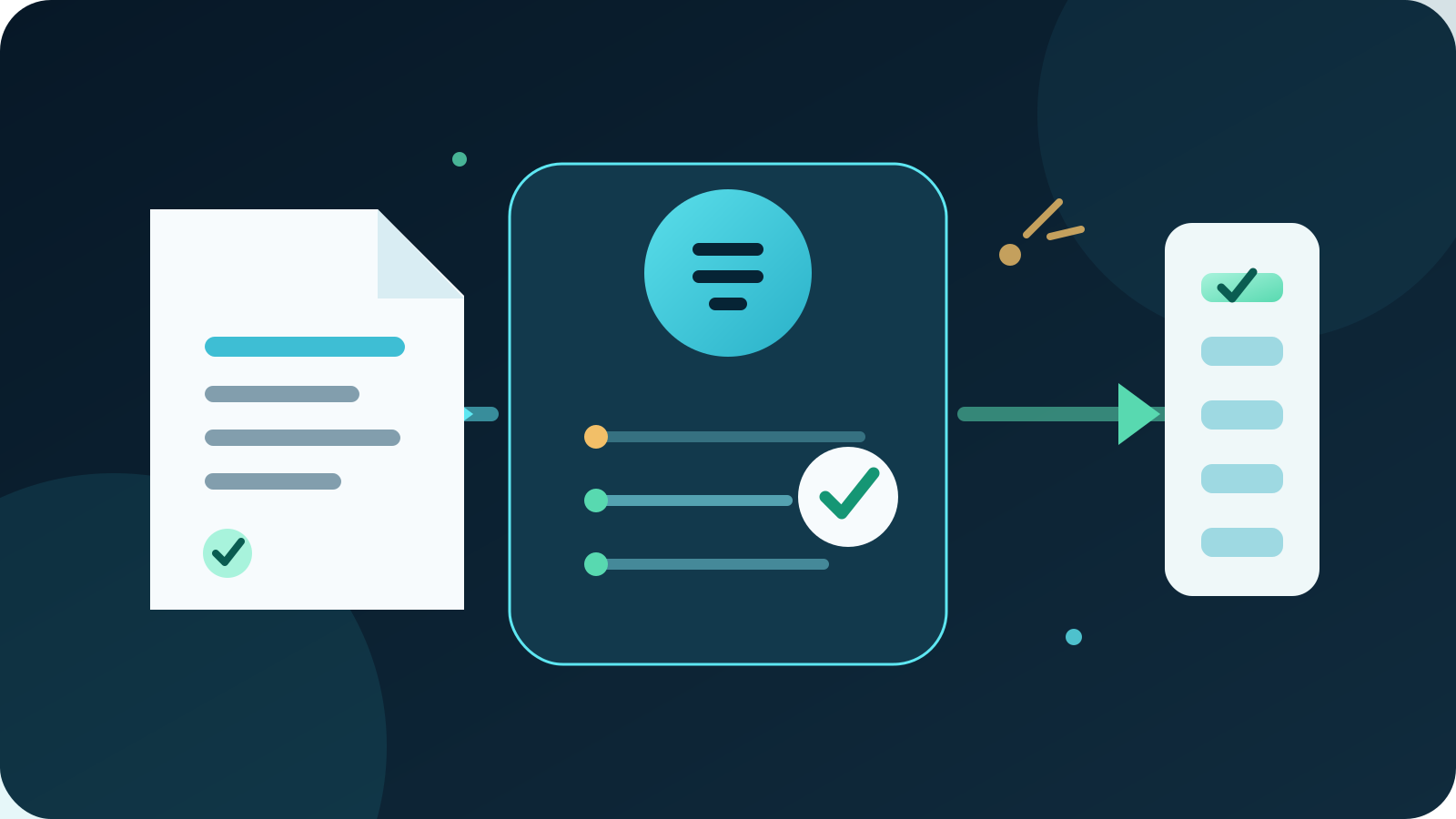
AI data entry automation captures information from emails, forms, documents and messages, then checks and enters it into a business system. The safest setup combines AI extraction with fixed validation rules and human review. It reduces repetitive copying without allowing uncertain or sensitive data to update records unchecked.
For most Australian businesses, the best first project is one high-volume intake process with a clear destination, such as entering approved order details into a CRM or job system. Start in draft-only mode, measure correction rates and expand only after the workflow handles exceptions safely.
Key takeaways:
- Automate one repeated data path before connecting every system.
- Use AI to read varied inputs and rules to validate required fields.
- Send uncertain, conflicting or high-impact changes to a named reviewer.
- Keep payment, identity, access and legal record changes under human approval.
- Measure accepted fields, correction time and exception causes, not keystrokes saved.
Contents
- What is AI data entry automation?
- Which data entry tasks are suitable?
- How does the workflow operate?
- What should remain under human control?
- How do you prepare your data and rules?
- How do you protect business and personal information?
- How should you choose a system?
- How do you test a pilot?
- How do you measure the result?
- When is Deployed AI not the right fit?
- Frequently asked questions
What is AI data entry automation?
AI data entry automation is the use of artificial intelligence to read unstructured information, identify useful fields and prepare structured records for a business system. The input might be a PDF, email, image, web form, spreadsheet or message. The destination might be a CRM, accounting platform, job system, inventory record or shared database.
The main difference between AI data entry and ordinary automation is how each handles variation. A fixed rule can copy a value from the same spreadsheet column every time. AI can recognise an invoice number, customer name or delivery address when suppliers use different layouts and wording.
A reliable workflow uses both:
| Layer | Role | Example |
|---|---|---|
| AI extraction | Reads varied inputs and proposes fields | Finds an order number in an email attachment |
| Validation rules | Checks format, completeness and business limits | Rejects a missing ABN or an invalid date |
| Reference data | Compares against approved records | Matches a customer to the correct CRM account |
| Human review | Resolves uncertainty and approves sensitive changes | Confirms a new bank account before any update |
| Audit record | Records the source, decision and final change | Shows who approved the corrected customer record |
The goal is not to remove people from the process. It is to stop people repeatedly copying obvious information so they can focus on exceptions and decisions.
Which data entry tasks are suitable?
The best candidates are frequent, rules-based tasks with a clear source, destination and owner. Staff should be able to explain what a correct record looks like and what must happen when information is missing.
Useful starting points include:
- entering enquiry details from forms and emails into a CRM
- creating draft jobs from accepted quotes or work orders
- capturing supplier invoice fields for accounts payable review
- updating product or inventory records from approved spreadsheets
- recording delivery, service or inspection details from standard documents
- preparing customer onboarding records from completed forms
- moving approved contact details between connected systems
Choose a process with enough volume to justify setup, but not so much risk that one wrong field creates a serious loss.
Which tasks are poor first candidates?
Avoid processes where the source is unreliable, the rules change constantly or no one owns the destination record. Also avoid beginning with changes that can release money, grant access, commit the business or overwrite a legal record.
A task is a poor first pilot when:
- staff cannot agree which source is authoritative
- duplicate records are common and unresolved
- the destination has no required fields or validation rules
- the input regularly contains handwriting or damaged scans that no one checks
- errors are discovered only after customers, suppliers or regulators are affected
- the proposed workflow combines extraction, approval and action in one hidden step
Clean up the process before adding AI. Automation can move inconsistent information faster, but it cannot decide which business rule was meant to apply.
How does the workflow operate?
A controlled AI data entry workflow moves information through visible stages. Each stage has a specific purpose and a safe failure path.
- Receive the input. Accept files or messages from an approved inbox, form, folder or system event.
- Preserve the source. Keep the original file, message ID or record link so staff can verify the proposed data.
- Classify the item. Identify the document or request type and send unrelated items to the correct queue.
- Extract proposed fields. Read the relevant information and attach a source reference to each field where possible.
- Apply fixed checks. Test required fields, formats, values, dates, duplicates and approved reference records.
- Score and route exceptions. Send uncertain, conflicting or high-impact fields to a named reviewer.
- Create a draft record. Prepare the destination entry without committing a sensitive change.
- Record approval or correction. Store who reviewed the item, what changed and why.
- Write the approved record. Update the destination through a controlled account with only the permissions it needs.
- Monitor the result. Reconcile the source and destination, then report failed writes, corrections and unusual patterns.
Keep extraction and action separate. A model may read a new supplier bank account correctly, but that does not prove the request is genuine or authorised.
This workflow is a focused form of AI workflow automation. Data entry projects need extra attention to field definitions, duplicate handling and reconciliation because a neat record can still contain the wrong fact.
What should remain under human control?
People should control changes that affect money, identity, access, commitments or important customer outcomes. AI can prepare the information, but an authorised person should make the decision.
| Change or decision | Required control |
|---|---|
| Bank account or payment details | Verify through an approved independent process |
| New supplier or customer identity | Check duplicates, ownership and required evidence |
| Price, discount or credit limit | Apply approval limits and named authority |
| Payroll, tax or superannuation data | Require authorised review and restricted access |
| User role or system access | Use the formal identity and access process |
| Contract, licence or compliance record | Confirm the source and legal effect |
| Deleting or merging a record | Show the impact and require explicit approval |
| Overriding a failed validation | Record the reviewer, reason and evidence |
Human review needs enough context to be useful. Show the original source, extracted value, destination field, matching rule and reason for escalation. A reviewer should not have to approve a vague summary without seeing what will change.
Set a safe default for uncertainty. If the system cannot match a customer, read a field or confirm the current record, it should stop and create a review task rather than guess.
How do you prepare your data and rules?
Begin with a short data dictionary for the selected process. It should define each field, accepted format, authoritative source, validation rule, destination and owner.
For a customer enquiry workflow, that might include:
| Field | Definition | Check | Exception path |
|---|---|---|---|
| Customer name | Person or trading name supplied by the enquirer | Required and trimmed of obvious spacing errors | Reviewer checks unclear or conflicting names |
| Address supplied for reply | Valid email format | Keep as draft if malformed | |
| Phone | Australian or international contact number | Normalise country code without inventing digits | Reviewer confirms ambiguous numbers |
| Business | Organisation associated with the enquiry | Match against CRM records | Present possible duplicates |
| Service interest | Requested service or problem | Map to an approved list | Route unknown categories to general review |
| Consent source | Form, email or other recorded permission | Preserve source and time | Do not add marketing status without evidence |
| Record owner | Person or team responsible for follow-up | Apply territory or service rules | Escalate when no rule matches |
Test the rules on historical examples before connecting the destination. Include duplicates, blank fields, old templates, unusual formatting and conflicting information.
Decide which system owns each fact. A CRM may own contact details, while the accounting platform owns approved billing information. Synchronising both directions without a clear owner can create loops and overwrite newer data.
How do you protect business and personal information?
Limit what the workflow can see, store and change. Data entry automation may process personal information, financial details, commercial records and credentials, so access should follow the task rather than the convenience of a broad connection.
The Australian Bureau of Statistics reported that 12% of Australian businesses used AI in 2024–25, compared with 1% in 2021–22. The same release found that 21% experienced a cyber security incident during 2024–25. Growing AI use does not remove the need for basic access, logging and review controls.
Use these controls from the first pilot:
- connect only the approved source and destination records
- use a dedicated service identity with minimum permissions
- separate read, draft, update, approve and send permissions
- restrict logs from exposing complete sensitive fields
- encrypt information in transit and at rest where required
- define retention for source files, prompts, drafts, outputs and logs
- test access removal, expired credentials and failed integrations
- keep a manual process available when the workflow stops
Ask providers where information is processed, how long it is retained, whether it is used to improve models, which subcontractors receive it and how deletion works. Match the answers to your contracts, privacy obligations and customer commitments.
Do not paste a bulk customer list into an unapproved general AI account. If personal information is involved, complete the relevant privacy and security review before the workflow is connected.
How should you choose a system?
Choose the smallest system that can read your real inputs, apply your rules and show reviewers the source. A polished demonstration with clean sample files is not evidence that it will handle your invoices, forms or messages.
| Criterion | What to verify |
|---|---|
| Input handling | Supports your actual file types, scans, emails and forms |
| Source traceability | Links proposed fields to the original item or location |
| Validation | Applies required fields, formats, ranges and reference checks |
| Duplicate control | Finds likely existing records before creating another |
| Review workflow | Routes exceptions with enough context for a decision |
| Permissions | Restricts each connection and action by role |
| Integrations | Uses supported connections to the systems you depend on |
| Data handling | Explains processing, retention, training and deletion terms |
| Failure behaviour | Stops safely on missing fields, outages and conflicting records |
| Audit history | Records sources, proposed changes, approvals and final writes |
| Full cost | Includes setup, usage, review, support and maintenance |
For most small and mid-sized businesses, the best option is a controlled workflow around one existing system of record. Buying a larger platform may add cost without fixing unclear field definitions or weak approval rules.
If varied documents are the main problem, compare this approach with AI document automation. If the input is already structured and consistent, ordinary rules-based automation may be cheaper and easier to maintain.
How do you test a pilot?
Build a representative test set before processing live information. Use appropriately protected historical examples and remove unnecessary personal data from the test where possible.
Include:
- a normal, complete record
- a duplicate with slightly different spelling
- a blank required field
- conflicting details across an email and attachment
- an unusual date, phone number or address format
- a low-quality scan or unsupported file
- a sensitive change that must require approval
Define the expected fields, validation result, destination and review path for every example. Score fields separately because one correct customer name does not compensate for a wrong amount or account number.
Run the first version in draft-only mode. Review every item, classify corrections by cause and update the rules or extraction prompts where the pattern is clear. Do not hide failures inside an average accuracy figure.
Then test the operational failure paths. Disconnect a source, expire a credential, reject an approval and make the destination unavailable. Confirm that the workflow queues work safely, avoids duplicate writes and tells the right person what happened.
How do you measure the result?
Measure whether the workflow creates accurate records with less handling and faster exception resolution. Counting processed documents says little about quality.
Track a small set of measures:
| Measure | What it shows |
|---|---|
| First-pass acceptance | Records approved without a field correction |
| Field correction rate | Which fields cause repeated errors |
| Exception rate | The share of items requiring review |
| Review time | Staff effort spent resolving exceptions |
| End-to-end time | Time from source receipt to approved destination record |
| Duplicate rate | New records that should have matched an existing one |
| Failed write rate | Destination updates that did not complete correctly |
| Reconciliation gaps | Differences between approved source data and final records |
| Control failures | Unauthorised, unlogged or incorrectly routed changes |
Record a baseline using the current manual process. Include the time spent finding sources, correcting records and fixing downstream mistakes, not just typing.
A good pilot may surface more exceptions at first because the new checks reveal missing fields and duplicate records. That is useful when the business resolves the causes and the exception rate falls over time.
When is Deployed AI not the right fit?
Deployed AI is not the right fit when the task has low volume, the source is already structured, or the existing software includes reliable import and validation features. A better spreadsheet template, required web form or built-in CSV import may solve the problem with less cost.
Automation also should not begin when no one owns data quality or approves exceptions. Define the process and accountability first.
Deployed AI provides managed AI systems that connect with selected business tools, with setup, team training and ongoing Australian support. If repeated copying is delaying work or creating errors, book a free 30-minute AI audit to identify one safe data entry pilot.
Frequently asked questions
Can AI automate data entry?
Yes. AI can read information from varied emails, forms, documents and images, then prepare structured fields for a CRM, accounting platform or other system. Use validation rules and human review for uncertain or sensitive fields rather than allowing every extracted value to update records automatically.
What is the best AI data entry task to automate first?
The best first task is frequent, rules-based and easy to verify. For many businesses, that means creating draft CRM or job records from an approved form, email or order document, with a person reviewing exceptions before the record is committed.
Is AI data entry accurate?
Accuracy depends on the input quality, field definition, model, rules and test set. Measure important fields separately and require a safe stop for missing or conflicting information. Do not rely on one average accuracy number across fields with very different consequences.
How much does AI data entry automation cost?
Cost depends on input volume, document variety, integrations, review time, software usage and ongoing maintenance. A narrow pilot around one existing system usually costs less than a broad platform rollout and gives the business evidence before it expands.
Does AI data entry replace staff?
AI data entry should reduce repetitive copying and prepare work for review. People still need to resolve exceptions, approve sensitive changes, maintain rules and own the quality of business records.