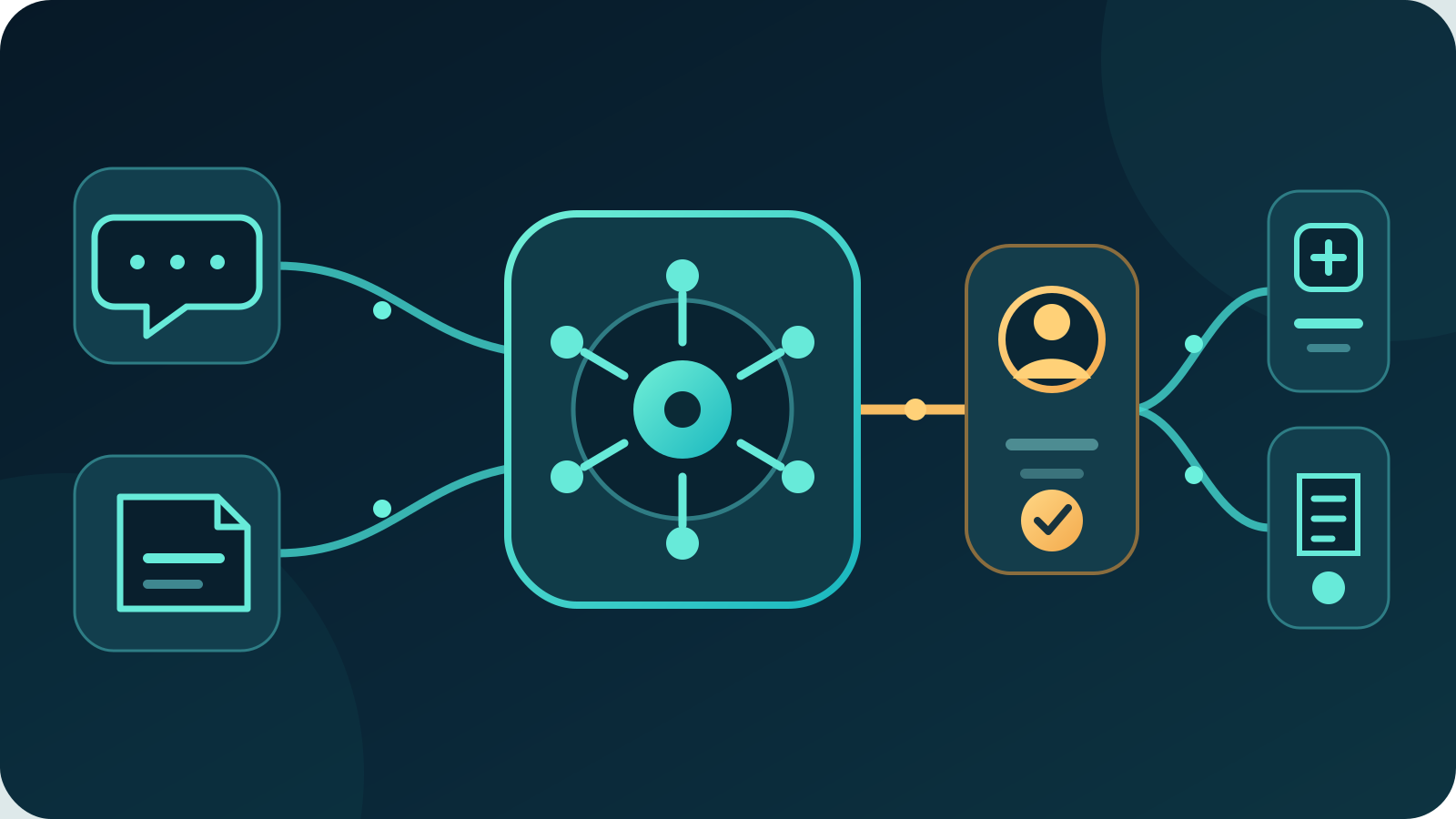
AI workflow automation uses artificial intelligence inside a defined business process to interpret information, prepare work and route the next step. For most Australian businesses, the best first workflow automates one repeated administrative process while people retain approval over commitments, payments, sensitive decisions and exceptions.
Start with a workflow that has clear inputs, a known owner and a measurable result. Map the current process before choosing software, give every connection the minimum access it needs and test the complete path with real examples.
Key takeaways:
- Automate a whole business outcome, not an isolated AI prompt.
- Use fixed rules for predictable steps and AI only where interpretation helps.
- Keep approval gates before high-impact actions.
- Give each system connection narrow permissions and an owner.
- Measure completed, correct outcomes and correction work.
Contents
- What is AI workflow automation?
- How is it different from ordinary automation?
- What can AI workflow automation do?
- What is the best first workflow to automate?
- How do you map an AI workflow?
- Which steps should use AI?
- What controls should the workflow include?
- How should you compare workflow automation options?
- How do you test an AI workflow?
- How should you measure the result?
- What does AI workflow automation cost?
- When is automation the wrong choice?
- Where should an Australian business start?
- Frequently asked questions
What is AI workflow automation?
AI workflow automation is a managed sequence of tasks in which software moves information between systems, applies business rules and uses AI for selected interpretation or drafting steps. The workflow has a trigger, inputs, decisions, actions, approvals, exception paths and a recorded outcome.
A useful workflow might:
- receive an email or form submission
- extract the relevant details
- check required fields and business rules
- classify the request
- retrieve approved supporting information
- prepare a draft or recommended action
- ask a person to approve an important step
- update the correct business system
- notify the relevant people
- record the result for review
The AI component is only one part. The business value comes from connecting the steps without losing control, context or accountability.
Australian keyword research for this guide found about 110 monthly searches for “AI workflow automation”, with low advertising competition and a reported cost per click of $20.22. Search results favour software lists and broad platform guides. This article takes a different approach: how an Australian business can select, control and measure one real workflow.
How is it different from ordinary automation?
Ordinary automation follows fixed instructions. AI workflow automation adds interpretation where information is variable, unstructured or expressed in everyday language.
| Approach | Best at | Example | Main limitation |
|---|---|---|---|
| Manual process | Judgement, negotiation and unusual cases | Resolving a disputed invoice | Slow for repeated administration |
| Rules-based automation | Predictable data and exact conditions | Send a reminder three days before a due date | Breaks when inputs vary |
| Robotic process automation | Repeating screen or system steps | Copy fields between older systems | Fragile when interfaces change |
| AI-assisted workflow | Classifying, extracting, summarising and drafting | Read an enquiry and prepare a routed response | Can misread context or invent details |
| AI agent workflow | Choosing and carrying out several permitted steps | Research a lead, draft follow-up and create a task | Wider consequences if permissions are broad |
Use the simplest reliable method for each step. A due-date calculation does not need AI. An invoice total should come from the source document or accounting system, not a language model's guess. AI is useful when the workflow must interpret a supplier email, match varied wording to a category or draft a response from approved information.
The best design is usually mixed. Fixed rules handle validation, dates, permissions and system updates. AI handles language and judgement-like preparation. People approve exceptions and material commitments.
What can AI workflow automation do?
AI workflow automation can reduce repeated handling across administration, sales, service, finance and operations. It works best where the process is frequent, the inputs can be checked and the correct outcome is clear.
| Workflow | AI contribution | Fixed control | Human responsibility |
|---|---|---|---|
| Enquiry triage | Classify intent and draft a reply | Required fields and routing rules | Confirm price, fit and commitments |
| Document intake | Extract names, dates and reference numbers | Validate formats and duplicates | Review uncertain or sensitive records |
| Meeting follow-up | Summarise decisions and draft actions | Use the approved task template | Confirm owners and due dates |
| Supplier onboarding | Read forms and flag missing information | Identity, bank-detail and approval checks | Verify supplier and authorise setup |
| Support requests | Identify topic, urgency and likely next step | Queue, service-level and escalation rules | Handle complaints and exceptions |
| Sales administration | Research approved sources and prepare CRM notes | Mandatory fields and deduplication | Approve outreach and claims |
| Internal knowledge requests | Retrieve relevant procedures and draft an answer | Source and permission filters | Apply judgement to unusual cases |
| Operational reporting | Explain changes and prepare commentary | Calculate metrics from source data | Approve interpretation and response |
A workflow may stop after creating a draft. That is still automation if it consistently gathers the right context and puts the work in front of the right person.
AI workflow automation is broader than an AI scheduling assistant or AI email assistant. Those tools focus on one channel. A workflow can join email, documents, customer records, approvals and reporting around one business outcome.
What is the best first workflow to automate?
For most businesses, the best first workflow is high-frequency administration with a clear starting event, a standard output and a safe review point. Enquiry triage, document intake and meeting follow-up are stronger pilots than payments, employee decisions or complex customer disputes.
Score candidate workflows from one to five on these factors:
| Factor | A strong pilot has | A weak pilot has |
|---|---|---|
| Frequency | Enough cases each week to test | Rare events with little evidence |
| Consistency | A recognisable path and output | A different process every time |
| Data quality | Current, accessible source information | Missing or conflicting records |
| Error impact | Errors are easy to catch and reverse | Errors create financial or legal harm |
| Ownership | One person owns the process | Responsibility is shared or unclear |
| Measurement | Time, accuracy and outcome can be compared | Success is described only as “better” |
| Integration | One or two stable systems | Many fragile or unsupported connections |
Choose the workflow with the best combination of repetition, clarity and reversibility. Do not automatically choose the task staff dislike most. The messiest process often needs redesign before automation.
A useful pilot statement is specific: “Classify website enquiries, prepare a draft response from approved service information and create a CRM task after staff approval.” Avoid goals such as “automate sales” or “use AI across the business”.
How do you map an AI workflow?
Map what happens now before designing the automated version. Follow several real cases from trigger to outcome, including one that fails or takes an unusual path.
Record these parts on one page:
- Trigger: the event that starts the workflow
- Inputs: messages, documents, fields and system records used
- Source of truth: where each fact must come from
- Decisions: rules, classifications and judgement points
- Actions: drafts, updates, notifications and tasks created
- Approvals: the person who confirms high-impact steps
- Exceptions: missing information, conflicts and unsupported requests
- Permissions: what each connection may read, create or change
- Retention: what is logged and for how long
- Outcome: the result and evidence used to measure it
Mark every hand-off between people and systems. Repeated copying, waiting and checking often reveal the best automation opportunities.
Then remove unnecessary steps. Automating an obsolete approval or duplicate spreadsheet preserves the problem. Simplify the process first, then use AI only where it changes the result.
Which steps should use AI?
Use AI where the input varies but a person can describe and verify a good result. Use normal code and rules where the answer must be exact.
Good AI tasks include:
- identifying the intent of an email
- extracting fields from varied document layouts
- summarising a conversation against a template
- matching a request to an approved category
- retrieving relevant internal information
- drafting a response for review
- explaining a change in verified source data
Keep these deterministic:
- arithmetic and totals
- date and threshold calculations
- identity and permission checks
- duplicate detection based on unique identifiers
- required-field validation
- payment and account details
- final system writes after approval
Ask three questions about every proposed AI step:
- Can the output be checked against a source?
- What happens when confidence is low or information conflicts?
- What is the consequence if the output is wrong?
If the answer cannot be checked, the fallback is unclear or the consequence is high, keep a person in the step.
What controls should the workflow include?
Controls should sit inside the workflow rather than in a policy nobody sees during the work.
Use these practical safeguards:
- Minimum access: separate read, draft, create, update and send permissions.
- Approved sources: define which systems and documents can support an output.
- Validation: check required fields, formats, totals and references before action.
- Approval gates: require a person before sending commitments, changing records or moving money.
- Exception routing: stop and assign a person when information is missing, conflicting or sensitive.
- Audit trail: record inputs, sources, decisions, approvals, actions and workflow version.
- Stop control: let an owner pause the workflow without waiting for a developer.
The Australian Government's Voluntary AI Safety Standard contains 10 guardrails for organisations. They cover accountability, risk management, data governance, testing, human oversight and transparency. These principles are useful even for a small workflow.
Privacy also affects adoption and trust. The Office of the Australian Information Commissioner's 2023 privacy survey found that 84% of Australians want more control and choice over collection and use of their personal information, while only 32% felt in control of their data privacy. The survey included a nationally representative sample of 1,916 adults.
Before connecting customer or staff information, document what the workflow collects, why it needs it, where it is processed, who can access it, whether a provider may use it for model training and when it is deleted. Do not move sensitive data into an AI tool simply because the integration is easy.
How should you compare workflow automation options?
Compare options against the workflow you mapped, not the size of a product's feature list.
| Criterion | What to ask |
|---|---|
| Integration fit | Does it support the required systems through maintained connections? |
| Permission control | Can each step have separate read and write access? |
| Source grounding | Can outputs be limited to and linked back to approved information? |
| Approval design | Can staff approve, edit, reject and comment before action? |
| Exception handling | What happens when a system, model or required field fails? |
| Testing | Can you run saved test cases before changing a live workflow? |
| Version control | Can you see who changed prompts, rules and connections? |
| Monitoring | Can failed runs be grouped by step, reason and workflow version? |
| Data handling | Where are inputs, outputs and logs processed and retained? |
| Portability | Can you export workflow logic, records and source mappings? |
| Support | Who responds when a live integration stops working? |
| Full cost | What do model use, connectors, setup, review and maintenance add? |
For most established businesses, the best option is not the platform with the most templates. It is the one that supports the required systems, gives administrators clear control and makes failures visible.
Ask for a demonstration using one of your real but de-identified cases. Include a missing field, conflicting information and an unavailable system. A useful product should stop safely and show what needs attention.
How do you test an AI workflow?
Test the complete workflow, including integrations, approvals and failure paths. A good prompt test does not prove the business process works.
Build a test set containing:
- ordinary examples from the current process
- uncommon formats and wording
- missing and duplicated information
- conflicting sources
- incorrect identity or account details
- prohibited or sensitive requests
- unavailable connected systems
- expired credentials and permission failures
- direct attempts to override the workflow's instructions
- cases that must reach a person
For every test, record the expected classification, source, draft, approval path, system action and final status. Review the difference between expected and actual outcomes.
Run the pilot in draft-only or read-only mode first. Let the workflow prepare work while staff complete the final action. Move one permission at a time only after the evidence supports it.
Set stop conditions before launch. Pause the workflow if it reveals restricted information, changes the wrong record, bypasses an approval, invents a material fact or repeatedly fails the same case type.
How should you measure the result?
Measure a correct completed outcome, not the number of AI steps or messages processed.
| Measure | What it shows | What can mislead you |
|---|---|---|
| Correct completion rate | Cases finished without correction | Counting drafts as completed work |
| Processing time | Time from trigger to usable outcome | Ignoring time spent waiting for review |
| Manual handling time | Staff effort per case | Moving work to a different team |
| Exception rate | Share needing human resolution | Treating safe escalations as failures |
| Correction rate | Work required after AI output | Hiding small edits that change meaning |
| Rework or repeat contact | Whether the first outcome solved the need | Closing tasks before the issue is resolved |
| Cost per correct outcome | Full cost of reliable completion | Excluding support and maintenance |
| Control failures | Privacy, permission or approval breaches | Averaging serious failures into a score |
Compare the pilot with a baseline from the manual process. Review results by case type, not only as one average. A workflow may perform well on ordinary requests and poorly on the exceptions that matter most.
Keep an error log with the cause and fix. Common causes include outdated source information, vague categories, missing validation, broad permissions and changes to connected systems.
What does AI workflow automation cost?
The cost includes process design, software, model usage, integrations, data preparation, testing, staff review, monitoring and ongoing changes. A low monthly platform fee can be a small part of the real cost.
Ask for an estimate covering:
- workflow mapping and redesign
- connection setup and authentication
- data cleanup and approved sources
- AI model and platform usage
- test-case design and pilot support
- security, privacy and permission controls
- monitoring, logs and incident response
- staff training and operating procedures
- connector maintenance and workflow changes
- export or transition if the provider changes
Compare cost per correct outcome with the current process. Include the cost of corrections and exceptions. A workflow that handles 90% of cases cheaply but creates expensive errors may be worse than a narrower workflow with a strong approval gate.
When is automation the wrong choice?
AI workflow automation is the wrong first step when the process has no agreed owner, the source information is unreliable or most cases require negotiation and empathy.
Do not begin with:
- disputed payments or bank-detail changes
- final legal, credit or employment decisions
- emergency or safety-critical instructions
- broad access to sensitive systems
- processes that change every week
- work with no reliable source of truth
- low-volume tasks that a simple checklist handles well
A form, template, search tool or ordinary rules-based automation may solve the problem with less cost and risk. Use AI only where variable language or unstructured information is the actual barrier.
Fix the process before automating it. If staff cannot agree on the correct outcome, approval rule and exception owner, software will reproduce the confusion faster.
Where should an Australian business start?
Review two to four weeks of repeated administrative work. List each candidate workflow, its frequency, handling time, error impact, systems and owner. Select one process with clear source information and a reversible first step.
Run a four-stage pilot:
- map the current workflow and baseline
- build the automated path in read-only or draft-only mode
- test ordinary cases, exceptions and failures
- expand permissions only after measured results pass the agreed threshold
Write a one-page operating record covering the purpose, owner, sources, permissions, approval points, exceptions, retention, measures and stop conditions. Update it when the workflow changes.
Deployed AI builds managed AI systems that connect selected business tools with scoped permissions, testing, training and ongoing Australian support. To assess one workflow, book a free 30-minute AI audit.
Frequently asked questions
What is AI workflow automation?
AI workflow automation is a defined business process that uses AI for selected tasks such as classification, extraction, retrieval or drafting. It also uses rules, system connections, approvals and exception paths to move work from a trigger to a recorded outcome.
What is an example of an AI automated workflow?
An enquiry workflow can read a website form, classify the request, retrieve approved service information, prepare a draft response and create a CRM task after staff approval. The AI interprets language, while fixed rules control required fields, permissions and system updates.
What is the difference between AI workflow automation and an AI agent?
AI workflow automation follows a designed path with defined decisions and controls. An AI agent may choose between permitted tools and plan several steps dynamically. For most businesses, a controlled workflow is the safer starting point because its actions and failure paths are easier to test.
Which business process should I automate first?
Start with a frequent administrative process that has consistent inputs, a clear output, reliable source information and a named owner. Enquiry triage, document intake and meeting follow-up are often better pilots than payments, disputes or sensitive decisions.
Do AI workflows need human approval?
Yes, where an action creates a commitment, changes an important record, sends information externally, moves money or affects a person. Low-risk preparation can run automatically, but approval should remain where the consequence of an error is material.