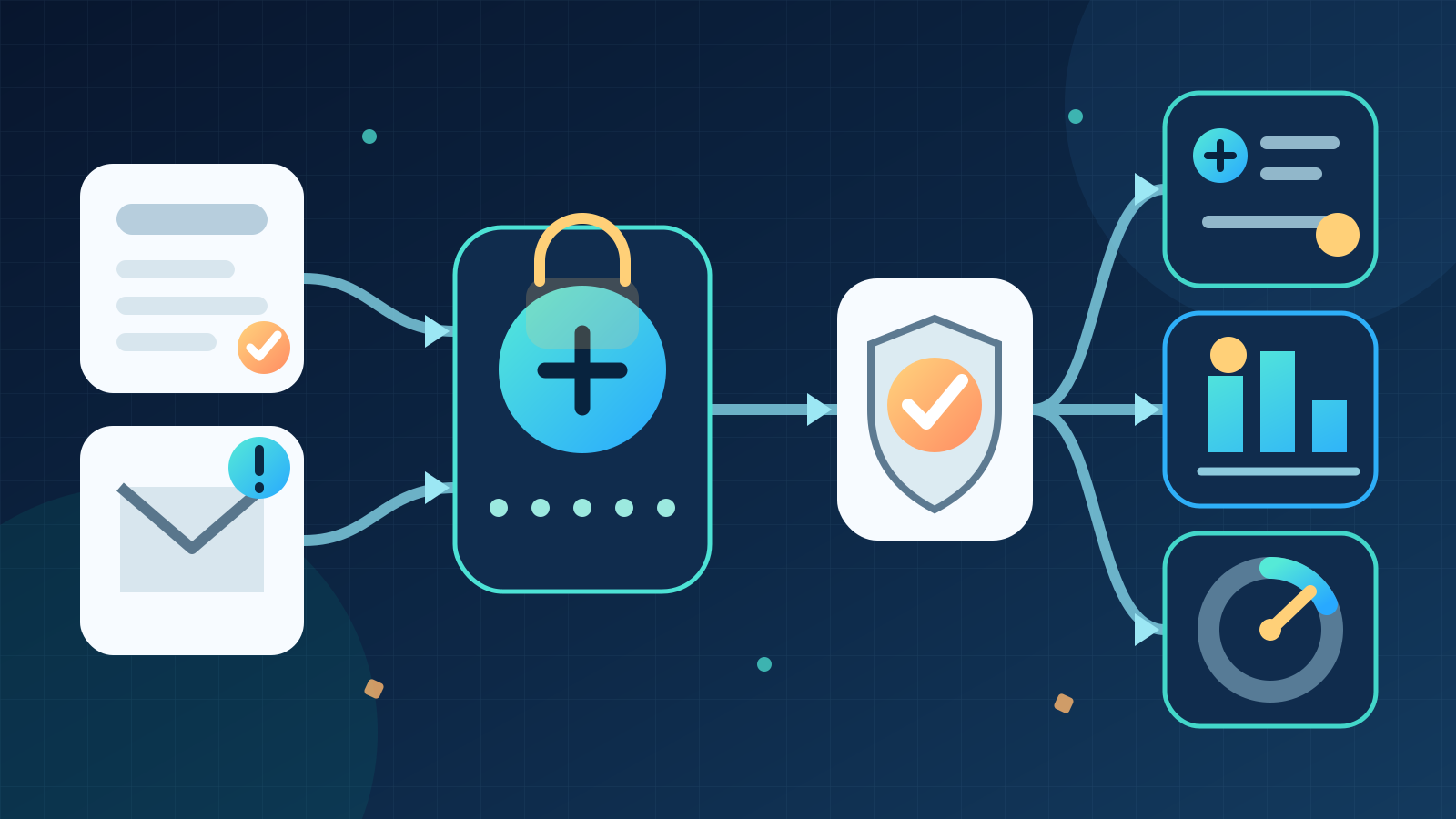
AI for HR can help Australian businesses answer routine employee questions, prepare onboarding tasks, organise learning administration and draft workforce reports. The best use is to prepare accurate, source-linked work for an HR professional or manager to review. AI should not make unchecked decisions about hiring, pay, performance or employment.
A sensible first project is a policy question assistant that retrieves approved documents and shows the source behind every answer. It can reduce repetitive administration without giving the system authority over people.
Key takeaways:
- Use AI to find, organise and draft, not to make unreviewed employment decisions.
- Keep approved policies and the HR system as the official sources of truth.
- Restrict access to the minimum employee information each workflow needs.
- Give staff a clear path to a person when a question is sensitive or unusual.
- Measure answer accuracy, corrections and resolution time before expanding.
Contents
- What does AI for HR mean?
- How is AI for HR different from AI recruitment?
- Where can AI help an HR team?
- How can AI answer employee policy questions?
- How can AI support onboarding and learning administration?
- How can AI improve workforce reporting?
- What privacy controls does AI for HR need?
- Which HR decisions should remain with people?
- How do you run an AI for HR pilot?
- How should you measure the result?
- When is AI the wrong choice for HR?
- Where should an Australian business start?
- Frequently asked questions
What does AI for HR mean?
AI for HR means applying artificial intelligence to human resources work such as finding policy information, organising employee requests, preparing onboarding steps, managing learning records and explaining workforce data.
The useful pattern is assistance with a defined task. An AI system might classify an incoming HR request, retrieve the current policy and prepare a draft answer. A responsible staff member still handles exceptions, checks sensitive matters and approves any action that affects an employee.
AI does not replace the HR information system, payroll platform or policy library. Those systems remain the official record. The AI layer interprets variable language and prepares work, while tested software applies fixed rules and records approved changes.
| Type of HR work | Best-fit method | Example |
|---|---|---|
| Fixed entitlement or calculation | Approved HR or payroll system | Calculate a leave balance from recorded hours |
| Variable question or document | AI-assisted retrieval and drafting | Find the relevant policy section and prepare an answer |
| Workflow step | Ordinary automation | Create approved onboarding tasks from a start date |
| Sensitive or material decision | Accountable person | Decide a performance, pay or employment matter |
This division keeps each tool within a job it can perform reliably. A language model should not calculate pay when a tested payroll rule already exists. A rigid rule should not try to interpret every way an employee might phrase a question.
How is AI for HR different from AI recruitment?
AI for HR covers the employment lifecycle after hiring as well as internal administration. It includes onboarding, policy support, employee enquiries, learning coordination, document handling, workforce reporting and offboarding.
AI recruitment focuses on attracting, assessing and communicating with candidates. Candidate screening, shortlisting and selection also introduce distinct fairness and privacy risks. Our separate guide to AI for recruitment in Australia covers those hiring workflows in detail.
Keep the two areas separate when planning systems and permissions. A recruitment assistant may need access to applications but should not automatically see employee performance records. An internal HR assistant may need approved policy documents but no access to unsuccessful candidate files.
The distinction also prevents a broad “HR AI” project from hiding several unrelated risks. Treat each workflow as its own product with a named owner, authorised data and defined approval boundary.
Where can AI help an HR team?
Good HR use cases repeat often, rely on identifiable source material and let a reviewer check the result quickly. They remove searching and re-keying rather than transferring judgement to a model.
| HR area | Useful AI contribution | Human responsibility |
|---|---|---|
| Employee enquiries | Classify the question, find approved guidance and draft a reply | Check sensitive cases and confirm the answer |
| Onboarding | Prepare role-based tasks, reminders and document checklists | Confirm access, responsibilities and completion |
| Policy management | Compare drafts, summarise changes and identify inconsistent wording | Approve policy meaning and communicate changes |
| Learning administration | Match required training to roles and prepare reminders | Approve requirements and handle exemptions |
| Document handling | Extract fields, identify missing items and route records | Verify the source and correct errors |
| Workforce reporting | Draft explanations of approved metrics and unusual movements | Interpret causes and decide any response |
| Offboarding | Prepare a checklist for access, property and records | Approve timing and complete sensitive conversations |
The common boundary is preparation. AI can assemble a checklist or draft a response, but a responsible person owns the employee outcome.
Avoid using one assistant for every HR task. Policy retrieval, learning reminders and workforce reporting need different data, tests and permissions. A smaller scope makes errors easier to detect and access easier to control.
How can AI answer employee policy questions?
A policy assistant can let an employee ask a question in ordinary language, retrieve relevant passages from approved documents and draft an answer with links to those sources. It should state when the available material does not answer the question.
For example, an employee might ask how to request annual leave. The assistant can locate the current leave policy, explain the documented steps and link to the correct form. It should not invent an entitlement, calculate a balance outside the HR system or decide whether the request will be approved.
A controlled design includes:
- One approved library with versioned policies and named owners.
- Access rules that respect location, role and employment type.
- Source citations beside each answer.
- A confidence or validation rule that routes uncertain questions to HR.
- A clear escalation path for personal, sensitive or disputed matters.
- Logs of the question, sources, answer and any correction.
- A review process when a policy changes.
Test the assistant with ambiguous and adversarial questions, not only simple examples. Include outdated terms, spelling errors, conflicting documents, unusual employment arrangements and questions the system must refuse or escalate.
Do not let a polished answer hide a weak source. If the policy library is outdated or contradictory, fix the documents before adding AI.
How can AI support onboarding and learning administration?
AI can prepare onboarding work from an approved role, location and start date. It can identify the relevant checklist, draft a welcome schedule, prepare reminders and flag missing information. Ordinary automation can then create approved tasks in the systems the business already uses.
Keep access and employment decisions outside the model. A manager should confirm the role, systems and permissions before accounts are created. IT or the relevant system owner should apply access through established controls.
A practical onboarding workflow could be:
- HR confirms the signed employment details in the system of record.
- The workflow retrieves the approved checklist for the role.
- AI prepares a draft schedule and identifies missing information.
- The manager reviews responsibilities, meetings and required learning.
- Approved tasks are created with owners and due dates.
- Exceptions return to HR rather than being guessed.
- Completion records flow back to the relevant business system.
Learning administration follows a similar pattern. AI can find courses associated with a role, prepare reminders and summarise completion gaps. A person must approve mandatory training rules, exemptions and any action based on a missed course.
The system should distinguish a reminder from a performance conclusion. Failure to complete a course may reflect leave, access problems, scheduling or an incorrect role assignment. It is a signal to investigate, not a judgement about the employee.
How can AI improve workforce reporting?
AI can help HR teams explain approved workforce metrics by drafting summaries, comparing periods and highlighting records that need checking. The source calculations should come from tested reporting logic, not from a language model.
Useful reporting tasks include:
- preparing a plain-language summary of headcount movements
- grouping common categories in de-identified employee enquiries
- identifying missing or inconsistent fields before a report is issued
- drafting commentary on learning completion by business unit
- assembling a regular dashboard pack from approved figures
Keep small groups and sensitive attributes out of broad summaries where identification is possible. Limit reports to people with a legitimate business need and record who can access them.
Be careful with inferred explanations. A model can describe that turnover rose in a period, but it cannot know the cause unless reliable evidence supports the conclusion. Present hypotheses as questions for investigation, not as findings about employees or managers.
The safest design separates calculation, interpretation and decision. Tested code calculates the metric. AI drafts an explanation from approved figures and definitions. An accountable person checks the context and decides what, if anything, should happen.
What privacy controls does AI for HR need?
HR records can include contact details, pay information, tax and superannuation details, performance records and sensitive personal information. Start by mapping exactly which data a workflow receives, why it needs it, who can see the result and when each copy is deleted.
The Office of the Australian Information Commissioner says privacy obligations apply to personal information in AI inputs and to AI outputs that contain personal information. Its guidance calls for product due diligence, privacy by design, human oversight and continuing review. As a matter of best practice, it recommends not entering personal information, especially sensitive information, into publicly available generative AI tools.
The Fair Work Ombudsman's workplace privacy guide explains that employee records have specific treatment under Australian privacy law. It also notes that third-party providers of HR, payroll, recruitment or training services may need to comply with the Australian Privacy Principles. Employers should tell staff what information they collect, why they collect it, who may receive it and how it can be corrected.
The employee records exemption is not a reason to treat all workforce data as unrestricted. Its application depends on who handles the information and why. Unsuccessful candidate information, provider handling and uses outside the direct employment relationship can have different treatment. Get appropriate advice for the intended workflow.
Before connecting an AI product, check:
- the exact fields and documents it can access
- where prompts, files, outputs and logs are processed and stored
- whether the provider uses business data for model training
- which provider staff, subprocessors and connected tools can access it
- how retention, deletion, access and correction requests work
- whether derived summaries are removed when a source record changes
- how incidents are reported and contained
- whether the business can export its data and stop using the service
Use business accounts, multifactor authentication and role-based access. Do not give a policy assistant access to a full personnel file merely because both sit in the same platform.
Monitoring needs separate care. The Fair Work Ombudsman recommends clear policies explaining what workplace monitoring occurs, which information is recorded and who can access it. State and territory surveillance laws may also apply. Do not introduce AI-based monitoring as a hidden extension of an administrative tool.
Which HR decisions should remain with people?
Decisions that materially affect a person's work, pay, opportunities, reputation or employment should remain with an accountable person. AI may organise relevant evidence, but it should not decide the outcome or become the only basis for it.
Keep human authority over:
- hiring, promotion and termination
- pay, bonuses and changes to employment conditions
- performance ratings and disciplinary action
- complaints, grievances and workplace investigations
- leave disputes and requests involving sensitive circumstances
- health, safety, disability and workplace adjustments
- conclusions drawn from employee monitoring or predicted behaviour
Human review must be meaningful. The reviewer needs enough time, authority and source information to disagree with the system. Requiring a person to click “approve” without showing the evidence does not create a useful control.
Do not ask AI to infer personality, commitment, truthfulness or future behaviour from messages, meeting activity or other workplace data. These conclusions can be inaccurate, difficult to contest and unrelated to the documented purpose of collection.
Create a review path for affected employees. Record the source information, system output, person responsible and reason for the final decision. Correcting the underlying data should also trigger a review of any output derived from it.
How do you run an AI for HR pilot?
Run one narrow workflow in parallel with the current process before it can change a record or send a final answer. Policy question support is usually a better first pilot than performance assessment because staff can verify every response against an approved source.
- Define the task. Name the users, input, output, owner and prohibited actions.
- Measure the current process. Record enquiry volume, response time, repeat questions, corrections and escalations.
- Approve the sources. Remove expired policies and assign an owner to each document.
- Map the data. Limit fields, users, storage and retention to what the task requires.
- Build test cases. Include routine, ambiguous, sensitive, outdated and out-of-scope questions.
- Set acceptance rules. Define the accuracy, source quality and escalation behaviour required.
- Run in shadow mode. Compare drafts with HR's normal answers without sending them to staff.
- Add controlled use. Let a small trained group review each answer before release.
- Review evidence. Analyse corrections, missed escalations, access logs and staff feedback.
- Expand or stop. Broaden the pilot only when the measured result justifies it.
Set stop conditions in advance. Pause the workflow if it exposes restricted information, cites an expired policy, bypasses review or repeatedly gives confident answers without adequate support.
Training matters as much as configuration. Show users which tasks are approved, what data must never enter an unapproved tool, how to check a source and where to report a problem.
How should you measure the result?
Measure the completed HR outcome, not the number of AI answers or documents produced. Faster drafting is not useful if staff spend more time checking errors or employees receive inconsistent advice.
| Measure | What it shows |
|---|---|
| Time to a verified answer | Whether employees receive useful help sooner |
| HR handling time per enquiry | Whether repetitive searching and drafting fell |
| Source accuracy | Whether answers cite the correct current policy |
| Material correction rate | How often reviewers change the meaning of a draft |
| Escalation accuracy | Whether sensitive or uncertain matters reach a person |
| Repeat contact rate | Whether the first answer resolves the question |
| Access and privacy incidents | Whether data controls work in practice |
| Cost per resolved enquiry | Whether software, review and support are economical |
| Employee feedback | Whether the service is clear, fair and easy to challenge |
Separate results by question type. The assistant may work well for finding a form but poorly for questions involving several policies. Keep the reliable category in scope and route the rest to HR.
Review false confidence, not only obvious failures. An answer that sounds certain but cites an unrelated policy is more dangerous than a clear escalation.
When is AI the wrong choice for HR?
AI is the wrong choice when a simpler policy, form, search function or system rule can solve the problem more reliably. Use the least complex method that produces the required outcome.
Do not start with AI when:
- policies are outdated, contradictory or have no owner
- HR records are incomplete or spread across uncontrolled copies
- staff cannot verify the output against a source
- the intended first use is a sensitive employment decision
- the business cannot restrict access or review logs
- the workflow depends on empathy, investigation or negotiation
- there is too little volume to justify setup and monitoring
Fix the process first. A clear policy library, consistent request categories and a working escalation route may remove most of the delay without AI.
AI is also a poor fit where employees need a confidential, human conversation. A grievance, safety concern or personal circumstance should not be forced through an assistant merely because it is available.
Where should an Australian business start?
Start with one high-volume administrative queue and two weeks of baseline data. For most businesses, a source-linked policy assistant or reviewed onboarding checklist offers a safer test than automated assessment of employees.
Choose one owner, approve the source material and keep the existing process available. Test with historical or synthetic cases before using real employee information, then require review until the evidence shows the workflow is accurate and useful.
Deployed AI builds managed AI systems that connect with selected business tools, with setup, team training and ongoing Australian support. To assess one practical HR workflow, book a free 30-minute AI audit.
Frequently asked questions
How is AI used in HR?
AI is used in HR to find policy information, organise employee requests, prepare onboarding tasks, administer learning records and draft workforce reports. It works best when it prepares source-linked work for a person to review rather than making employment decisions.
What is the best first AI project for HR?
For most businesses, the best first project is a policy question assistant that uses approved documents and cites the source behind every answer. It addresses repetitive administration while keeping uncertain, sensitive and personal matters with HR.
Can HR put employee information into ChatGPT?
Employee information should not be entered into a public or unapproved generative AI tool. The OAIC recommends, as a matter of best practice, not entering personal information and especially sensitive information into publicly available generative AI tools. Use an approved business system only after reviewing its purpose, access, storage, retention and training settings.
Can AI make performance decisions about employees?
AI should not make unchecked performance decisions. It may organise authorised evidence or prepare a draft summary, but an accountable person should verify the source, consider context, make the decision and provide a meaningful review path.
Does AI replace an HR information system?
No. The HR information system should remain the official source for employee records, entitlements and approved changes. AI can help interpret questions and prepare work, while tested systems and authorised people control the record.