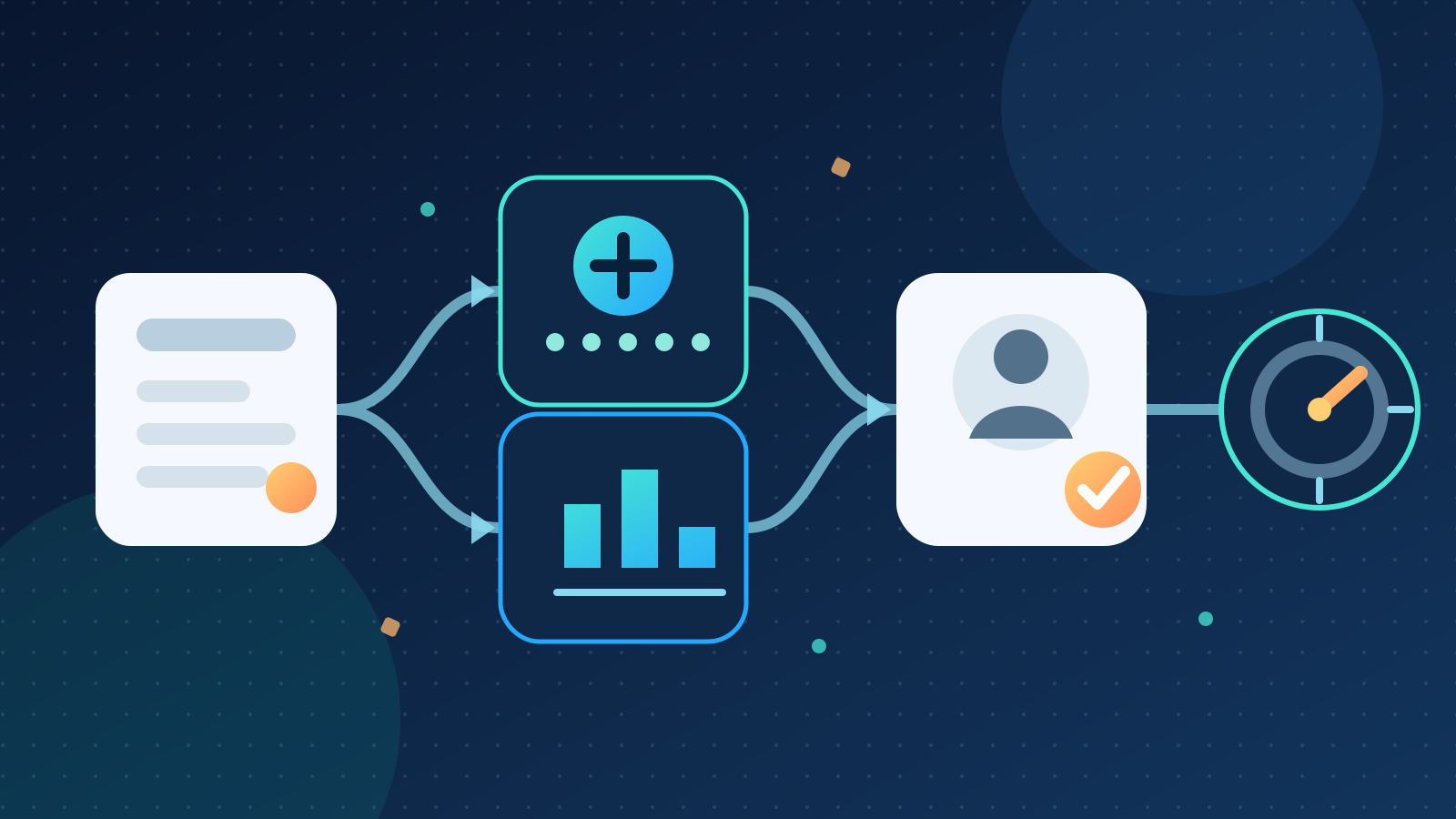
AI for operations helps a business detect exceptions, prepare routine work and give staff better information for decisions. The best first use is a high-volume, repeatable workflow with reliable data and a human approval point. It should reduce rework or response time without letting AI make unreviewed operational commitments.
For most Australian businesses, that means starting with one process such as job intake, stock exceptions, daily reporting or document triage. It does not mean handing the whole operation to an autonomous system.
Key takeaways:
- Start with an operational bottleneck, not a general request to “use AI”.
- Use AI for variable inputs and judgement support, then use rules for approvals and system changes.
- Keep a person responsible for exceptions, customer commitments and material decisions.
- Measure the current process before the pilot so you can prove whether it improved.
- Expand only after the first workflow is accurate, adopted and economical to run.
Contents
- What does AI for operations mean?
- Where can AI improve business operations?
- Which operations workflow should you automate first?
- How should AI and ordinary automation work together?
- What controls does an operational AI system need?
- How do you run an AI operations pilot?
- How should you measure the result?
- What does AI for operations cost?
- When is AI the wrong choice?
- Frequently asked questions
What does AI for operations mean?
AI for operations means applying artificial intelligence to the recurring work that keeps a business running. It can classify incoming requests, extract information, identify unusual records, draft schedules, summarise activity and prepare recommendations for staff.
It is not the same as AIOps. AIOps usually refers to artificial intelligence for IT operations, such as monitoring networks, applications and infrastructure. This guide covers broader business operations, including service delivery, logistics, purchasing, inventory, administration and management reporting.
AI is most useful when inputs vary. A customer email, supplier invoice or site report may contain the right information in different wording and formats. A model can interpret that variation and prepare structured data. Ordinary software can then apply fixed rules, route an approval or update a system.
The distinction matters because not every step needs AI:
| Work type | Best-fit method | Example |
|---|---|---|
| Exact, stable rule | Ordinary automation | Route orders over a set value for approval |
| Variable text or documents | AI-assisted processing | Classify an emailed request and extract its details |
| Forecast or anomaly | Statistical or machine-learning model | Flag unusual demand or a likely stock shortage |
| Material decision | Accountable person | Approve a supplier, price change or customer commitment |
Australian adoption is growing but remains early. The Australian Bureau of Statistics reported that 12% of businesses used AI in 2024–25, compared with 1% in 2021–22. The same release found that uncertainty about ICT costs and benefits limited adoption for 13% of businesses. A narrow pilot with a measurable baseline answers that cost-benefit question better than a broad technology rollout.
Where can AI improve business operations?
Good operational use cases have frequent inputs, a recognisable correct result and a clear person who owns the process. The AI contribution should be specific enough to test.
| Operational area | Useful AI contribution | Human responsibility |
|---|---|---|
| Job or request intake | Read messages, identify intent and prepare structured job details | Confirm priority, scope and customer commitments |
| Scheduling | Suggest a sequence using location, skills, deadlines and dependencies | Resolve conflicts and approve the final schedule |
| Inventory | Explain demand signals and flag unusual stock movements | Set purchasing policy and approve orders |
| Purchasing | Compare supplier responses and highlight missing terms | Assess commercial risk and select the supplier |
| Document handling | Extract fields, classify files and identify missing information | Check low-confidence or high-value records |
| Daily reporting | Combine approved data and draft an exception-focused summary | Investigate causes and decide what changes |
| Procedure support | Find the current instruction and cite its source | Interpret exceptions and approve departures |
| Quality review | Flag unusual entries, incomplete records or inconsistent wording | Decide whether an issue is real and what action follows |
The common pattern is preparation, not unchecked execution. AI can reduce the work needed to understand a queue, but the operations owner still decides what the business will do.
Consider an incoming service request. The system could read the email, identify the customer, extract the requested date, match the request to a service category and draft a job record. A coordinator would see the source message beside the draft, fix anything uncertain and approve creation. This saves re-keying while keeping the commitment with a person.
For inventory teams, AI inventory management can help explain demand changes and rank exceptions. For teams that lose time searching procedures, AI knowledge management may be the better first project.
Which operations workflow should you automate first?
Start with one workflow where staff spend time interpreting variable information before taking a predictable next step. Choose a process with enough volume to matter, but low enough risk that a person can catch errors.
Score candidate workflows against six questions:
- Frequency: Does the task happen often enough to justify setup and monitoring?
- Delay: Does waiting for this step hold up customers, staff or downstream work?
- Data quality: Are the necessary records accessible, current and consistent enough to use?
- Verifiability: Can a reviewer quickly compare the AI output with the source?
- Risk: Can a mistake be stopped before it creates a payment, commitment or harmful outcome?
- Ownership: Is one person accountable for the process and able to resolve exceptions?
A strong first project might be triaging 200 weekly requests into five established categories, where a coordinator already reviews each item. A weak first project would be letting an assistant negotiate supplier terms across incomplete records with no defined approval limits.
Avoid picking the most visible process merely to demonstrate the technology. The right pilot usually sits inside an existing queue where the business can measure cycle time, correction rate and backlog before and after the change.
Map the current process first. Record the trigger, inputs, decisions, systems, hand-offs, exceptions and final outcome. You may find that an unclear policy, duplicated form or missing system field causes the delay. Fixing that problem may deliver more value than adding AI.
How should AI and ordinary automation work together?
Use AI for interpretation and drafting. Use deterministic software for rules, permissions, calculations and approved system updates.
A controlled workflow can follow this sequence:
- An email, form, document or system event starts the process.
- The system retrieves only the records needed for that case.
- AI extracts, classifies, summarises or drafts an option.
- Validation rules check required fields, formats and policy limits.
- Low-confidence or unusual cases move to an exception queue.
- A staff member reviews the source and approves any material action.
- Ordinary automation writes the approved result to the system of record.
- Logs capture the input, output, reviewer, action and outcome.
This design gives each component a job it can perform reliably. A language model should not calculate a price when a tested formula already exists. A fixed rule should not try to interpret every possible wording of a customer request.
Keep the system of record clear. The AI's draft is not the official job, order, roster or policy. Only an approved update in the relevant business system should change operational state.
Confidence scores can help route work, but they are not proof of correctness. Test them against real examples and combine them with business rules. A high-confidence extraction from the wrong document version is still wrong.
What controls does an operational AI system need?
An operational system needs named accountability, controlled data access, testing, approval limits and a safe way to stop. Controls should match the consequence of an error.
The Australian Government's guidance for AI adoption recommends assigning an accountable person to every AI system, maintaining an AI register, testing before deployment and monitoring after launch. Translate those principles into operating controls:
- name the process owner and system owner
- document the approved purpose, users, data sources and excluded actions
- give the system only the permissions required for its task
- retain source links so staff can verify each draft or recommendation
- require approval for payments, contract terms, customer commitments and other material actions
- log changes, corrections, approvals and failures
- create a manual fallback for outages or poor results
- set thresholds that pause the workflow when performance drops
Privacy needs specific review when operational records contain customer, employee or supplier information. The Office of the Australian Information Commissioner says privacy obligations apply to personal information entered into an AI system and to AI output containing personal information. Its guidance calls for product due diligence, privacy by design, human oversight and continuing review. It recommends not entering personal information, especially sensitive information, into publicly available generative AI tools.
Check where prompts, files, outputs and logs are stored. Confirm who can access them, how long they remain, whether a supplier uses them for training and how deletion or correction reaches derived copies. Do not connect a broad shared drive when the workflow needs one approved folder.
Prompt injection also matters when AI reads external emails, documents or web content. Treat that content as data, not as authority to change the workflow. Restrict available actions and require explicit approval rather than relying on a prompt to keep the system safe.
How do you run an AI operations pilot?
Run the pilot beside the current process for four to eight weeks. Start with enough historical examples to test normal work, edge cases and failures before staff rely on it.
- Define the outcome. Name the process, users, expected output and actions the system must never take.
- Measure the baseline. Record volume, cycle time, correction rate, backlog, rework and staff effort.
- Prepare representative cases. Include routine, incomplete, ambiguous, unusual and high-risk examples.
- Set acceptance rules. Define required accuracy, review time, escalation behaviour and stop conditions.
- Build the smallest useful workflow. Connect only the inputs, tools and permissions needed for the pilot.
- Run in shadow mode. Compare its proposed result with the current process without changing live records.
- Add controlled approvals. Let a small trained group approve low-risk outputs while every action remains logged.
- Review weekly. Separate AI errors, source-data problems, rule failures and user mistakes.
- Decide from evidence. Improve, expand, redesign or stop according to the agreed measures.
Do not hide corrections. A high edit rate tells you the model, source data or task definition needs work. Record why staff changed an output so you can fix the right part of the process.
Set stop conditions before launch. Pause if restricted data appears, approval steps are bypassed, error rates exceed the agreed limit or staff cannot identify which record supports an output.
How should you measure the result?
Measure the whole operational outcome, not the number of AI-generated drafts. Faster preparation has little value if review takes longer or creates more rework.
| Measure | What it reveals |
|---|---|
| End-to-end cycle time | Whether the customer or downstream team receives the outcome sooner |
| Active staff time per case | Whether manual interpretation and re-keying fell |
| Straight-through rate | How many low-risk cases pass validation without correction |
| Correction rate | How often reviewers materially change the AI output |
| Exception rate | How much work needs experienced judgement |
| Rework and error rate | Whether quality improved or merely shifted downstream |
| Approval turnaround | Whether the human control point creates a new queue |
| Adoption rate | Whether trained staff use the workflow as intended |
| Operating cost per completed case | Whether software, review and maintenance costs are justified |
| Incident count | Whether privacy, permission or process failures occurred |
Compare results by case type. Standard requests may perform well while unusual jobs do not. Keep the useful category in scope and route the rest to staff rather than forcing one system to handle everything.
Measure customer and supplier outcomes where relevant. A lower internal handling time is not a win if response quality, delivery reliability or dispute rates worsen.
What does AI for operations cost?
The cost includes process design, data preparation, integration, software, testing, staff training, monitoring and ongoing maintenance. Model usage may be a small part of the total.
A simple assistant that drafts an internal summary from approved exports is cheaper to build and govern than a workflow connected to live scheduling, inventory and finance systems. Each integration adds permission, error-handling and support work.
Compare the full monthly cost with the value of completed operational outcomes. Include reviewer time and exception handling, not just subscription fees. A pilot is worthwhile when it can answer a specific economic question, such as whether better intake reduces the time from request to scheduled job without increasing corrections.
Ask suppliers to separate one-off setup from ongoing charges. Confirm what changes are included, who owns the workflow, how data can be exported and what happens if the underlying model or connected software changes.
When is AI the wrong choice?
AI is the wrong choice when a stable rule, form improvement or basic integration can solve the problem more reliably. Use the simplest method that produces the required result.
Do not start with AI when:
- the process changes every week and has no agreed owner
- source data is missing, duplicated or routinely wrong
- staff cannot verify the proposed output
- the first action would create a payment or irreversible commitment
- the task depends on empathy, negotiation or professional judgement
- the volume is too low to justify setup and monitoring
- the business cannot support access controls, logs and regular review
Fix the operating process before automating it. Standard categories, required form fields and a clear approval matrix often remove much of the delay. AI can then address the remaining variable work instead of covering organisational confusion.
Where should an Australian business start?
Choose one recurring queue and measure it for two weeks. Identify which step consumes the most staff time, which records support the decision and where approval must remain. Then test AI on historical cases before connecting it to a live system.
Deployed AI provides managed AI systems that connect selected business tools, with setup, team training and ongoing Australian support. To assess one practical operations workflow, book a free 30-minute AI audit.
Frequently asked questions
What is AI for operations?
AI for operations applies artificial intelligence to recurring business work such as request triage, document handling, scheduling support, exception detection and reporting. It is most useful when inputs vary but staff can verify the output before a material action occurs.
What is the best first AI operations project?
The best first project is a frequent, low-risk workflow with reliable source data, a measurable baseline and a clear human approval point. Job intake, document classification or an exception-focused daily report often fits better than an autonomous end-to-end process.
Is AI for operations the same as AIOps?
No. AIOps usually means AI for IT operations, including infrastructure, application and network monitoring. AI for business operations covers recurring work across service delivery, logistics, purchasing, inventory, administration and management reporting.
Can AI make operational decisions automatically?
AI can prepare recommendations and handle tightly bounded, low-risk steps, but material decisions need rules, approval limits and accountable oversight. Payments, contract terms, customer commitments and actions affecting people should not depend on an unchecked model output.
How do you measure ROI from AI in operations?
Compare end-to-end cycle time, staff effort, corrections, exceptions, rework and operating cost per completed case against the baseline. Include integration, review, training and maintenance costs, then confirm that customer or supplier outcomes did not worsen.