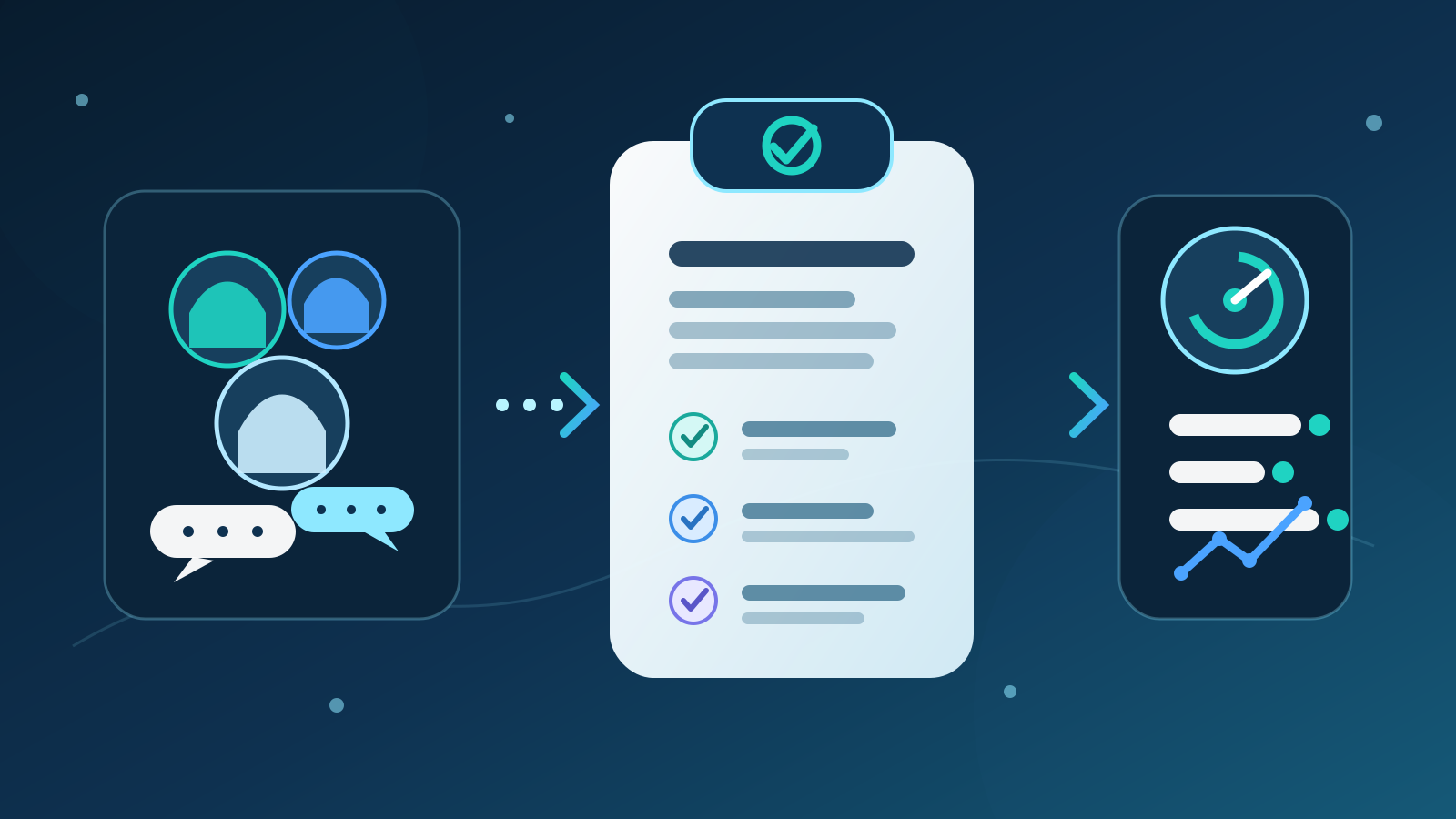
An AI meeting assistant records or transcribes a meeting, identifies key points and prepares notes, decisions and action items. For most Australian businesses, the best setup is a controlled note-taking workflow with clear participant notice, restricted access and a person who checks the output before it becomes a business record.
The tool should reduce follow-up administration, not become an invisible participant with unlimited access. Start with one repeatable internal meeting, keep outputs in draft and measure whether the team receives accurate actions sooner.
Key takeaways:
- Choose the meeting workflow before choosing the product.
- Tell participants what is captured, why it is captured and where it goes.
- Keep transcripts and recordings only when they serve a defined purpose.
- Require a named person to verify decisions, owners and deadlines.
- Connect approved actions only after the draft-only process works reliably.
Contents
- What is an AI meeting assistant?
- What can an AI meeting assistant do?
- What is the best first meeting workflow?
- How should you compare AI meeting assistants?
- What privacy and recording issues should Australian businesses consider?
- How accurate are AI meeting notes?
- How should meeting notes connect to other business tools?
- How do you run a controlled pilot?
- How should you measure the result?
- When is an AI meeting assistant the wrong choice?
- Where should an Australian business start?
- Frequently asked questions
What is an AI meeting assistant?
An AI meeting assistant is software that helps capture, organise and follow up a conversation. Depending on the product and configuration, it may join an online meeting, process audio from the meeting platform or work from a transcript supplied afterwards.
Most tools combine several functions:
- speech-to-text transcription
- speaker and topic detection
- summaries of the discussion
- proposed decisions and action items
- search across past meeting content
- exports or connections to calendars, task tools and customer systems
These functions are not equally reliable. Transcription converts audio into text. Summarisation interprets that text. Action extraction makes another judgement about what someone agreed to do. An error near the start can flow into every later output.
The useful business outcome is not a longer archive. It is a short, checked record that tells the right people what was decided, who owns the next action and when it is due.
Australian businesses are already increasing their use of AI. The Australian Government's AI Adoption Tracker reported that 41% of small and medium enterprises were adopting AI. That wider adoption makes governance more practical, not less. Meeting tools can touch customer details, staff discussions, commercial plans and confidential documents in a single hour.
What can an AI meeting assistant do?
A meeting assistant can remove repetitive note-taking and follow-up work when the meeting has a clear purpose and format.
| Meeting task | Useful AI contribution | Human responsibility |
|---|---|---|
| Agenda preparation | Bring forward open actions and relevant background | Choose the purpose and participants |
| Transcription | Produce a searchable draft of what was said | Confirm notice, access and retention settings |
| Summary | Group the main topics and outcomes | Check emphasis and missing context |
| Decision record | Suggest decisions from the discussion | Confirm the final wording and authority |
| Action items | Suggest owner, task and due date | Verify that a real commitment was made |
| Follow-up email | Draft a concise recap | Approve recipients, claims and commitments |
| Task creation | Prepare structured tasks | Approve changes before writing to another system |
| Trend review | Find repeated blockers across approved meetings | Decide whether the pattern is meaningful |
Internal project updates are often a good fit because they repeat, have known participants and produce clear actions. Sales calls can also benefit, but they introduce customer notice, personal information and CRM accuracy requirements. Performance, disciplinary, legal, health and highly sensitive discussions need much tighter assessment and may be unsuitable.
An AI meeting assistant is narrower than AI for project management. Project management also covers plans, risks, budgets and delivery reporting. The meeting assistant should feed checked information into that process rather than become the source of truth by itself.
What is the best first meeting workflow?
For most businesses, the best first workflow is a weekly internal project meeting with draft-only notes. It has a stable format, a regular owner and outcomes that the team can verify quickly.
A controlled workflow can:
- show a standard notice before recording or transcription begins
- capture the meeting through an approved account
- prepare a draft summary under agreed headings
- list proposed decisions separately from discussion points
- extract each action with an owner and due date
- flag missing owners, dates and conflicting statements
- send the draft to the meeting chair for review
- publish the approved note to the existing project location
- retain or delete the raw transcript according to policy
- record corrections for the next review
Start with a narrow output template. A useful project note might contain:
- purpose and attendees
- decisions made
- actions, owners and due dates
- blockers that need escalation
- questions left open
- source time stamps for material items
Do not ask the system to write a polished narrative when the team needs decisions and tasks. A fixed structure makes omissions easier to spot and outcomes easier to compare.
The first version should not create tasks automatically. Let it propose structured actions for a person to approve. Once the team has tested ownership, deadlines, duplicates and cancellations, approved task creation can become a separate permission.
How should you compare AI meeting assistants?
Compare AI meeting assistants against your real workflow, information rules and technical environment. A long feature list matters less than reliable capture, clear controls and an export that fits the team's next step.
| Criterion | Questions to ask |
|---|---|
| Capture method | Does a visible bot join, does the meeting platform create the transcript, or is audio uploaded later? |
| Participant notice | Can the tool show a clear notice and support a meeting without recording? |
| Accuracy | How does it handle Australian accents, specialist terms, weak audio and several speakers? |
| Source checking | Can reviewers jump from a summary or action to the relevant transcript or time stamp? |
| Data handling | Where are audio, transcripts and summaries stored, and for how long? |
| Training use | Does the provider use customer content to train models, and can that use be disabled contractually and technically? |
| Access control | Can access follow teams, projects and roles rather than one shared account? |
| Administration | Are audit logs, retention rules, deletion and user removal available? |
| Connections | Can it work with the existing calendar, meeting, task and document tools through supported connections? |
| Failure handling | What happens when recording fails, speakers are unclear or no decision was made? |
| Pricing | Is cost based on users, recorded hours, storage, features or model use? |
| Support | Who helps configure, test and review the system after launch? |
Use a test set from your own meetings, with appropriate permission. Include overlapping speakers, acronyms, customer names, numbers, dates, uncertain decisions and actions that are later changed. Generic vendor demonstrations rarely show the cases that create operational risk.
For most Australian businesses, the best option is the product that fits the existing meeting platform and passes the privacy, access and review tests. A slightly better summary does not compensate for unclear data use or poor administration.
Avoid choosing on transcription accuracy alone. The system also needs to preserve meaning. “We could deliver Friday” is not the same as “We committed to deliver Friday”. The review interface should make that distinction easy to check.
What privacy and recording issues should Australian businesses consider?
Meeting assistants can handle names, voices, opinions, customer information and sensitive business discussions. Decide whether capture is necessary before turning it on by default.
The Office of the Australian Information Commissioner says privacy obligations apply to personal information entered into an AI system and to generated output that contains personal information. Its guidance recommends product due diligence, privacy by design, human oversight and regular review. It also recommends that organisations do not enter personal information, particularly sensitive information, into publicly available generative AI tools as a matter of best practice.
The Fair Work Ombudsman's workplace privacy guide recommends clear policies covering what information a business collects, keeps and discloses. The guide also explains that Commonwealth privacy coverage depends on the business and context, while other workplace and state or territory rules may apply.
Recording and surveillance laws vary across Australian states and territories and depend on the circumstances. A business should not assume that a platform's record button makes every use lawful. Get appropriate legal advice for the meeting types, locations and people involved.
A practical minimum is to:
- tell every participant before capture starts
- explain whether audio, video, transcript or summary is retained
- state the purpose and intended recipients
- provide a reasonable alternative when capture is not appropriate
- avoid recording by default for sensitive meeting categories
- restrict access to people with a real business need
- set separate retention periods for audio, transcript and approved note
- confirm how deletion works in connected systems and backups
- document how external guests and cross-border data handling are managed
Consent is not just a small icon in the meeting window. Participants need enough information to understand what the tool does. A clear opening notice is better than relying on a buried policy.
The Australian Government's Voluntary AI Safety Standard sets out 10 guardrails covering accountability, risk management, data, testing, human oversight and transparency. It provides a useful structure for assessing a meeting assistant even when use seems routine.
How accurate are AI meeting notes?
AI meeting notes are drafts, not an authoritative record. Accuracy changes with audio quality, speaker overlap, accents, industry terms, meeting structure and how much the model must infer.
Transcripts commonly struggle with:
- similar voices or rapid turn-taking
- names, product terms and acronyms
- amounts, percentages, dates and addresses
- poor microphones and background noise
- references such as “that one” or “the earlier option”
- jokes, sarcasm and indirect disagreement
Summaries add a different risk. A fluent paragraph can hide that the meeting stayed undecided. The system may combine two suggestions, assign an action to the wrong person or omit a qualification that changed the meaning.
Require the reviewer to check four things before approval:
- Decisions: Was a decision actually made, and by someone with authority?
- Actions: Did the named person accept the task, and is the deadline real?
- Numbers: Do dates, amounts, quantities and percentages match the source?
- Commitments: Did anyone promise a customer, supplier or employee a specific outcome?
Use links or time stamps to the source when available. The reviewer should not need to replay an entire meeting to check one material sentence.
Track material corrections separately from writing preferences. A wrong owner, deadline or commitment matters more than a clumsy sentence. That distinction helps the team decide whether the system is safe enough to expand.
How should meeting notes connect to other business tools?
Connect approved outcomes, not raw conversation, to other tools. The transcript contains more information than most tasks, customer records or project boards need.
A sensible permission sequence is:
| Stage | Allowed action | Approval boundary |
|---|---|---|
| 1. Capture | Create a transcript in the meeting tool | Approved meeting types only |
| 2. Draft | Prepare a summary and proposed actions | No external changes |
| 3. Review | Correct decisions, owners and dates | Named meeting chair |
| 4. Publish | Save the approved note to the project location | One approved destination |
| 5. Propose updates | Prepare tasks or CRM notes | Review each change |
| 6. Write approved updates | Create selected records through supported connections | Logged user approval |
Keep customer relationship management notes factual. A sales meeting assistant may summarise the customer's stated needs and agreed next step, but it should not invent budget, sentiment or buying intent.
Separate tools can remain separate. A simple meeting may only need an approved note sent to a project folder. Adding calendar, email, CRM and task permissions creates more failure paths and more places to correct or delete information.
Use role-based accounts rather than one shared login. Remove access when staff change roles. Review connection permissions regularly and keep an activity log that shows who approved each write.
Deployed AI provides managed AI systems that connect selected tools with permissions, testing, team training and ongoing Australian support. The useful design is usually a short chain of approved actions, not unrestricted access across the business.
How do you run a controlled pilot?
Run a four-week pilot on one internal meeting type. Keep the current note process available until the new workflow proves accurate and acceptable to participants.
- Choose the meeting. Select a repeatable project or operations meeting with a named chair.
- Define the purpose. State exactly why capture is needed and which approved output should result.
- Set the notice. Prepare a short participant message and a no-recording alternative.
- Map the data. Record what is captured, where it is stored, who can access it and when it is deleted.
- Create the template. Limit the draft to decisions, actions, blockers and open questions.
- Prepare tests. Include unclear owners, changed deadlines, several speakers, jargon and no-decision discussions.
- Start draft-only. Do not create tasks, email customers or update records automatically.
- Review every output. Record material errors, review time and participant concerns.
- Test deletion and access. Confirm former users, guests and unrelated teams cannot retrieve content.
- Decide on evidence. Expand only if accuracy, review effort and trust meet the agreed threshold.
Set stop conditions before the first meeting. Pause the pilot if the tool captures an excluded meeting, sends notes to the wrong person, exposes restricted content or creates an unapproved commitment.
Train the meeting chair and a backup reviewer. They need to know how to stop capture, correct an output, report a problem and remove information from each connected location.
How should you measure the result?
Measure whether accurate follow-up happens sooner with less administration. Recorded hours and generated summaries are usage figures, not business outcomes.
| Measure | What it shows |
|---|---|
| Time from meeting end to approved note | Whether follow-up is faster |
| Reviewer minutes per meeting | Whether administration falls |
| Material correction rate | How often decisions, owners, dates or numbers are wrong |
| Missing action rate | Whether agreed work disappears from the note |
| Action acceptance rate | Whether proposed tasks reflect real commitments |
| On-time action completion | Whether clearer follow-up improves delivery |
| Access or recipient errors | Whether information reaches the wrong people |
| Participant objections | Whether notice and meeting choice preserve trust |
| Transcript retention exceptions | Whether raw information is kept longer than policy allows |
Record a baseline from the existing process for at least several meetings. Compare similar meeting types and team sizes. A board meeting and a daily stand-up should not share one accuracy or review target.
Reviewers should label the cause of each material error. Poor audio, incorrect speaker identification, weak instructions and unsupported inference require different fixes.
The pilot succeeds when the team receives a correct, useful note sooner without increasing privacy, access or relationship risk. If reviewers rewrite most outputs, the meeting format or tool may be a poor fit.
When is an AI meeting assistant the wrong choice?
An AI meeting assistant is the wrong choice when the value of capture is low and the sensitivity or ambiguity is high.
Do not start with meetings that involve:
- performance management, disciplinary action or grievances
- legal advice or active disputes
- health, disability or other sensitive personal information
- confidential negotiations with unclear participant expectations
- security incidents or highly restricted commercial information
- people who cannot receive a clear notice or meaningful alternative
- informal conversations where permanent capture would change behaviour
The tool is also unnecessary when a ten-minute meeting produces one obvious task. A participant can record that task directly in less time than it takes to review a transcript and summary.
Poor meeting design is another warning. If there is no agenda, owner or decision process, AI will produce organised notes about an unorganised conversation. Fix the meeting before automating its record.
A standard template and a rotating human note-taker may be the better option. The right test is not whether AI can produce notes. It is whether the full workflow creates a more accurate and timely business record.
Where should an Australian business start?
Choose one weekly internal meeting and review the last four sets of notes. Count the time spent writing them, actions without owners, missed deadlines and follow-up questions caused by unclear wording.
Then test an AI meeting assistant in draft-only mode. Use a clear participant notice, restrict access, set retention rules and require the meeting chair to verify every decision and action. Do not connect task or customer systems until the team can show that the drafts are accurate and the review takes less time.
To assess the workflow, permissions and pilot design, book a free 30-minute AI audit.
Frequently asked questions
What is an AI meeting assistant?
An AI meeting assistant is software that transcribes or processes a meeting and prepares outputs such as summaries, decisions and action items. Businesses should treat those outputs as drafts until a named person checks the source, meaning and recipients.
Is it legal to use an AI meeting assistant in Australia?
It can be legal to use an AI meeting assistant in Australia, but privacy, recording, surveillance, workplace and industry rules depend on the circumstances and location. Tell participants before capture, define the purpose and access, and get appropriate advice for the meeting types your business wants to record.
Do participants need to consent to AI meeting notes?
Do not assume that one rule applies to every Australian meeting. Recording laws vary by state and territory, and privacy or workplace obligations may also apply. A clear notice and an appropriate alternative are practical minimum controls, but they do not replace advice for your situation.
Can an AI meeting assistant create tasks automatically?
It can, but automatic task creation should follow a successful draft-only pilot. Require a person to confirm that the task was agreed, the owner accepted it and the deadline is correct before writing to a project or customer system.
How much does an AI meeting assistant cost?
Cost can depend on users, recorded hours, storage, administration features, security controls and system connections. Compare the full cost with reviewer time, material correction rates and action completion, not the number of summaries generated.