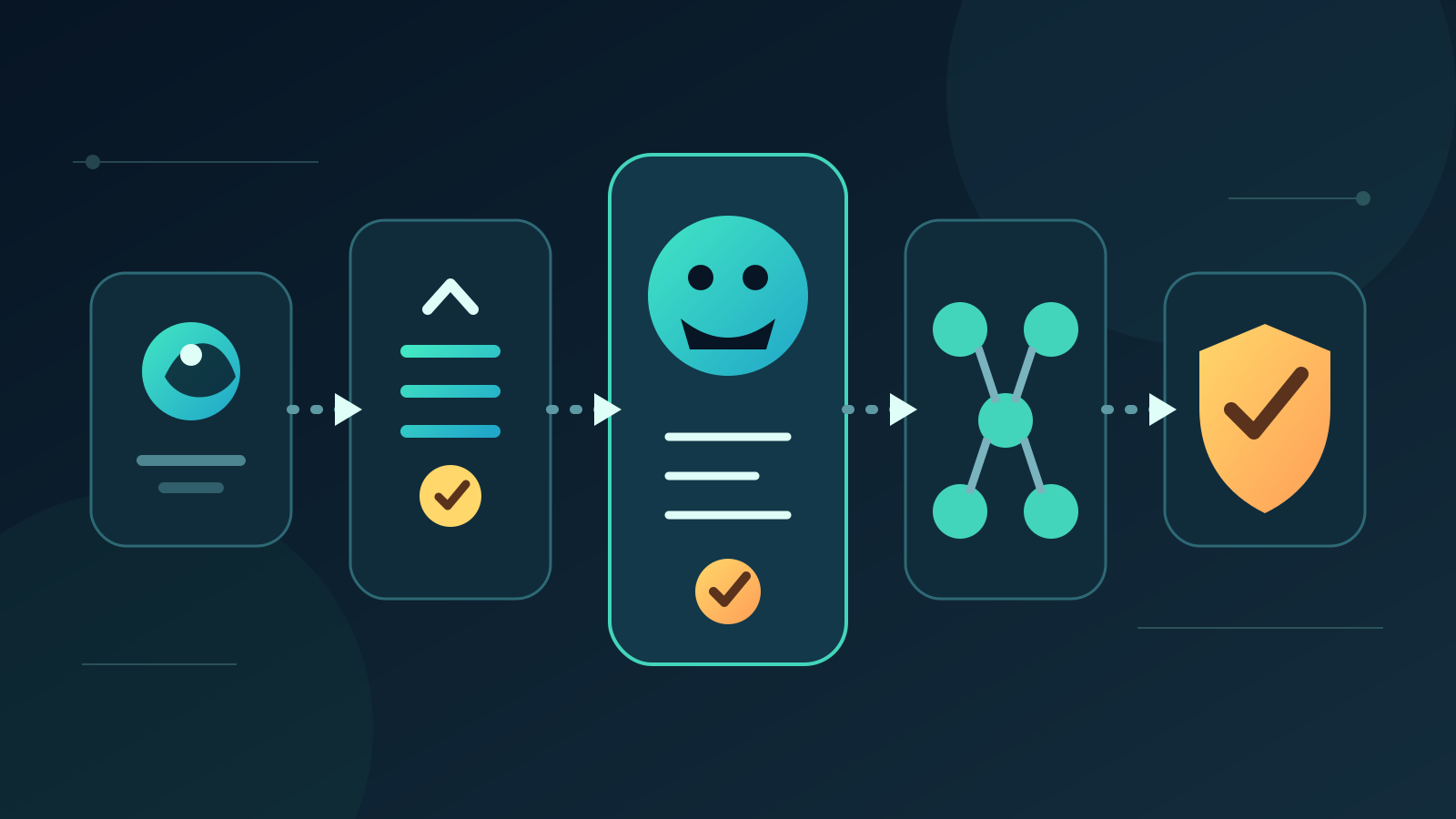
The best AI business setup for most established Australian businesses is one controlled workflow connected to approved company information, with a person approving important actions. It solves a measurable process without exposing every system or forcing staff to change everything at once. Smaller teams may start with a managed assistant, while larger businesses may need several governed workflows and shared oversight.
There is no single setup that suits every company. The right model depends on your workflow, data, risk, team size and existing systems, not the number of AI tools you can buy.
Key takeaways:
- Choose an operating model before choosing products.
- Start with one workflow that has a clear owner and measurable result.
- Give AI the minimum information and permissions required.
- Keep financial, legal, safety and customer commitments under human control.
- Expand only after the first setup produces reliable evidence.
Contents
- What is an AI business setup?
- What are the five main AI setup models?
- Which AI setup is best for most Australian businesses?
- How should a micro or small business start?
- When do you need connected AI workflows?
- What should the setup connect to?
- What controls should every setup include?
- How much does an AI business setup cost?
- How do you compare setup options?
- What should you avoid?
- How do you plan the first 90 days?
- When is Deployed AI not the right fit?
- Frequently asked questions
What is an AI business setup?
An AI business setup is the combination of tools, company information, connections, permissions, workflows and human review used to complete a business task. A chatbot subscription is one component. The setup defines what the system may read, what it may prepare, which actions need approval and how the business checks the result.
A complete setup has six layers:
| Layer | What it covers | A practical example |
|---|---|---|
| Business outcome | The result the setup must improve | Faster response to qualified enquiries |
| Workflow | Trigger, steps, exceptions and owner | New web enquiry to reviewed CRM follow-up |
| Information | Approved sources and retention rules | Services, pricing rules and customer records |
| AI capability | Classification, retrieval or drafting | Classify intent and draft a response |
| Connections | Systems the workflow reads or updates | Email, CRM and task manager |
| Controls | Permissions, validation, approval and logs | Staff approve before a message is sent |
This distinction matters because Australian businesses are adopting AI quickly but unevenly. The Australian Bureau of Statistics reported that 12% of businesses used AI in 2024–25, up from 1% in 2021–22. The same release found that insufficient staff skills and uncertainty about ICT costs and benefits were common barriers. A bounded setup helps address both problems because staff can learn one process and measure one outcome.
What are the five main AI setup models?
The five useful models range from a secure individual assistant to a governed set of connected workflows. They are stages of operating maturity, not product rankings.
| Setup model | Best fit | Typical uses | Main control | Relative effort |
|---|---|---|---|---|
| 1. Secure assistant workspace | Micro businesses and individual roles | Drafting, summarising and research | Approved account and data rules | Low |
| 2. Team knowledge assistant | Small teams with repeated questions | Internal search, policies and service information | Source permissions and citations | Low to medium |
| 3. Connected workflow with approval | Established small and medium businesses | Enquiry triage, document intake and follow-up | Human approval before action | Medium |
| 4. Multi-workflow operations layer | Businesses with several proven use cases | Cross-team routing, reporting and exceptions | Shared governance and monitoring | High |
| 5. High-control private architecture | High-risk or specialised environments | Restricted knowledge and sensitive processes | Segmentation, formal assurance and audit | Very high |
1. Secure assistant workspace
This is a managed business account for an AI assistant with clear rules about permitted information and tasks. It can help a person structure notes, compare supplied documents, prepare a first draft or turn meeting notes into actions.
It suits a business that has not yet standardised a workflow. The account should have administration, access removal, suitable data settings and staff guidance. Do not treat it as a shared filing system or give it unrestricted access to customer records.
2. Team knowledge assistant
A knowledge assistant searches a defined set of approved business material and returns an answer with sources. It can help staff find current service information, procedures, policies or product details without browsing several folders.
The value comes from the source library, not the chat interface. Each document needs an owner, permissions and a review date. When information conflicts or no approved source exists, the assistant should say so and route the question to a person.
3. Connected workflow with approval
This model links a clear trigger to selected business systems. AI handles a variable step such as classifying an enquiry, extracting fields or drafting a response. Rules validate the result, then a person approves any meaningful external action or record change.
A practical example is an enquiry workflow that:
- reads a new website enquiry
- classifies the service and urgency
- checks required contact details
- retrieves approved service information
- prepares a draft response and CRM note
- asks a staff member to approve, edit or reject the draft
- sends the approved response and records the outcome
For most established businesses, this is the strongest starting model. It can reduce repeated handling while keeping the source, action and accountable person visible.
4. Multi-workflow operations layer
This setup coordinates several proven workflows through common permissions, monitoring and exception handling. Sales enquiries, document intake, meeting follow-up and internal reporting may share the same identity controls and approved knowledge sources.
Do not start here. Several unreliable workflows create more failures, not more value. Move to this model only after individual workflows have owners, baselines, acceptance criteria and reliable logs.
5. High-control private architecture
Some environments need stricter separation, contractual controls, private networking, dedicated infrastructure or detailed assurance. This can be appropriate when the information, consequences or regulatory duties justify the added cost and operating burden.
Private infrastructure is not automatically safer. Security still depends on identity, permissions, software updates, monitoring, backups, incident response and staff behaviour. Choose this model from a documented risk assessment, not from a general fear of cloud services.
Which AI setup is best for most Australian businesses?
For most established Australian businesses, the best setup is one connected workflow with a human approval gate. It is broad enough to complete useful work and narrow enough to test, control and stop.
Choose a team knowledge assistant first if staff cannot find approved information reliably. Choose a secure assistant workspace first if the work is still informal and personal. A connected workflow will struggle when source documents are outdated or no one owns the process.
Use this decision table:
| Your current situation | Best first setup |
|---|---|
| One owner needs help drafting and organising work | Secure assistant workspace |
| Staff repeatedly ask the same internal questions | Team knowledge assistant |
| A repeated process crosses email and one business system | Connected workflow with approval |
| Three or more workflows already meet their targets | Multi-workflow operations layer |
| A risk assessment requires strict isolation or assurance | High-control private architecture |
The best AI business setups in Australia are usually modest at first. They solve one operational problem, fit the systems already in use and make exceptions obvious. A large tool bundle without ownership or measurement is not a setup.
How should a micro or small business start?
A micro business should usually begin with an approved AI workspace and one repeatable task. Keep the source information small, name the person responsible and require manual action outside the AI tool.
The ABS defines micro businesses as employing 0–4 people and small businesses as employing 5–19 people. At that size, there may be no dedicated technology or risk team. The setup must therefore be simple enough for the owner or operations lead to understand and maintain.
Good first tasks include:
- turning meeting notes into a draft action list
- preparing a first response from approved service information
- classifying incoming documents for manual filing
- comparing a supplied document with a checklist
- drafting a weekly summary from verified records
Avoid automatic payments, account-detail changes, employee decisions, legal commitments and unrestricted outbound messaging. Those tasks carry consequences that exceed the evidence a first pilot can provide.
A small business with stable records and several staff may move directly to a connected workflow. Our AI workflow automation guide explains how to map the trigger, source, approvals and exception paths before building it.
When do you need connected AI workflows?
Use a connected workflow when staff repeat the same hand-offs between email, documents and a business system, and the intended result can be checked.
A workflow is a strong candidate when it has:
- at least several cases each week
- a recognisable trigger and output
- one accountable owner
- accessible source information
- errors that can be detected and reversed
- a clear point for human approval
- a measurable baseline for time, accuracy or outcome
Keep the first connection narrow. Reading a CRM record and preparing a draft is safer than allowing the system to update every field and contact customers. Add one permission at a time after tests show it is needed.
If the current process changes for every case, document and simplify it first. AI can handle variation in language or document layout, but it cannot repair unclear responsibility or contradictory business rules.
What should the setup connect to?
Connect only the systems needed to complete the selected workflow. Common options include email, calendars, document stores, customer relationship management, accounting, project management and help-desk systems.
For each connection, record:
| Question | Why it matters |
|---|---|
| What exact information is read? | Prevents unnecessary data access |
| What can the system create or change? | Separates low-risk drafts from live actions |
| Which identity performs the action? | Makes permissions and logs traceable |
| What happens when data is missing? | Stops plausible guesses becoming records |
| Who approves the result? | Keeps accountability with the business |
| How is access removed? | Protects the business when roles or suppliers change |
| What is logged and retained? | Supports review, incidents and improvement |
Use normal software rules for exact work such as totals, required fields, date calculations and duplicate identifiers. Use AI for variable inputs such as intent classification, document extraction, retrieval and drafting. This split makes the setup easier to test.
What controls should every setup include?
Every setup needs an owner, minimum permissions, approved sources, validation, human oversight, logging and a stop control. The amount of documentation can vary, but those functions should not disappear.
The Australian Government's technical standard for AI covers the full design, development, deployment and use lifecycle. Although it applies to government, its lifecycle approach is useful for businesses: a setup needs operating controls after launch, not only a careful procurement decision.
Use these controls from the first pilot:
- Named owner: one person is responsible for the result and review cycle.
- Minimum access: the workflow receives only the data and actions it needs.
- Approved sources: material has an owner, version and review date.
- Validation: required fields, formats, references and limits are checked.
- Human approval: a person controls commitments and material record changes.
- Exception route: uncertainty, missing data and conflicts stop safely.
- Audit record: inputs, sources, approvals, actions and versions are traceable.
- Stop control: an authorised person can pause the workflow immediately.
Cyber controls belong in the design. The same ABS business survey reported that 21% of businesses experienced a cyber security incident in 2024–25, while 28% had no preventative measures in place. Connecting AI to more systems can increase the effect of a compromised identity or incorrect action, so access should be narrow and monitored.
How much does an AI business setup cost?
Costs vary because a setup includes more than the AI subscription. The main cost drivers are process design, source clean-up, integrations, security, testing, training and ongoing support.
| Cost component | What changes the cost |
|---|---|
| Software and model use | Users, message volume, model choice and storage |
| Setup and integration | Number and quality of system connections |
| Information preparation | Duplicates, permissions, age and structure of source material |
| Testing | Number of case types, exceptions and high-impact actions |
| Training | Roles, workflow change and staff confidence |
| Maintenance | Provider changes, source reviews and failed runs |
| Assurance | Contract, privacy, security and compliance requirements |
Compare options using cost per correct completed outcome, not cost per message. Include staff review time, corrections, support and maintenance. A cheap tool that creates extra checking can cost more than a smaller, better-controlled setup.
Ask suppliers to separate once-off design and implementation from recurring platform, model and support charges. Be cautious with fixed prices offered before anyone has mapped the workflow or inspected the systems involved.
How do you compare setup options?
Compare each option against the operating model and real workflow, not a feature list.
| Criterion | What to ask |
|---|---|
| Workflow fit | Can it handle the actual trigger, exceptions and outcome? |
| Source grounding | Can outputs cite approved and current information? |
| Permissions | Can read, draft, update and send rights be separated? |
| Approval | Can staff approve, edit or reject before action? |
| Integration quality | Are the required connections maintained and observable? |
| Testing | Can saved ordinary and failure cases run before release? |
| Monitoring | Can the owner see failures by step and reason? |
| Data handling | Where are inputs, outputs and logs processed and retained? |
| Portability | Can you export records, prompts, mappings and logs? |
| Support | Who owns a failure across the model and connected systems? |
| Full cost | What do setup, usage, review and maintenance cost together? |
Ask for a demonstration using a de-identified version of your process. Include missing information, conflicting records and an unavailable system. The setup should stop clearly, not hide uncertainty behind a polished draft.
An AI audit for business can help identify the source, permission and process gaps that should be fixed before implementation.
What should you avoid?
Avoid buying several overlapping AI products before choosing a workflow. Staff then copy information between tools, permissions spread and no one can tell which output is authoritative.
Common mistakes include:
- giving a general assistant access to every company document
- automating a broken or undocumented process
- allowing outbound actions before testing draft-only mode
- using generated text as a source for later generated text
- measuring messages or words instead of correct outcomes
- treating a private model as a substitute for identity and security controls
- launching several workflows without a shared owner
- relying on a supplier demo instead of your own cases
Do not confuse an installer with the setup itself. A capable implementation partner should help define the workflow, controls and acceptance criteria, but the business must still own the decisions. Our guide to choosing AI installers in Australia sets out evidence-based selection criteria without ranking providers on unsupported claims.
How do you plan the first 90 days?
Use the first 90 days to prove one setup, not to announce an organisation-wide AI program.
Days 1–30: choose and map
- name the business outcome and workflow owner
- record the current process and baseline
- identify sources, permissions and exception cases
- choose the smallest suitable setup model
- define acceptance and stop conditions
Days 31–60: build and test
- configure approved sources and minimum access
- prepare ordinary, difficult and prohibited test cases
- run in read-only or draft-only mode
- record corrections, unsupported outputs and failures
- train the staff who review and operate the workflow
Days 61–90: pilot and decide
- release to a small group and limited case type
- review correct completion, handling time and exception rates
- inspect logs and permission use
- fix repeated failure causes
- expand one capability, hold the scope or stop the setup
At day 90, write down the decision and evidence. Expansion is justified when the workflow meets its accuracy and control targets, staff know how to handle exceptions, and the full cost compares favourably with the baseline.
When is Deployed AI not the right fit?
Deployed AI is not the right fit when a standard software feature already solves the problem, the process has no owner, source records are unusable or the business wants unrestricted automation without accountable review.
It may also be too early to build when the task occurs only a few times each year. A documented checklist or template may deliver better value with less maintenance.
Deployed AI focuses on managed AI systems connected to selected business tools, with setup, team training and ongoing Australian support. If you have a repeated workflow and want help selecting the smallest practical model, book a free 30-minute AI audit.
Frequently asked questions
What is the best AI setup for a small business in Australia?
The best AI setup for a small business is usually a secure business assistant for one repeated task or a connected workflow that prepares work for human approval. Choose the simpler option unless the business has reliable source information, a stable process and enough weekly volume to justify integration.
Should an AI setup connect to all business systems?
No. An AI setup should connect only to the systems and information required for the selected workflow. Start with read or draft access, separate each permission and add live actions only after testing shows they are necessary and reliable.
Is a private AI model always the safest setup?
No. A private model can support stricter data separation, but safety still depends on identity, permissions, updates, monitoring, backups and staff practices. Choose private infrastructure when a documented risk or contractual requirement justifies its cost and operating burden.
How long does an AI business setup take?
A narrow pilot may be designed and tested within several weeks, while a multi-system or high-control setup can take much longer. The main variables are workflow clarity, source quality, integration access, testing requirements and the speed of business approvals.
How do you know whether an AI setup is working?
Measure correct completed outcomes, manual handling time, exception rates, corrections, full cost and control failures against the previous process. Do not use message volume or the amount of generated text as proof of value.