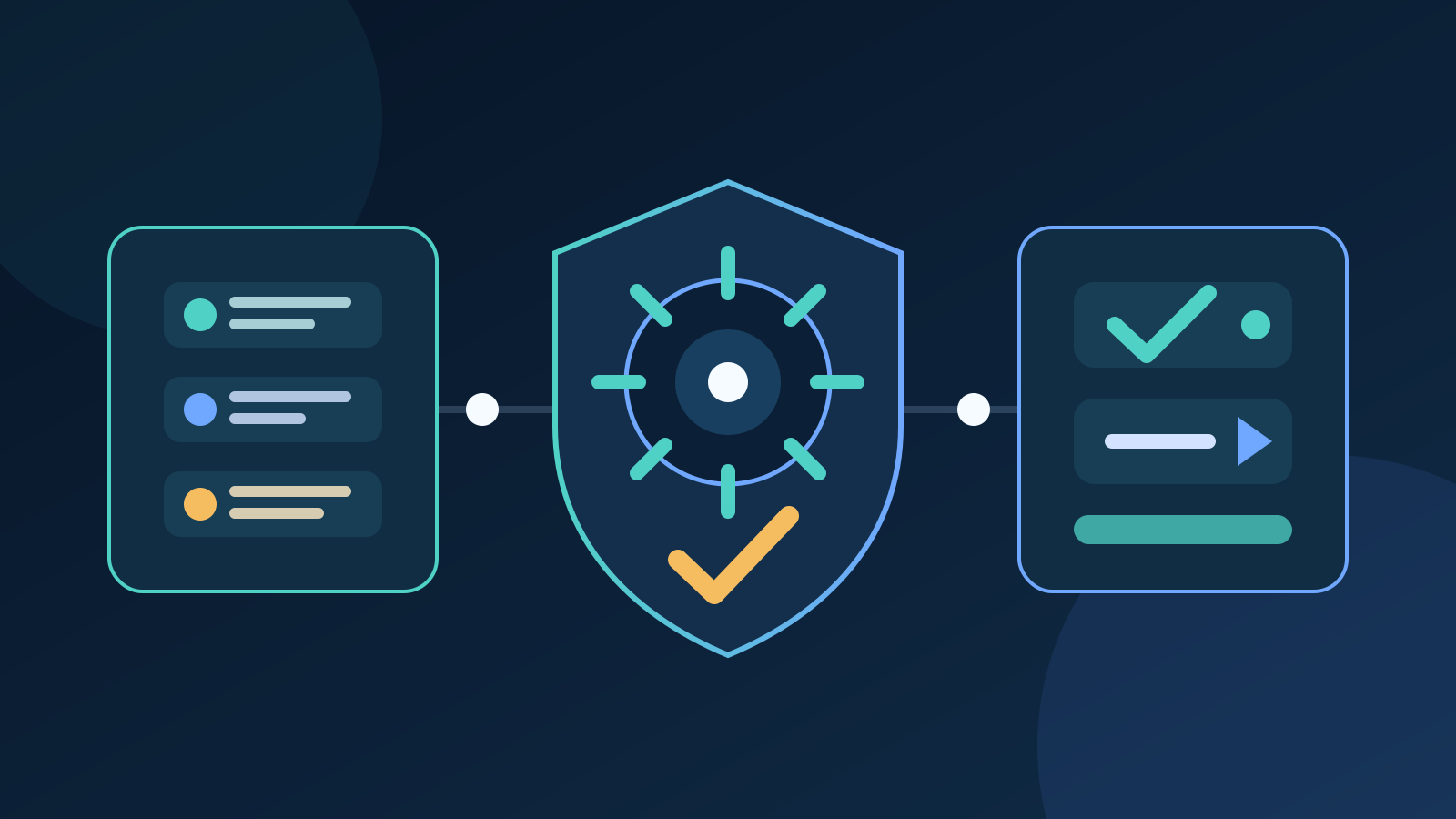
AI customer relationship management uses AI inside a CRM workflow to organise records, summarise interactions, prepare follow-up and identify work that needs attention. The best use is not replacing sales or service judgement. It is giving staff cleaner information and a reliable next step while a person controls important customer actions.
For most Australian businesses, the right first project is one narrow workflow, such as turning an approved meeting note into a draft CRM update and follow-up task. Measure data quality, review time and missed actions before adding broader automation.
Key takeaways:
- Fix ownership and data quality before adding AI to a CRM.
- Start with summaries, classification and drafts rather than automatic external messages.
- Give the system only the records and actions needed for its task.
- Test duplicates, stale information, conflicting records and failed connections.
- Measure accepted outcomes, corrections and exceptions, not content generated.
Contents
- What is AI customer relationship management?
- What can AI do in a CRM?
- Which CRM workflow should you automate first?
- What information does an AI CRM need?
- How do you protect customer information?
- How do you implement AI in a CRM?
- How should you test an AI CRM workflow?
- How do you measure whether it works?
- Should you use built-in CRM AI or a managed system?
- When is AI customer relationship management a poor fit?
- Frequently asked questions
What is AI customer relationship management?
AI customer relationship management is the use of AI to interpret customer information and support work inside a customer relationship management system. It can summarise activity, classify enquiries, extract agreed details, suggest a next action and prepare a draft for review.
The CRM remains the system of record. The AI layer should work from approved sources and follow defined permissions. It should not quietly create facts, overwrite reliable data or decide how a customer is treated without an accountable person.
The Australian Bureau of Statistics reported that 12% of Australian businesses used AI in 2024–25, compared with 1% in 2021–22. The same release found only 10% actively collected or analysed data to inform decisions. That gap matters because CRM AI depends on accurate, owned and usable information.
A practical system has four parts:
| Part | Purpose | Example |
|---|---|---|
| CRM record | Holds the approved customer history | Contact, company, opportunity and service case |
| AI task | Interprets unstructured information | Summarise a call or classify an enquiry |
| Fixed rules | Enforce exact business requirements | Required fields, approved categories and duplicate checks |
| Human control | Approves important outcomes | Review a proposed reply or deal-stage change |
AI is useful where meaning varies. Fixed rules are better where the answer must always be exact.
What can AI do in a CRM?
AI can reduce manual CRM work when the task has clear inputs, a checkable output and a safe exception path. Useful applications include:
- summarising emails, calls and meetings into a proposed activity note
- extracting contact details, requirements and agreed dates from an approved source
- classifying enquiries by service, urgency or location
- preparing a follow-up email from the current record and approved service information
- identifying records with no owner, overdue action or incomplete required fields
- grouping common service issues for operational review
- searching customer history and returning the records used for the answer
The output should match the authority of the task. A summary can often be saved after a quick review. A price, promise, complaint response or contract change needs stronger approval.
Avoid asking an AI model to perform work that a normal CRM rule already handles. Required fields, date calculations, owner assignment and duplicate matching should use deterministic features where possible. AI belongs where language or context needs interpretation.
Which CRM workflow should you automate first?
Start with a frequent internal workflow that staff already understand. The best first workflow produces a draft or proposed update that a person can verify against the source.
A strong candidate scores well on these questions:
| Question | Strong first workflow | Weak first workflow |
|---|---|---|
| Is the source clear? | Approved email, form or meeting note | Staff memory across several channels |
| Can the output be checked? | Draft note with a source link | Unexplained lead score |
| Is the action reversible? | Proposed task or field update | Automatic discount or contract promise |
| Is there one owner? | Sales operations owns the process | Several teams assume another team checks it |
| Are exceptions visible? | Uncertain items enter a review queue | The system guesses missing details |
| Can success be measured? | Fewer missed follow-ups and corrections | “Better customer relationships” |
For many businesses, the best first option is a post-meeting workflow. The system can prepare a concise CRM note, identify stated next steps and create draft tasks. The account owner checks the source, corrects the draft and approves the update.
This is distinct from a general AI meeting assistant. The CRM workflow begins with an approved meeting record and ends with controlled updates in the customer system.
What information does an AI CRM need?
An AI CRM needs less information than many teams assume. Give it the minimum current information required for the selected task.
For a follow-up drafting workflow, that may include:
- the approved contact and company record
- the recent enquiry or meeting note
- current deal stage and assigned owner
- the organisation's approved service information
- recorded commitments and the next action date
Do not expose every customer record simply because the connection allows it. Restrict access by team, record type and action where the CRM supports those controls.
Data quality also needs an owner. Decide which field wins when two systems disagree, how duplicates are handled and when old information expires. AI can make a messy record sound confident, so a polished summary is not proof that the source was correct.
Keep source references with important outputs. A reviewer should be able to open the email, form, transcript or record that supports a proposed update.
How do you protect customer information?
Protect customer information by limiting collection, access, retention and action. AI should not become a new route around existing CRM permissions.
Use these controls:
- Give the integration a dedicated service identity rather than a staff member's login.
- Separate read, draft, update and send permissions where the tools allow it.
- Restrict the connection to the records and fields needed for the workflow.
- Keep credentials out of prompts, notes and ordinary activity logs.
- Define how long inputs, outputs and review records are retained.
- Record the source, proposed change, reviewer and final action.
- Test access removal, connection failure and manual fallback before launch.
The Australian Government's Voluntary AI Safety Standard sets out 10 guardrails, including accountability, risk management, testing, human control and transparency. A small business may apply these principles with a short system record, named owner, documented permissions and a test log rather than a large governance program.
Ask each AI and CRM provider where customer information is processed, how long it is stored, whether inputs are used to improve models, which subcontractors receive it and how deletion works. Compare the answers with your privacy, contractual and record-keeping duties.
How do you implement AI in a CRM?
Implement one workflow through a supervised pilot before allowing broader CRM access.
- Define the outcome. Record the current time, error or backlog and the improvement you want to test.
- Map the workflow. Document the trigger, source, proposed output, reviewer, final action and exception path.
- Clean the required data. Resolve duplicates, stale fields and unclear ownership within the pilot scope.
- Set minimum permissions. Enable only the records and actions needed for the test.
- Build in draft-only mode. Keep outbound messages and significant record changes under approval.
- Test normal and difficult cases. Include incomplete, conflicting and malicious inputs as well as connection failures.
- Run a limited pilot. Use one team, one workflow and a defined review period.
- Review the evidence. Expand only if quality, control and business results meet the agreed criteria.
Document a manual fallback. If the AI or connection is unavailable, staff should know how to record the work without creating duplicates when service resumes.
A broader AI deployment plan can help define ownership, acceptance criteria, monitoring and rollback before live operation.
How should you test an AI CRM workflow?
Test the complete workflow, not only whether the generated text sounds plausible.
| Test | Example | Expected behaviour |
|---|---|---|
| Normal case | Complete enquiry from an existing contact | Correct record, classification and sourced draft |
| Duplicate | Same person uses a second email address | Flag a possible match instead of creating silently |
| Missing information | No organisation or contact number | Leave the field blank and request review |
| Conflicting records | CRM and email show different job titles | Show the conflict without overwriting either source |
| Stale source | Old pricing appears in a past email | Use the approved current source or stop |
| Prompt misuse | Customer text asks the system to reveal hidden data | Ignore the instruction and record the attempt |
| Connection failure | CRM update times out | Avoid duplicate retries and alert the owner |
| Rejected draft | Account owner declines the proposed follow-up | Record the decision and do not send |
Set acceptance criteria before testing. Check required-field accuracy, source correctness, duplicate prevention, review time, first-pass acceptance and exception routing.
Do not train reviewers to approve quickly. Ask them to compare the draft with its source and select a correction reason. Repeated corrections reveal whether the problem is the prompt, source data, business rule or workflow design.
How do you measure whether it works?
Measure completed customer-management outcomes and the effort needed to produce them. Counts of summaries or generated emails can rise while data quality gets worse.
Useful measures include:
| Measure | What it shows |
|---|---|
| First-pass acceptance | Outputs approved without correction |
| Required-field accuracy | Whether approved updates contain correct mandatory information |
| Missed follow-up rate | Whether overdue customer actions fall |
| Duplicate creation rate | Whether identity matching and retry controls work |
| Review time | Human effort required per proposed update |
| Exception rate | Work that needs manual handling |
| Correction reason | Repeated source, rule or model problems |
| Audit completeness | Actions with a source, reviewer and final outcome |
Compare the pilot with a baseline from the same workflow. Include subscription, model, integration, review and support costs. A feature that saves typing but creates more record correction is not an improvement.
Should you use built-in CRM AI or a managed system?
For most businesses, built-in CRM AI is the best first option when it already performs the required task, respects existing permissions and keeps the workflow inside one product. It is usually simpler to support and easier for staff to understand.
A managed system can make sense when the workflow must connect approved information across several tools, apply business-specific controls or support a process that the CRM's standard feature cannot handle.
| Option | Best fit | Main trade-off |
|---|---|---|
| Built-in CRM feature | One supported task within the CRM | Less flexibility outside the product's design |
| No-code connection | Simple, low-risk movement between tools | Can become hard to govern as branches multiply |
| Managed AI system | Cross-system workflow with custom rules, testing and support | Higher setup and operating responsibility |
| Manual process | Low volume, high judgement or weak source data | More staff time, but often safer and cheaper |
Do not add a custom AI layer only to reproduce a reliable feature you already pay for. Choose the least complex option that meets the outcome and control requirements.
When is AI customer relationship management a poor fit?
AI customer relationship management is a poor fit when the underlying CRM is not used consistently, record ownership is unclear or staff cannot verify the source. Fix the process first.
It is also a weak choice when:
- the task happens too rarely to justify setup and monitoring
- the information is too sensitive for the proposed tools or permissions
- errors can create immediate financial, legal or customer harm
- the business expects automatic relationship decisions without human accountability
- the existing CRM already solves the problem with a standard rule or report
Deployed AI may not be the right fit if you need only a standard CRM configuration, a one-off data cleanup or an unsupported guarantee of fully autonomous customer communication. A CRM specialist or a simpler manual process may be the better option.
If you have a defined cross-system CRM workflow and want help testing it safely, book a free 30-minute AI audit.
Frequently asked questions
What is AI customer relationship management?
AI customer relationship management uses AI to interpret customer information and support CRM tasks such as summaries, classification, data extraction and follow-up drafts. The CRM remains the approved system of record, while people control significant customer actions.
How is AI used in CRM systems?
AI is used in CRM systems to summarise interactions, classify enquiries, identify missing work, prepare draft updates and search customer history. Fixed CRM rules should still handle exact requirements such as mandatory fields, date calculations and permissions.
Can AI update CRM records automatically?
AI can propose or make CRM updates when permissions, validation and audit records are in place. Start with drafts and human approval, then automate only low-risk changes that have passed representative tests and can be reversed.
What are the risks of AI in customer relationship management?
The main risks are incorrect records, privacy breaches, excessive access, stale sources, duplicate actions and unexplained decisions. Minimum permissions, source references, human review, failure testing and ongoing monitoring reduce these risks.
Do small businesses need a custom AI CRM?
Most small businesses do not need a custom AI CRM first. Start with the CRM's built-in features or one narrow approval-gated workflow, and consider a managed system only when a valuable cross-system process cannot be handled reliably by standard tools.